

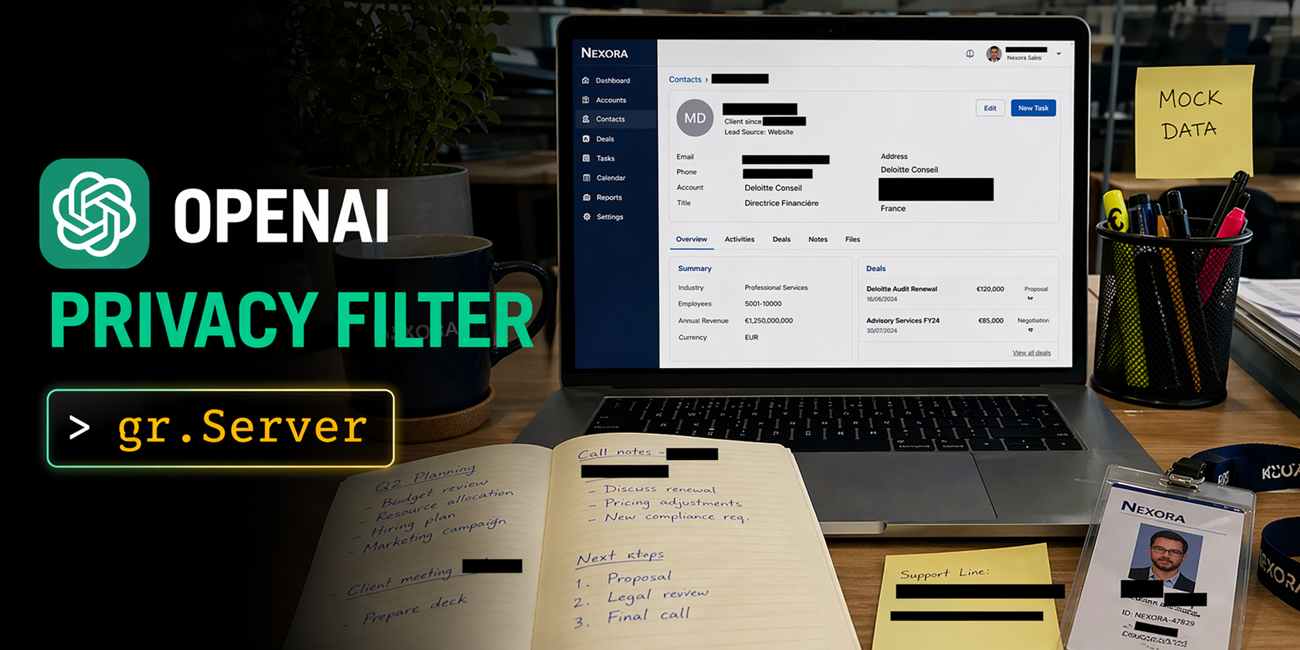
OpenAI released Privacy Filter on the Hub this week: an open-source personally-identifiable information (PII) detector that labels text across eight categories in a single forward pass over a 128k context. Model card. We spent a few hours building with it and landed on three apps that each reveals a different slice of what it can do.
- Document Privacy Explorer: drop in a PDF or DOCX, read the document back with every PII span highlighted in place.
- Image Anonymizer: upload an image, get it back with redacted black bars over names, emails, and account numbers. The image is also editable on a canvas so you can make your own annotations before downloading.
- SmartRedact Paste: paste sensitive text, share a public URL that serves the redacted version, keep a private reveal link for yourself.
All three are built on gradio.Server, which lets you pair custom HTML/JS frontends with Gradio’s queueing, ZeroGPU allocation, and gradio_client SDK. In all these apps, gradio.Server plays the same backend role, and that consistency is exactly what makes it really powerful.
The model
Privacy Filter is a 1.5B-parameter model with 50M active parameters, permissively licensed under Apache 2.0. PII categories are private_person, private_address, private_email, private_phone, private_url, private_date, account_number, secret. Context is 128,000 tokens. Achieves state-of-the-art performance on the PII-Masking-300k benchmark. Full numbers and methodology are in the official release blog.
1. Document Privacy Explorer
Try it at ysharma/OPF-Document-PII-Explorer.
User problem. You want to read a PII-heavy document (a contract, a resume, an exported chat log) with every detected span highlighted by category, a filter in the sidebar, and a summary dashboard up top. The reading experience should feel like a normal document, not a form.
What Privacy Filter does here. The whole file goes through in a single 128k-context forward pass, so there’s no chunking, no stitching, and span offsets line up directly with the rendered text. BIOES decoding keeps span boundaries clean through long ambiguous runs.
What gr.Server does here. You could wire this up in Blocks with gr.HighlightedText and a sidebar, and it would work. The reading experience we wanted (serif body, category filters that toggle CSS classes client-side instead of re-running the model, a summary dashboard that doesn’t force a page re-render) was easier to hand-author than to compose. gr.Server lets us serve the reader view as a single HTML file and expose the model behind one queued endpoint:
import gradio as gr
from fastapi.responses import HTMLResponse
from gradio.data_classes import FileData

server = gr.Server()

@server.get("https://huggingface.co/", response_class=HTMLResponse)
async def homepage():
    return FRONTEND_HTML

@server.api(name="analyze_document")
def analyze_document(file: FileData) -> dict:
    text = extract_text(file["path"])
    source_text, spans = run_privacy_filter(text)
    return {
        "text":  source_text,
        "spans": spans,
        "stats": compute_stats(source_text, spans),
    }
Note the decorator: @server.api(name="analyze_document"), not a plain @server.post. That’s the piece that plugs the handler into Gradio’s queue, so concurrent uploads are serialized, @spaces.GPU composes correctly on ZeroGPU, and the same endpoint is reachable from both the browser and gradio_client with no duplicated code. The browser calls it with the Gradio JS client:
<script type="module">
import { Client, handle_file } from "https://cdn.jsdelivr.net/npm/@gradio/client/dist/index.min.js";
const client = await Client.connect(window.location.origin);

async function uploadFile(file) {
  const result = await client.predict("/analyze_document", { file: handle_file(file) });
  renderResults(result.data[0]);
}
script>
2. Image Anonymizer
Try it at ysharma/OPF-Image-Anonymizer.
User problem. You want to share an image or any screenshot (a Slack thread, a receipt, a Stripe dashboard) with black bars over the PII. You want to toggle bars on and off, drag them to reposition, or draw one by hand for anything the model missed, then export the result.
What Privacy Filter does here. Tesseract runs OCR and returns per-word bounding boxes. The backend reconstructs the full text with a char-offset to box map, then runs Privacy Filter once over the whole text. Detected character spans are looked up against the word map and joined into pixel rectangles per line.
What gr.Server does here. gr.ImageEditor supports layered annotation and is a reasonable starting point for image redaction. The workflow we wanted (per-bar category metadata, toggle all bars in a category at once, client-side PNG export at natural resolution with no server round-trip) was cleaner to build on a custom frontend. gr.Server hands back pixel rectangles from one queued endpoint and lets the canvas own everything else:
@server.api(name="anonymize_screenshot")
def anonymize_screenshot(image: FileData) -> dict:
    img = Image.open(image["path"]).convert("RGB")
    full_text, char_to_box = ocr_image(img)
    spans = run_privacy_filter(full_text)
    boxes = spans_to_pixel_boxes(spans, char_to_box)
    return {
        "image_data_url": pil_to_base64(img),
        "width":  img.width,
        "height": img.height,
        "boxes":  boxes,
    }
The frontend invokes it with client.predict("/anonymize_screenshot", { image: handle_file(file) }), the same pattern as above. Toggles, drags, new-bar drawing, and PNG export all happen in the browser; edits never round-trip to the server.
3. SmartRedact Paste
Try it at ysharma/OPF-SmartRedact-Paste.
User problem. You want a pastebin that redacts before sharing. You paste a log line, an email, a support ticket. You get two URLs back. The public one serves the redacted version with
What Privacy Filter does here. Swap each detected span with a
What gr.Server does here. This app needs two distinct GET routes for the same paste ID, one public and one token-gated, and the URL shape matters because the reveal URL is the thing you keep. gr.Server works here because it’s a FastAPI app underneath — which is also why @server.api and plain @server.get can sit side by side in the same process. Note: this can also be built with gr.Blocks() by mounting custom routes with FastAPI :
@server.api(name="create_paste")
def create_paste(text: str, ttl: str = "never") -> dict:
    source_text, spans = run_privacy_filter(text)
    redacted = redact(source_text, spans)
    pid, reveal_token = secrets.token_urlsafe(6), secrets.token_urlsafe(22)
    PASTES[pid] = Paste(pid, reveal_token, source_text, redacted, spans,
                        expires_at=_ttl(ttl))
    return {
        "view_path":   f"/view/{pid}",
        "reveal_path": f"/view/{pid}?token={reveal_token}",
    }


@server.get("/view/{pid}", response_class=HTMLResponse)
async def view_paste(pid: str, token: str | None = None):
    p = _store_get(pid)
    if p is None:
        return HTMLResponse(_not_found(), status_code=404)
    revealed = bool(token) and secrets.compare_digest(token, p.reveal_token)
    return HTMLResponse(_render_view(p, revealed))
A daemon thread evicts expired pastes every 30 seconds. The whole service, including storage, is about 200 lines of application code because everything lives in one process.
What gradio.Server provides
The split across all three apps is the same — anything that touches the model goes through @server.api, everything else stays on plain FastAPI routes:
| App | Queued compute (@server.api) |
Plain FastAPI routes |
|---|---|---|
| Document Privacy Explorer | analyze_document — extract, detect, stats |
GET / serves the custom reader view |
| Image Anonymizer | anonymize_screenshot — OCR, detect, spans → pixel boxes |
GET / + GET /examples/* serve the canvas UI and preloaded examples |
| SmartRedact Paste | create_paste — detect, redact, mint IDs |
GET / compose page, GET /view/{pid}?token=... public + token-gated views, GET /api/paste/{pid} JSON lookup |
@server.api gives you Gradio’s queue (serialized requests, correct @spaces.GPU composition on ZeroGPU, progress events) and it’s what the browser hits through @gradio/client. The same endpoint is also what gradio_client users hit from Python — one function, two SDKs, no duplicated code. Plain @server.get/@server.post are reserved for the static surfaces: HTML pages, file lookups, cheap dict reads. That’s the rule of thumb from the gradio.Server intro post, and it’s what makes these three apps feel consistent even though their UIs are very different.
Try them
Drop in a resume, a screenshot of a Slack thread, a log line with a token in it. The fun part is seeing what Privacy Filter catches (and occasionally misses) on text you actually care about.