

Close Menu
AI News TodayAI News Today

    Subscribe to Updates

    Get the latest creative news from FooBar about art, design and business.

    What's Hot

    AI Legion Explained: How Lenovo’s AI Chip Changes PC Gaming

    QuillBot Free: What You Actually Get, and How Far It Stretches

    Brilliant.org Review: Is the Puzzle-First Learning App Worth Paying For?

    Facebook X (Twitter) Instagram
    • About Us
    • Contact Us
    Facebook X (Twitter) Instagram Pinterest Vimeo
    AI News TodayAI News Today
    • Home
    • AI News
    • AI Reviews
    • AI Tools
    • AI Tutorials
    • Chatbots
    • Free AI Tools
    • Artificial Intelligence
    AI News TodayAI News Today
    Home»AI Reviews»Five years later, Windows 11 brings back much-missed taskbar options (and more)
    AI Reviews

    Five years later, Windows 11 brings back much-missed taskbar options (and more)

    By Updated:No Comments2 Mins Read
    Share Facebook Twitter Pinterest LinkedIn Tumblr Reddit Telegram Email
    Five years later, Windows 11 brings back much-missed taskbar options (and more)
    Share
    Facebook Twitter LinkedIn Pinterest Email

    When Windows 11 launched in 2021, we mostly liked its refreshed look—the rounded corners and menus with just a hint of translucency were a nice change from the flat colors and hard corners of the Windows 8/10 era. But its reformulated taskbar and Start menu came with a number of functional regressions from the versions in Windows 10. Some of these were addressed quickly; others continue to linger.

    A new Windows Insider Preview build released to testers includes a new wave of improvements that fix longstanding regressions while trying out new things.

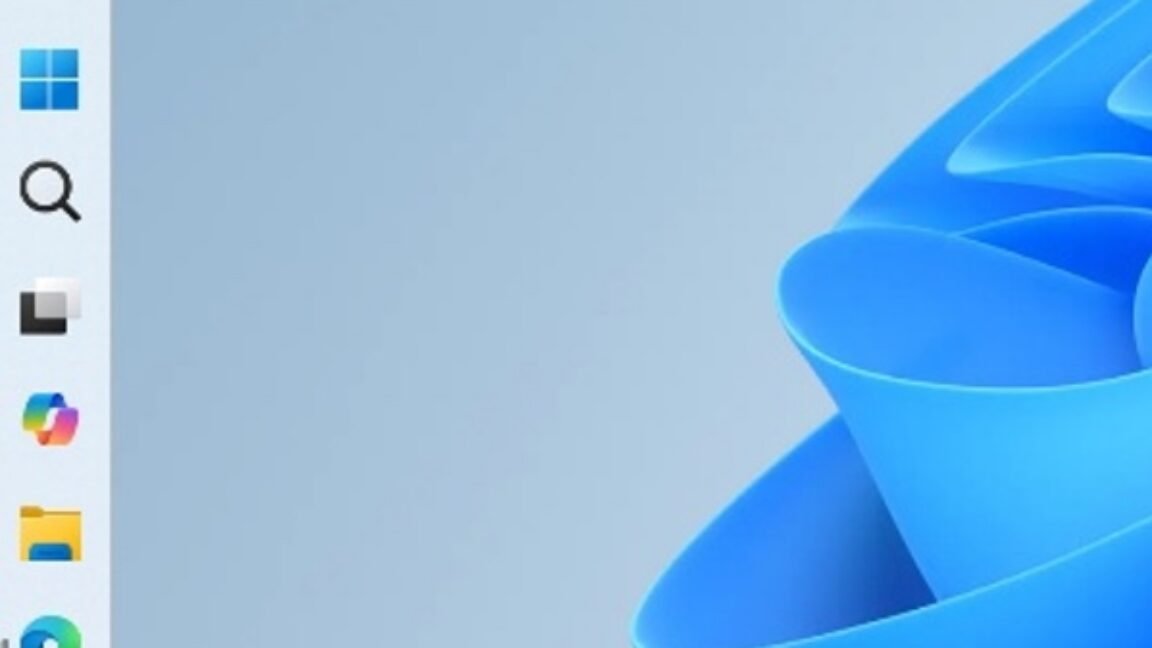
    Most significantly, the Windows 11 taskbar can now be docked to any edge of your screen, including the left and right, something that was possible in Windows 10 (and many older versions of Windows) but has been missing from Windows 11 since launch. Users can configure slightly different taskbar behavior for every taskbar position—if you prefer a different icon alignment or a left/right-mounted taskbar over a top/bottom-mounted taskbar, or if you want different settings for labels and icon groupings, you can choose different options for each position and Windows will remember them.

    Microsoft says there are several features that haven’t been implemented yet—the taskbar won’t auto-hide in any of the alternate positions, and the “tablet-optimized taskbar” with larger, more finger-friendly icon sizes and spacing also isn’t supported. Touch gestures and the Search box also aren’t supported. All of these features are coming at some point; they just aren’t ready now. Microsoft is “evaluating additional features like different taskbar positions per monitor” for multi-monitor setups.

    brings muchmissed options taskbar Windows years
    Share. Facebook Twitter Pinterest LinkedIn Tumblr Email
    Previous ArticlePompeii victim ID’d as a likely doctor
    Next Article Walmart launches new budget-friendly Android tablets starting at $97
    • Website

    Related Posts

    AI Reviews

    AI Legion Explained: How Lenovo’s AI Chip Changes PC Gaming

    Chatbots

    Microsoft’s head of comms is leaving after almost 20 years

    AI Reviews

    AgentGPT Explained: What It Does, Where It Struggles, and How to Get Real Work Out of It

    Add A Comment
    Leave A Reply Cancel Reply

    Top Posts

    AI Legion Explained: How Lenovo’s AI Chip Changes PC Gaming

    0 Views

    QuillBot Free: What You Actually Get, and How Far It Stretches

    0 Views

    Brilliant.org Review: Is the Puzzle-First Learning App Worth Paying For?

    0 Views
    Stay In Touch
    • Facebook
    • YouTube
    • TikTok
    • WhatsApp
    • Twitter
    • Instagram
    Latest Reviews
    AI Tutorials

    Quantization from the ground up

    AI Tools

    David Sacks is done as AI czar — here’s what he’s doing instead

    AI Reviews

    Judge sides with Anthropic to temporarily block the Pentagon’s ban

    Subscribe to Updates

    Get the latest tech news from FooBar about tech, design and biz.

    Most Popular

    AI Legion Explained: How Lenovo’s AI Chip Changes PC Gaming

    0 Views

    QuillBot Free: What You Actually Get, and How Far It Stretches

    0 Views

    Brilliant.org Review: Is the Puzzle-First Learning App Worth Paying For?

    0 Views
    Our Picks

    Quantization from the ground up

    David Sacks is done as AI czar — here’s what he’s doing instead

    Judge sides with Anthropic to temporarily block the Pentagon’s ban

    Subscribe to Updates

    Get the latest creative news from FooBar about art, design and business.

    Facebook X (Twitter) Instagram Pinterest
    • About Us
    • Contact Us
    • Terms & Conditions
    • Privacy Policy
    • Disclaimer

    © 2026 ainewstoday.co. All rights reserved. Designed by DD.

    Type above and press Enter to search. Press Esc to cancel.