

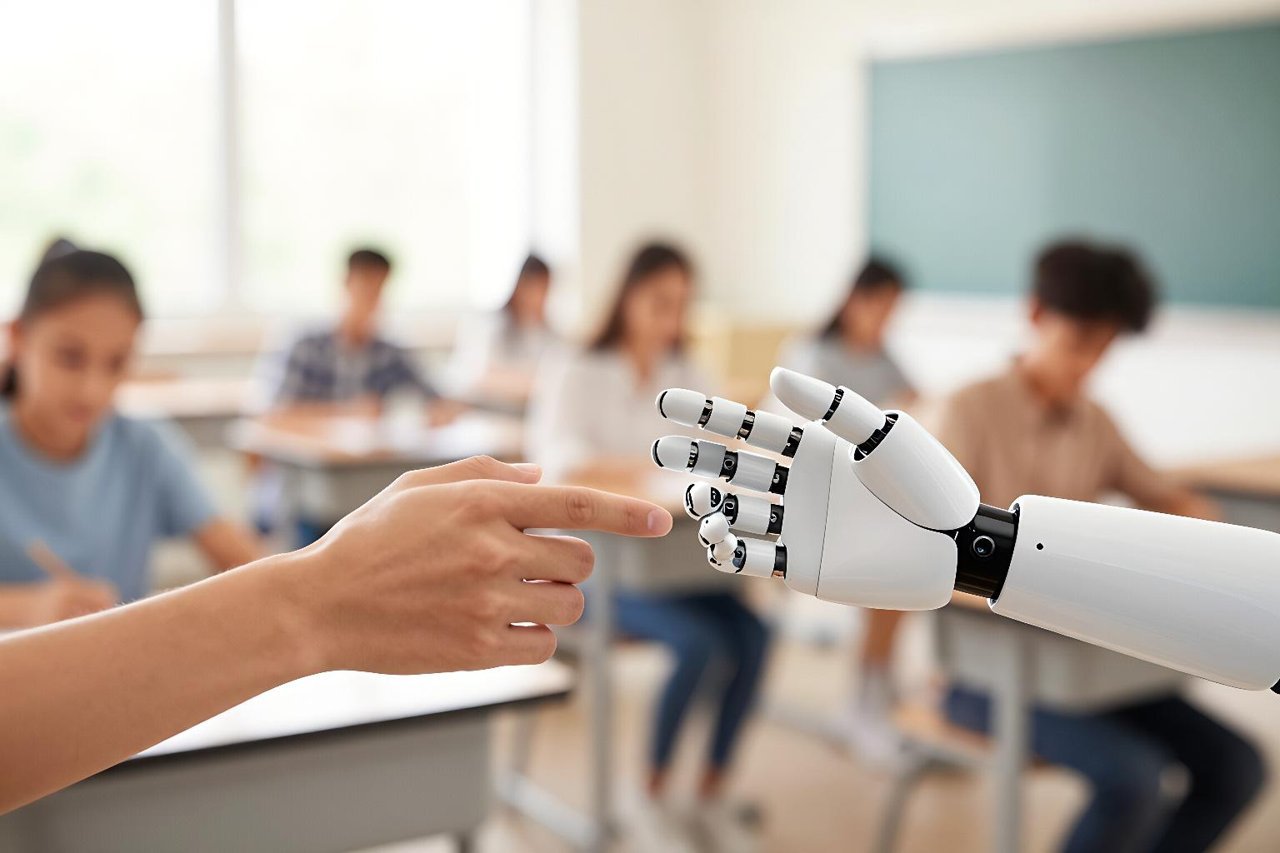
Artificial intelligence didn’t walk into education trailing a banner. It arrived quietly, through a chatbot that helped a student untangle a calculus proof, a writing app that rephrased a clumsy paragraph, and a teacher who used an AI planner to build a week of lessons in twenty minutes. The conversation about AI on education has ramped up so fast that many classrooms are still deciding what to do.
The Quiet Shift from One-Size-Fits-All to Personal Learning
The first place AI shows up is in personalized pacing. Adaptive learning platforms have existed for years, but the newest generation of AI tutors can hold a conversation. Carnegie Learning’s MATHia gives a student a hint only when they are truly stuck, not when a predetermined algorithm guesses. Khanmigo, Khan Academy’s AI tutor, asks students to “teach it back” in their own words, a move that turns passive watching into active recall.
AI also lowers the barrier to asking questions. Many students won’t raise a hand in class for fear of looking slow. A chatbot will listen to the same question eight times without flinching. For a simpler starting point, Google’s AI-powered study tools can help students break a sprawling research topic into smaller, searchable parts, which is handy for a late-night history assignment.
What This Means for Overloaded Teachers
Ask teachers why they are excited about AI, and the answer is often the same: time. A middle-school teacher in Indiana told Education Week that AI cut her unit-planning time from three hours to one. Across national surveys, roughly half of teachers say they have used an AI tool at least once, and the most common reason is reclaiming the evening.
Tools like MagicSchool and Diffit generate rubrics, differentiate reading passages, and draft parent emails. Gradescope speeds up grading of handwritten exams. In a small district in Texas, teachers use an AI co-planner to align lessons to state standards, and then spend the saved time calling families. The point is not to automate the teacher away; it is to automate the paper-shuffling that eats the evenings.
When students themselves get involved, the products look different. Student-designed learning tools at the University of Waterloo show how AI can support everything from collaborative note-taking to personalized flashcards, proving that the best ideas often come from the people who actually do the homework.
Accessibility: A Quiet Equalizer
AI’s most underrated effect is accessibility. Whisper, the speech recognition system from OpenAI, can transcribe a teacher’s lecture with near-perfect accuracy in dozens of languages. A dyslexic student can tell an AI tool to read a PDF aloud, and an English learner can use a translation app that sounds like a native speaker.
Built-in features in Google and Microsoft products have made many of these tools free. Microsoft’s Immersive Reader can split words into syllables and change the background color of a page. Such tools don’t just help students with learning differences; they help anyone who benefits from reading more slowly or hearing a complicated explanation twice.
The Risks Teachers Are Grappling With
AI on education is not automatically good. A student can use a language model to generate a complete essay, submit it, and learn nothing. Worse, AI detectors are unreliable. Turnitin’s AI writing detection has flagged a significant percentage of genuinely human-written text as AI-generated, disproportionately harming English learners and students who write in formulaic patterns.
Bias is another problem. If an AI system is trained on textbooks that skip certain histories, it will reproduce those omissions. A few well-resourced districts have already abandoned promising AI tools because of privacy concerns, and many schools are waiting for clearer guidance from state and federal agencies.
Students also need to know that AI can make things up with total confidence. In an era when a language model can generate a persuasive but false article about any topic, statistical literacy in an AI-assisted world is not a nice-to-have. It is a survival skill.
Practical Ways to Use AI Without Losing Your Mind
For Students
- Use AI as a tutor, not an answer engine. Ask, “Explain it to me like I’m ten,” and then follow up with your own questions while you write notes by hand.
- Save every AI exchange and paste it into your study notes. If a teacher asks how you reached an answer, you can show the process.
- Turn off autocomplete in ChatGPT when brainstorming. The first ideas the AI suggests are rarely your best ones.
For Teachers
- Start with one unit. Build a lesson plan with an AI tool, run it through your own filter, and compare the time it takes with your usual method.
- Publish an AI policy that is specific. “Cite everything and tell me which AI tools you used” is better than a blanket “No AI” rule that is impossible to police.
- Grade the process, not just the product. Ask for screenshots of AI conversations as evidence of revision.
For Parents
- Ask your child to teach you something they learned with AI. If they can’t explain it, the AI did them a disservice.
- Check what data the app collects before approving it. The school’s privacy office often has a list of approved tools.
Finally, schools need to treat AI like any other networked resource. The zero-trust security principles that cybersecurity teams rely on can help administrators protect student data and keep AI tools safe from prompt-injection attacks and other manipulations.
AI on education is already working in classrooms that don’t make the news. The winners won’t be the schools that buy the fanciest software; they’ll be the ones that treat AI as a tool for thinking, not a machine that thinks for you. Start small, use the questions above, and make sure the human in the loop actually speaks up.