

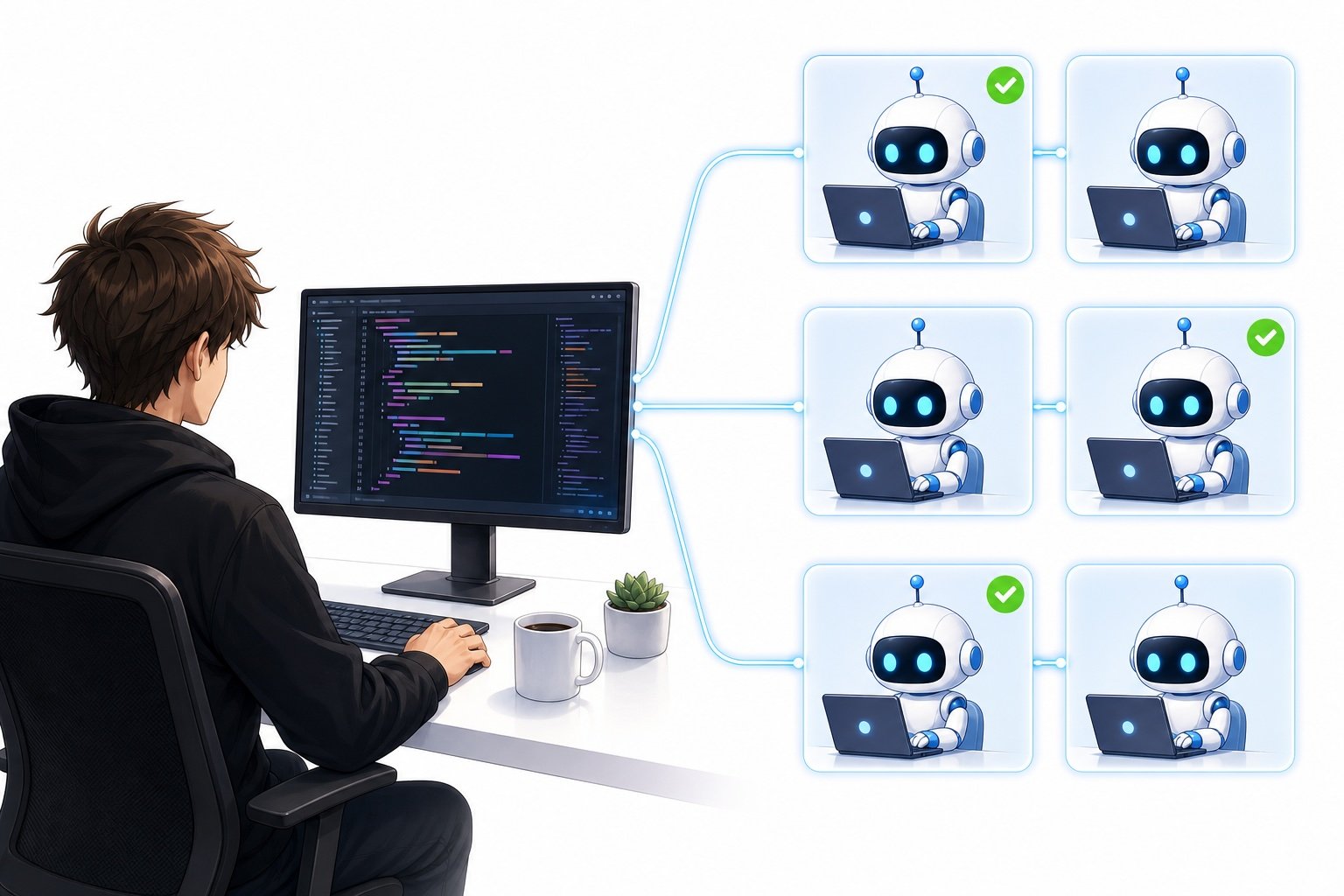
Now that we have coding agents that are extremely proficient at writing code, I experience a lot of smaller tasks coming up that have to be fixed. This is a general observation I’ve made from working with startups and applications: because the effort to write code has gone down so much, the threshold for providing product feedback has lowered, and requests for quick fixes have vastly increased.
Of course, when doing this, you can spin up one Claude Code or Codex session per task. However, you start having problems once you receive 50 to 100 tasks per day, where you obviously don’t want to spin up that many separate coding sessions. At the same time, you don’t necessarily want to put everything in one session, since you can run into context-length limits and the model may struggle to orchestrate all the tasks effectively.
This is an issue I started experiencing myself a lot, and I just started developing a philosophy and methodology to solve hundreds of smaller tasks in an effective manner.
In this article, I’ll take you through the methodology that I use on a daily basis to work more effectively with my Claude Code sessions to solve a lot of coding tasks.
Why optimize how to solve smaller tasks
As always, I’ll take you through why you should care about optimizing how to solve smaller tasks. You might think that coding agents have become so efficient that simple quick fixes are something you can just throw at a coding agent and it immediately solves everything for you, and you don’t really have to think about it. To some extent, this is true. I mean, you can, in many cases, just fire off tasks, for example, a Linear task to a coding agent, and it will, in many cases, be able to solve it itself and drive it to dev and production with very little human interaction.
However, the problem arises when you start having a lot of these smaller tasks coming in, which can happen because of:
-
Bugs
-
Smaller feature requests
-
Design updates
and many other cases.
Thus, you need a strong methodology for working through all of these tasks, verifying they’re solved in a correct manner, and marking them done. Some smaller tasks can be done fully autonomously by coding agents. However, I also found that a lot of similar-looking tasks are a bit ambiguous. If you simply ask a coding agent to fix such a task without any more input, you might find that the coding agent did not actually solve the problem, or in many cases, even worse, that the coding agent did something it wasn’t supposed to do and changed a part of your application that you didn’t intend to change.
Due to the challenges I mentioned here:
-
Solving a lot of smaller tasks
-
Ambiguities in smaller tasks
You need a good methodology for completing all these tasks, which is what I’ll cover in the following sections.
My coding methodology
Now I’ll cover my coding methodology to more effectively solve a lot of these tasks. I’ll take you through my high-level pipeline and the philosophy and mindset that I have for solving these tasks.
The pipeline looks as follows:
-
The issue is posted, typically through Slack
-
An agent picks up the task and creates a Linear issue for it
-
I have a Claude Code session to deal with all of these tasks, typically for a specific time period, for one specific day in my case.
-
I triage the tasks through my Claude Code session. If it’s a simple quick fix, I use the Claude Code session to fix it. If it’s a bigger issue, I have the agent in the session create a hand-off up front and work on a completely separate thread to solve the issue because it needs more human interaction.
-
I make Claude Code create an HTML report of all the smaller issues that we want to work through. If it has any questions for me, I need to clarify them and give it guidelines on how to complete the tasks.
-
Claude Code spins up a sub-agent for each smaller task and drives it to dev
-
Once it’s in dev, I receive another HTML report on how to test the feature, and I check if it was implemented correctly. If this is the case, the task is marked done. If not, I iterate until it’s implemented correctly
Issue triaging
First, now I want to talk about the first five steps in my pipeline, which can be summarized into issue triaging. So, basically, you should, of course, have a common place where all the feedback is posted. Slack is a great channel to do that, but you can also use any other messaging app, of course. I then have an automatic bot that creates Linear issues or tickets. I use Linear because it’s a good and clean interface for interacting with coding agents. They have automatic updates on task progress, and you can easily post updates to any task and keep a good overview of the projects you’re working on.
Once a Linear ticket or issue has been created, they are now accessible to my coding agent. I typically start one Claude Code session per day for smaller tasks. So I have an August 15th session, an August 16th session, and so on. But of course, you can adapt this to any time period that you prefer.
Once I’m in the Claude Code session, I ask it to read through the Linear tickets from that day or Slack and find all the tasks and map them out to an HTML report. It should then look into each task and present me with the report, with details about the task, which I read through. I give Claude Code any input that it should have to complete a certain task; for example, I try to clarify any design decisions or how something should be implemented. Also, if it’s a bigger task, which sometimes comes in, then I ask Claude to make a handoff, because I wanna do bigger tasks in a separate thread.
The reason I want to do bigger tasks in a separate thread is that they require more human input, and when they require this, it gets very messy if I have it in the main Claude Code sessions where I do all of the smaller tasks. It’s better to have it in a separate session where all the questions the coding agent has for me are centralized in one location, and I can interact with the coding agent there. I simply find that it’s a more efficient way to complete bigger tasks.
After this, I’m done with the issue triaging.
Effectively solving the tasks
Now let’s talk about point number 6, which is about how I effectively solve all of these smaller tasks. The simple way I do it is that I ask Claude Code explicitly to spin up sub-agents to complete each task individually.
When you do this, it’s very important that you instruct Claude Code to spin up sub-agents in separate worktrees so that the sub-agents don’t interfere with each other. And this is a great way to do it because Claude spins up one sub-agent per task that you’re working on, and it’s very easy to keep an overview of all the sub-agents. You can basically see them in the menu in the CLI. If you want to dive into one specific sub-agent, which admittedly is something I do quite rarely, you can also just click on it and see what’s going on there.
Then I basically let Claude Code continue working on each subtask, asking it, of course, to implement it correctly, verify its own work, run a code review, and drive it to dev immediately. In most cases, I ask Claude Code to simply drive it directly to dev. Though, if it’s a task such as a design task where I know agents can make mistakes, I might have the sub-agent spin up a localhost server and verify the work there before I ask the model to drive it to dev.
Verifying the work
The last step is, of course, to verify the work. I find that in most cases, it’s worth just spending 30 seconds to 1 minute verifying the work for one task. In most cases, Claude has implemented it correctly, but I do find that it’s very hard to know which tasks are likely to be implemented incorrectly, and I thus do spend the time verifying the work manually.
However, I have optimized the way I verify the work. To verify the work, I basically ask Claude Code to present me with an HTML report with each task that it implemented and exactly how I can test the task. This should include the original Slack message or Linear issue quoted verbatim. It should include a link to the exact page where I can test the issue. For example, if you wanted to fix the design in the chatbot functionality, the AI should give you the link to a specific chatbot thread, so you can check it out there and you don’t have to navigate the product yourself.
I can basically then just go through the checklist that the agent has provided me in the HTML report and verify the work very easily. If I deem the work to be implemented correctly, I say that the task is verified and it can be set to done because it’s already in dev most of the time. If it’s not, I give the agent feedback on what it did incorrectly, ask it to implement it, and come back to me with a new HTML report once it’s fixed so I can test it again.
Conclusion
This is basically my problem-solving pipeline for coding efficiently with Claude Code. I think all the steps that are covered in this article are very important, as they each contribute to the next step being completed efficiently. For example, issue triaging is a very important prerequisite for a single Claude Code session to be able to spin up sub-agents to complete all of the smaller issues. And then having the sub-agents is, of course, very important, and having an effective way of verifying the work with HTML reports is critical to keep testing speed up with implementation speed. I hope you learned something from this article and try implementing some of this problem-solving pipeline into your own programming workflows, as I do believe this can be a very effective way of increasing speed when developing products.
👉 My free eBook and Webinar:
🚀 10x Your Engineering with LLMs (Free 3-Day Email Course)
📚 Get my free Vision Language Models ebook
💻 My webinar on Vision Language Models
👉 Find me on socials:
💌 Substack