

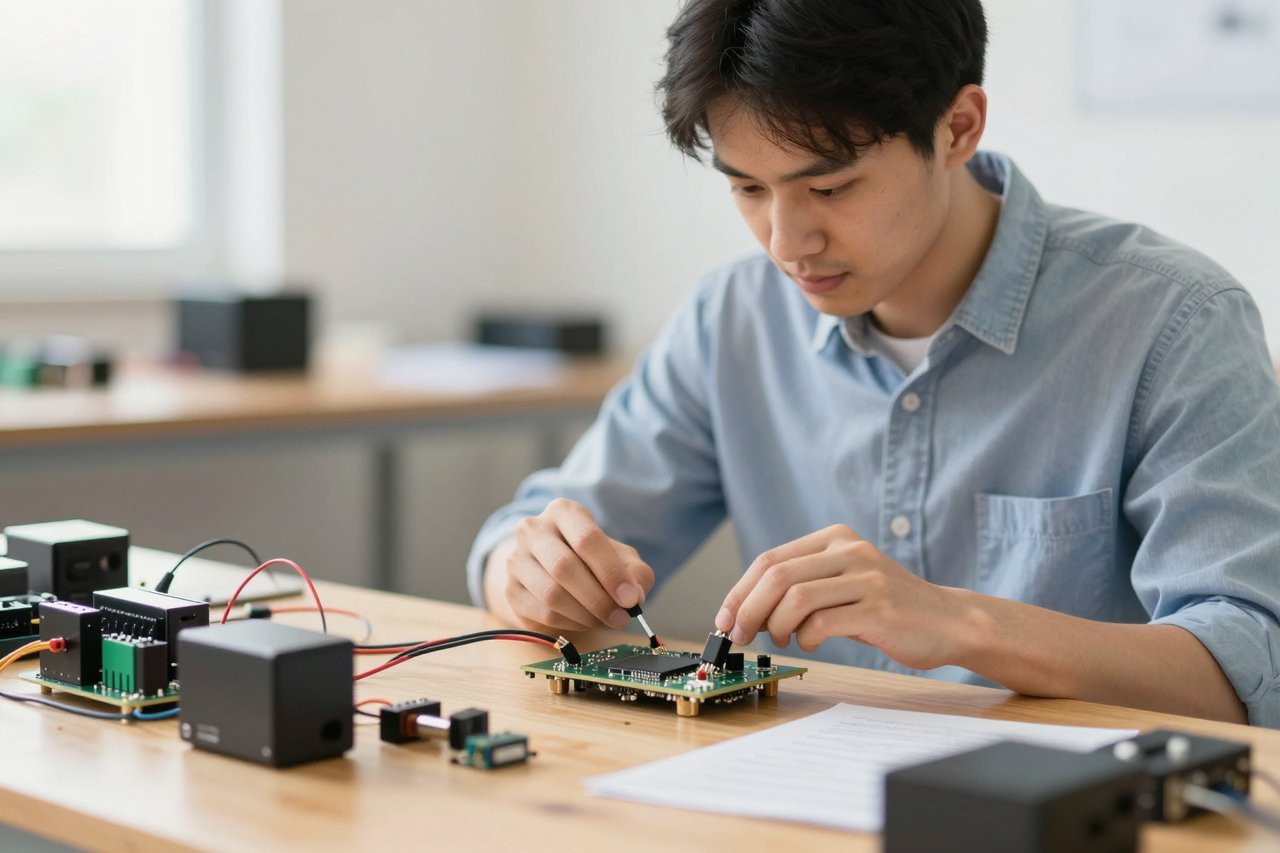
If you search for “free AI training,” you will stumble across the same heavyweights again and again. Coursera, Udacity, and a dozen university MOOCs all promise to walk you from linear regression all the way to transformers. Rarely, though, do these courses tell you what happens after the model runs: how it is compressed, recompiled, and tuned to work on a physical device. That is where Intel AI Academy comes into play.
Intel has quietly built an ecosystem of self-paced courses, hands-on labs, and development tools designed to make AI useful in production. The trick is that it doesn’t teach you AI in a vacuum. It teaches you AI in relation to the processing units that run those models: the CPUs, GPUs, and specialized accelerators Intel sells. That single detail changes the whole learning experience. You won’t be building toy models and tweaking loss functions for weeks. You will learn to take a trained algorithm and make it run fast enough to drive a robot arm or detect defects on a factory line.
What Intel AI Academy Actually Contains
The program is free to join. Once you create an Intel developer account, you gain access to dozens of lessons, lecture videos, and lab exercises. The content is split across a few main tracks: AI fundamentals, deep learning, computer vision, natural language processing, and model optimization. You will also find advanced material on inference accelerators and edge deployment.
The largest share of material is built around OpenVINO, Intel’s toolkit for optimizing deep learning models on Intel hardware. OpenVINO courses dominate the platform, and with good reason. By learning to convert a trained PyTorch or TensorFlow model into an OpenVINO Intermediate Representation, you can run it more efficiently on CPUs, integrated GPUs, and neural processing units.
A Free Cloud Sandbox While You Learn
The most practical part of the academy might be the Intel Developer Cloud. It is a free, remote environment where you can launch a virtual machine, install the required toolkits, and test your code on Intel’s latest accelerators. For students without a powerful GPU, this removes one of the biggest obstacles in applied AI: you do not need to buy hardware just to see OpenVINO do its thing. You can pick a pre-configured notebook, upload your model, and watch the inference time drop.
Who Should Put Real Time Into Intel AI Academy?
This is not a general-purpose beginner boot camp. If you have never written a line of Python, the platform can feel overwhelming. It assumes you understand basic machine learning concepts, and in many cases it gets to the tricky parts quickly. Still, several groups benefit enormously from it:
- Computer science and engineering students who want to connect classroom theory with real deployment workflows.
- Software developers working on computer vision, robotics, or edge devices.
- Data scientists moving toward MLOps who want to understand the deployment side of the job.
- Educators designing lab work without asking students to buy dedicated hardware.
For educators, the free cloud infrastructure is a strong draw. Many university labs lack the accelerators found in production systems. Intel’s platform lets students test on current chips. This is the kind of hardware-first education that rarely shows up in general interest stories about classrooms, but it shapes what students actually build. It has little in common with the hype around AI schools, but it offers something more concrete: real engineering practice.
Practical Skills You’ll Pick Up Along the Way
Rather than memorizing formulas, people who work through the labs get comfortable with tools that matter in production. Course tracks tend to focus on practical outcomes:
- Deploying an object detection model to run real-time inference on edge hardware.
- Quantizing a trained network from 32-bit to 8-bit integers without destroying accuracy.
- Benchmarking model latency and throughput using performance tools from the OpenVINO toolkit.
- Using the oneAPI parallel programming model to accelerate custom AI workloads.
These are skills you can verify by running code, not just by scoring well on quizzes. The moment you see an optimized image classifier jump from six frames per second to thirty, the lesson sticks.
How It Compares With Other Free AI Academies
Google, OpenAI, and IBM have all launched free learning portals in the last few years. Intel AI Academy shares the academy name but not the philosophy.
OpenAI Academy, for example, coaches you to work with large language models through prompt engineering, function calling, and API integration. That knowledge is valuable but conceptually straightforward. Our guide to OpenAI Academy makes clear why it works for building chat-based products. Nothing about that workflow requires you to understand silicon design. Intel forces you to go the other way and understand compilers, model conversion, and acceleration libraries.
Google AI Academy is structurally closer to Intel’s than OpenAI’s, but most of its training happens inside Google Cloud. It guides you toward managed services and tools in the Vertex AI ecosystem. Intel Academy, by contrast, is built around hardware development kits and local acceleration. You will spend more time editing config files to run on remote Intel hardware than clicking in a cloud console.
If you can remember the old days of vendor training, Intel’s approach is closer to a hardware manufacturer. If your goal is broad employability in your first tech job, IBM SkillsBuild offers a much wider safety net. It covers cybersecurity, cloud, coding, and professional skills for new talent. Intel AI Academy doesn’t try to be that. It deliberately sacrifices breadth to reach low-level details that can make models cost-effective in production.
Where Intel AI Academy Falls Short
Being blunt: the site can feel chaotic. Some courses are fine, but the portal is not as polished as competing programs. OpenVINO updates quickly, and some older tutorials do not match the latest release. You may have to read release notes and GitHub issues before a notebook runs. That is normal for developer education, but it doesn’t feel welcoming.
There is also a narrow focus on Intel hardware. You won’t learn much about optimizing for NVIDIA CUDA cores or mobile NPUs from Qualcomm. If your work stays entirely in GPU-accelerated training in the cloud, the content may not move the needle. What Intel gives you is a close relationship with one vendor’s architecture.
Certificates carry some weight, because Intel is a massive company, but they won’t replace a solid GitHub portfolio. Treat the badge as proof of diligence, not proof of expertise.
A Smarter Way to Start With Intel AI Academy
If you bookmark Intel AI Academy and never return, you will gain nothing. Set aside ten hours over two weeks. Start by registering for the Intel Developer Cloud. Pick a tutorial that runs an object detection model, and run it once as-is. Write down the inference speed and accuracy metrics. Then follow a guide to quantize the model and run the exact same example again. Compare the numbers. That experiment will teach you more about the value of optimization than any introductory video.
After that, complete one full track on OpenVINO and don’t skip the model conversion sections. Once you can convert models, try to build a small project around your own images or video clips. The people who succeed with Intel AI Academy treat it like a lab, not a video channel. The skill you are building is not just AI; it is the ability to squeeze performance from hardware that sits in factories, cameras, robots, and cars.