

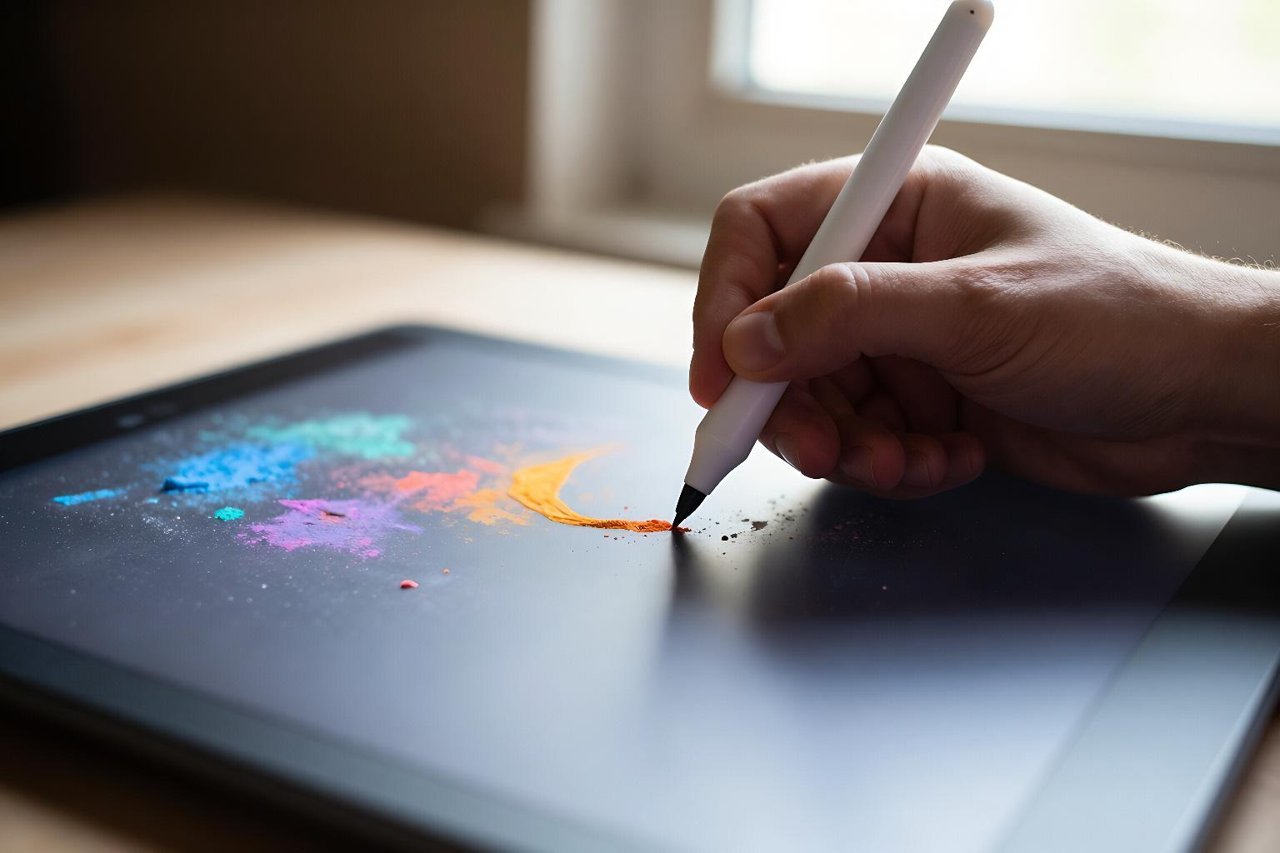
Drawing AI has gone from a curious experiment to a standard part of many creative workflows. You might have seen someone type a phrase into a blank canvas and watch a fully rendered artwork appear in seconds. That’s text-to-image, and it’s impressive. But it’s not the whole story. The category also includes style transfer, sketch-to-image, vector editing, and inpainting tools that let you redraw part of a composition without starting over.
Maybe you’ve tried a generator and struggled to get the image in your head. The prompt felt clear, but the result was a jumble of extra limbs and noisy textures. Dogged persistence helps, but it’s smarter to understand how drawing AI behaves. A few practical habits can dramatically improve your hit rate.
Because the ecosystem is moving quickly, it helps to separate the underlying model types before you sign up for another subscription. Not all drawing AI is built the same.
What drawing AI actually does under the hood
One common misconception is that drawing AI simply stitches together pieces of existing images. That was true of some early automated collage tools, but modern diffusion models work on a different premise. They start with a canvas of random noise and gradually refine it, guided by the meaning of your text prompt. This is why a tiny change in phrasing can lead to a completely different scene.
Closed commercial systems like DALL-E and Midjourney promise a frictionless interface. Open-source challengers such as Stable Diffusion can be modified, trained further and run on your own hardware. That level of access reshaped the market quickly. To see how far the technology has travelled, read this breakdown of the open source AI image revolution.
Drawing AI inside a browser
Browser-based drawing AI has become the entry point for a huge number of users. You don’t need a high-end graphics card to create a commercial-ready result when the heavy processing happens on a central server. That convenience is one reason classic web editors are scrambling to add generative options. Pixlr, for instance, now embeds generative fills, background replacement, and even style matching into a tab. A practical walkthrough of Pixlr AI’s generative tools shows how much control remains when you ditch desktop software.
Vector drawing AI doesn’t mess up your resize
Most image generation outputs a flat raster file, where every pixel is fixed. Resize that image upward and it turns soft; scale it down and fine details disappear. That’s tolerable for a social post but a deal-breaker for logos, packaging and print layouts.
Vector drawing AI generates curves and shapes as self-contained mathematical paths instead of pixels. The discipline is different because the model has to reason about edges and geometric points rather than colour blobs. Some newer tools can take a descriptive sentence and return a fully editable layer stack. Recraft AI keeps its output arranged in paths and masks, rather than a locked pixel layer. For a closer look, this review of Recraft AI’s vector generator explains why that matters for real design work.
A practical checklist for better AI drawings
Prompting advice tends to drift into abstract talk about “being specific”. Here are five concrete rules I use when generating concept art, illustrations, or marketing graphics.
- Start the prompt with the medium. Begin with “watercolour”, “fountain pen sketch”, “vector flat design”, or “3D render” so the model locks the style early.
- Add negative prompts. Tell the model what not to do, such as “no text, no watermark, no extra limbs”, and you cut down on repeated mistakes.
- Describe the composition early. If you say “a wide shot of a mountain lake at dawn” rather than ending with it, the framing will land closer to your intent.
- Be careful with colour words. Asking for “a red barn” works, but “a barn with red accents” often loses the accent when the prompt gets busy.
- Generate a small batch first. A canvas of 512 by 512 pixels is enough to spot structural problems, so test cheap and fast before committing to a larger render.
The bigger picture is that drawing AI rewards an iterative mindset, not a magic sentence.
Teaching drawing AI a new visual style
Generic models have absorbed a broad slice of visual culture, but a signature brand or an individual artist rarely fits neatly inside that average. Fine-tuning solves the problem by retraining the model on a smaller, personal set of images.
That approach allows a design studio to teach a model its in-house aesthetic. A particularly vivid case came from developers who taught a coding model to paint watercolours. The training experiment with TRL and OpenEnv shows that even awkward setups can yield surprisingly fluent image output.
The quiet cost of cloud-powered drawing
Every image generated with a cloud service costs real energy, memory and money. The silicon behind those models is astonishingly power-hungry. Drawing AI tools are free or cheap at the point of use only because companies make long-term bets on subscription revenue and data-centre economics.
The corporate web behind a $3.2 billion AI data center reveals the scale of that investment. It also explains why free tiers shrink, rate limits appear, and feature sets change without much warning. When a product makes that kind of commitment, you should export a local copy of any asset you care about.
Where drawing AI goes from here
Drawing AI is still a young field. The next big gains are likely to come from controllability, not raw resolution. Researchers are testing layout conditioning, region-specific editing and a clearer way to combine a hand-drawn sketch with a text prompt.
One of the more promising ideas is using a language model as an art director for the generator. The system breaks a request such as “a detective walking past a neon bakery” into separate drawing instructions, then works through them one by one. It keeps compositional logic intact instead of smashing every element together.
Try a couple of the tools mentioned here and treat each prompt like a conversation rather than a one-off wish. The result, when it works, is nothing short of a new kind of drawing.