

Creating consistent designs throughout your application seems like a very trivial task that you can achieve with coding agents. However, if most of your code is written by coding agents, I believe this can quickly turn into an application with a lot of different design elements if you don’t pay close attention to exactly how the coding agent is implementing stuff, and you’re consistently refactoring and centralizing code to adhere to the DRY (don’t repeat yourself) principle.
For quite a while, when developing my application, I was struggling with keeping the design consistent. It just felt like my coding agent, whether I used Claude Code or Codex, was constantly driving towards not following the previous design that I had used or just implementing new standards that I didn’t want to follow. Examples of this are:
-
Different font sizes throughout the app.
-
Buttons having different designs in different places.
-
In general, UI elements such as drop-downs, modules that pop up on hover, etc., were inconsistent and never followed the same pattern with regard to color, size, or styling.
This is, of course, super critical because inconsistent designs make your app look a lot less professional and clean. When things in the app look different, like the UI looks different throughout the app, it gives a very unprofessional and unpolished first impression of your application, which is why you want to avoid it. I know a lot of engineers don’t care that much about design, or they don’t enjoy spending a lot of time on design. So you might think this is not that important a topic, but I would argue quite the opposite. If you follow the tips provided throughout this article, you’ll have to spend less time on design because your coding agents will automatically become more consistent, so you will have to spend less time following up on all your coding agents and the designs they create. Basically, the techniques implemented throughout this article will help you spend less time on UI because the coding agent will be more likely to get it right on the first attempt.
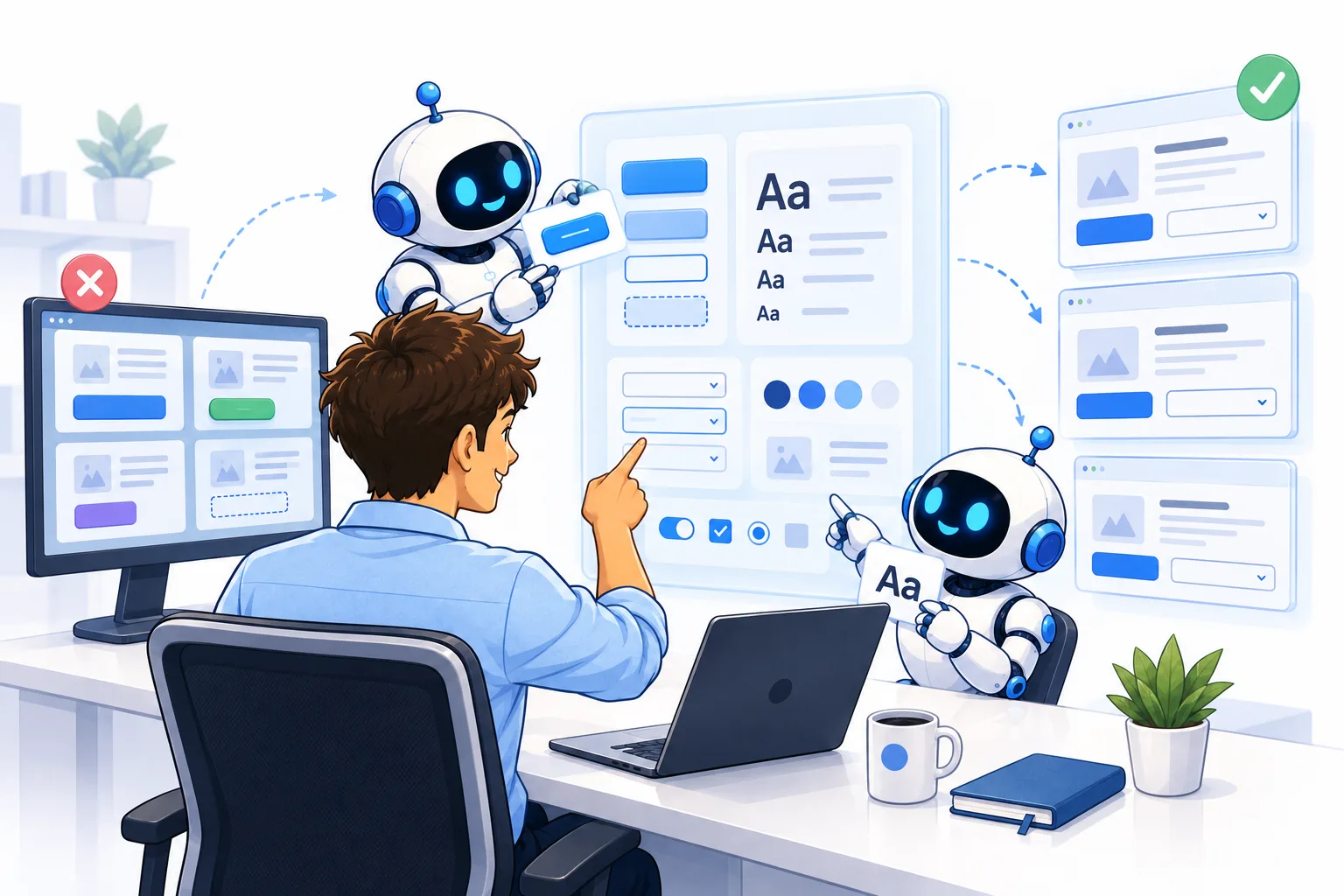
This infographic highlights the main contents of this article. I’ll discuss how to make the coding agent build consistent designs. Image by ChatGPT.
Why do coding agents create inconsistent designs?
First, let’s cover the why of this article. Why do coding agents tend to create different designs and not follow the standards throughout your app? I think the problem mostly comes from how you’ve structured the UI throughout your application. If you use coding agents to implement everything without manually telling the coding agents how to centralize the code and structure the code and the UI elements throughout the code, they’ll automatically start using different standards throughout the app. The reason for this is that once a coding agent is asked to implement something new, for example, implement a new feature, they’ll see that there’s no set standard elsewhere in the app, and thus just create their own design patterns. For example, they may use their own font size that they think works well on the specific page they’re implementing, buttons that match the other designs on the page, and so on.
In general, coding agents are pattern recognizers. They follow the patterns already provided in the codebase and just follow them. And if the pattern in the codebase from before is that there is no UI structure and overall design standard to follow, then the coding agents will continue that pattern and implement their own design system for each new feature they implement or build.
Given what I’m talking about here, you can probably start understanding what the solution to this problem is, which is of course centralizing all your UI elements into one location. However, this is not a trivial thing, and not only is it not trivial to fix it; I also think that this is something you need to keep working on because the coding agents still have weaknesses and may ignore existing standards or introduce new ones. For example, if you’re just implementing code in a new page or something, you always have to try to keep them in line so that your design throughout your application stays consistent.
How to keep the design consistent
Now let’s start talking about how to keep the design in your application consistent. First, I’ll talk about how to fix your codebase if the design standards are not already consistent and unified. And then I’ll start talking about how to keep the design standards unified.
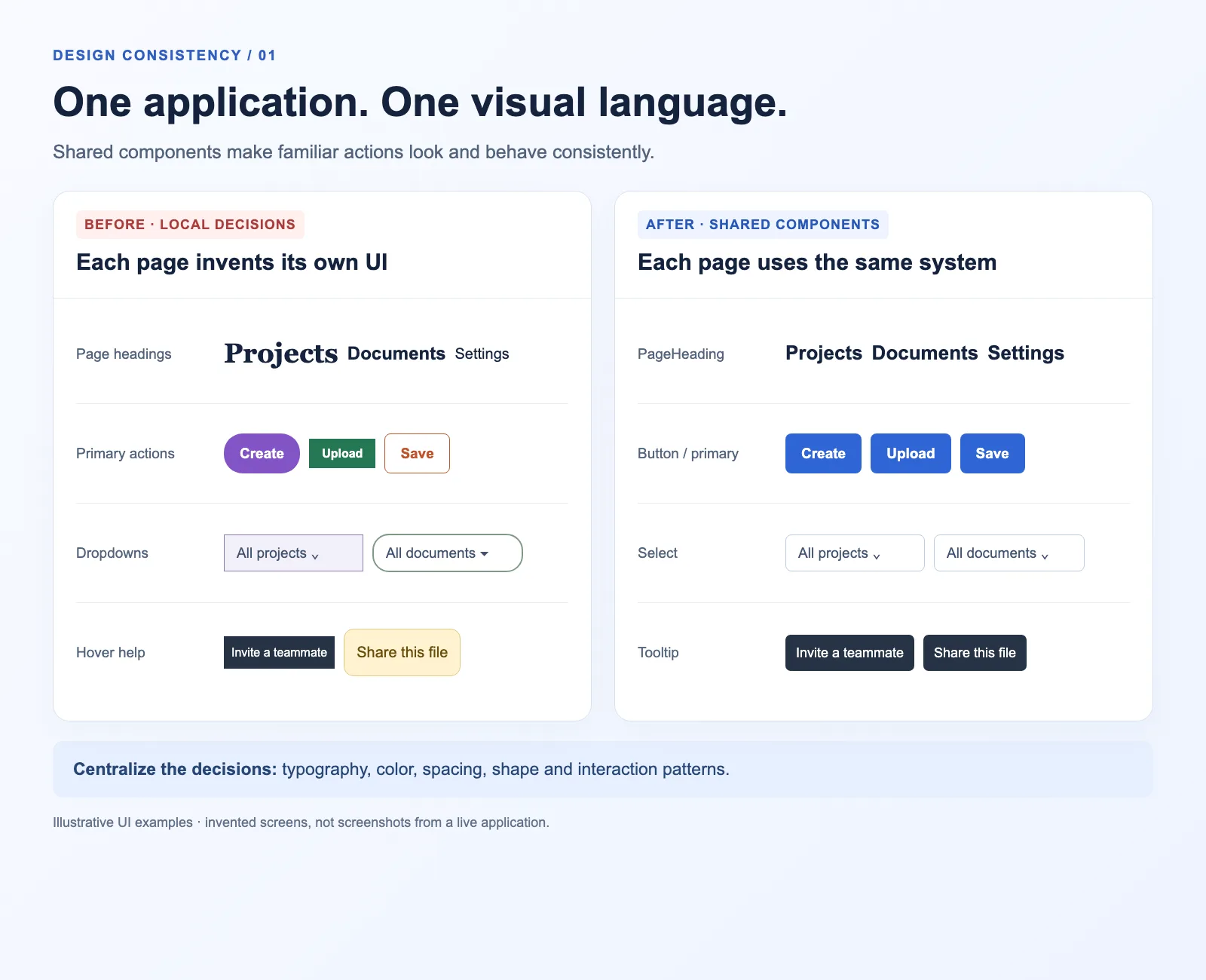
Learn how to ensure your coding agents builds consistent designs. Image by ChatGPT.
Fixing inconsistent design
Okay, let’s start discussing what to do if you have a codebase you’ve worked on quite a bit already, and the design in your app is not consistent. The first thing I would do is to start refactoring. You need to refactor so that all your UI elements are stored in one folder. And whenever the AI or coding agent wants to implement something new or use a new UI element, it has to pick an existing element from the UI folder instead of just writing a new UI element itself. Basically, you have to block coding agents from creating their own UI elements, and they always need to pick from one of the already approved elements that you have in the folder. Of course, sometimes you want to implement new UI elements, and if so, you can implement them into the shared unified folder and have the agent use that; however, you have to make it super clear to your coding agent that they are not allowed to implement their own UI elements in the code anywhere other than the unified folder for UI elements.
So start with a prompt such as this:
Now, what’s going to happen is that the coding agent you run, whether it be Claude Code or Codex, is going to start looking through your codebase, and you’ll see a lot of issues it has to fix up. Thus, I recommend you just start with specific elements such as buttons or fonts, which are also noted in the prompt above. I then recommend that you tell the coding agent to make a report in HTML with before-and-after pictures showing how the pages look before making the changes and how they look after making the changes, with screenshots in the HTML report. This makes it super easy for you to just go through the report, scroll through it, see if the UI looks acceptable, and give feedback to the coding agent if there’s something to fix. And then, once the code and UI are approved, the coding agent can autonomously merge it into your development environment, and you can continue on to the next element.
After fixing each element, I also recommend that you spin up a completely separate coding agent. And just do a review to see if there are any elements still missing. For example, if you’re fixing up all the buttons, after fixing all of it and merging it in, you should spin up a separate agent to just go through and check if there are any buttons now that are missing and not in the unified UI folder and fix those. That’s because sometimes, the coding agent can miss these elements on the first run, and you need to just do a secondary clean review to make sure you included everything.
Then you just continue doing this, refactoring your entire codebase, which will take some time, though. With coding agents, you can do this relatively effectively. And depending on your codebase, I think you can do this fine within a day or two. If you work effectively on this and just let the coding agents do their job.
Keeping the design unified
Okay, after you have fixed all the design and centralized everything into one unified folder, it’s now time to keep the design unified. So you need to make it extremely clear in the markdown files that the agents use throughout the app, for example, agents.md, CLAUDE.md, and so on, that it’s never allowed to invent new design implementations; it always has to pick from the centralized UI folder. And to be fair, you sometimes need to verify this yourself because the coding agents will tend to try to implement something new and not follow the existing standard, even though you have an extremely clear file saying that the agents always have to follow that standard, and you have the centralized UI folder. I do see tendencies for the coding agents to still want to implement their own designs sometimes, which is, of course, very annoying.
One thing you can do, however, is this. I assume you have a coding review agent you always run. If you don’t have this already, I strongly recommend you implement it. And I already have different articles discussing how you can make AI review your code effectively to discover any bugs before they go into a development or production environment.
What you can do is update the prompt that you have for the coding review agent and tell it to also check for any UI elements that do not come from the centralized UI folder and to flag that as a relatively severe issue. Review agents will tend to call this a P2 issue, i.e., not a critical issue. But I would say that you should tell the review agent to highlight that this is a bigger issue because if you continue to let this happen, it is going to become a big issue in your application. So tell the review agent to flag it immediately so that you can fix it on the spot before you merge code into your development or production environments. This will ensure that you can keep the design unified, keep your app looking clean and professional, and avoid coding agents not following the design patterns they are supposed to follow.
Conclusion
In this article, I’ve discussed how to keep your design consistent with Claude Code or whichever coding agent you’re using. This is an issue I’ve felt myself, where the coding agent consistently tries to invent their own designs whenever they implement new features. This is, of course, very annoying because it makes you spend a lot of time ensuring the UI looks as it should, and sometimes it can even be hard to spot when they make errors; for example, if they have one font size too low or one font size too high, this creates a less professional impression of your application, which is why you want to avoid it. I discussed how you can refactor your code according to the Don’t Repeat Yourself (DRY) principle to make it so you keep all UI elements in a centralized folder so you can keep the design as consistent as possible. Furthermore, I discussed how you can not only fix this by refactoring it but also keep the design consistent by adding strict rules and reviews whenever you push new UI code. I also recommend that you consistently do refactoring and some checks to ensure that all the centralized UI elements are followed, and clean them up immediately if you discover any issues. Consistent refactoring is a requirement now in the age of agentic coding.
👉 My free eBook and Webinar:
🚀 10x Your Engineering with LLMs (Free 3-Day Email Course)
📚 Get my free Vision Language Models ebook
💻 My webinar on Vision Language Models
👉 Find me on socials:
💌 Substack