

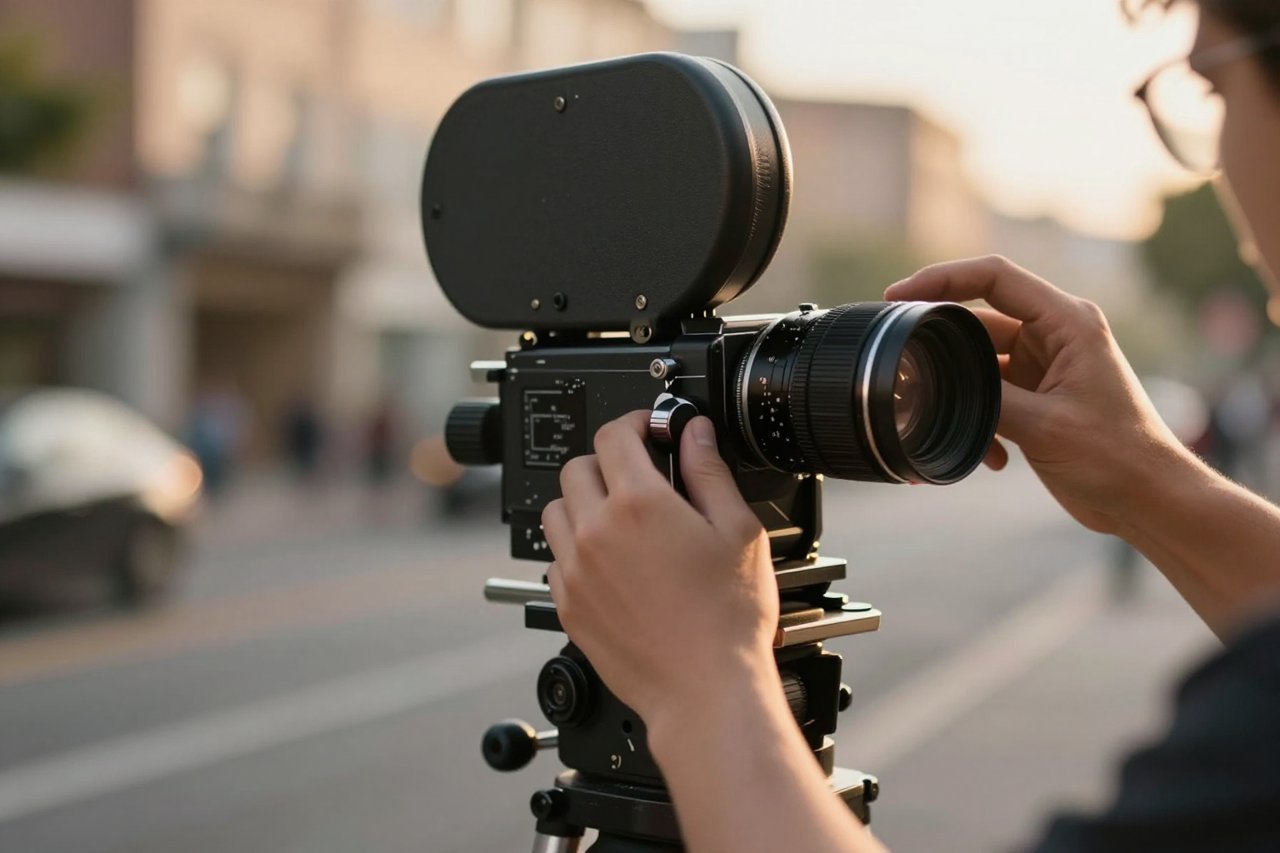
Type a sentence into a box, wait two minutes, and get back a ten-second clip that looks like it came off a real camera. That is the pitch Kling AI makes, and a surprising amount of the time it holds up. Kuaishou, the Chinese company behind the short-video app Kwai, launched Kling in June 2024, and it was the first AI video model that made a lot of working creatives stop treating the whole category as a party trick.
Since launch it has gone through several version jumps, picked up a public API, and become a standard line item for ad agencies, indie filmmakers, and people who mostly want to see a dragon circle their hometown. What follows is a grounded look at what it does well, where it falls apart, and how to spend your credits wisely.
What Kling AI Actually Is
Strip away the branding and Kling is a text-to-video and image-to-video generator. You write a prompt or upload a still, and the model renders a short clip, usually five or ten seconds, at up to 1080p and 30 frames per second. Those clips can be extended, so a ten-second shot can be stitched into something closer to two or three minutes if you are patient with the extend button and the credits it burns.
The interesting part is not the length. It is the motion. Early AI video tools produced footage that looked like a photograph with a gentle breeze applied to it. Backgrounds melted, elbows bent the wrong way, and any moment where two objects touched turned into mush. Kling handles a lot of that. A character picks up a mug and the fingers actually wrap around it. A dog shakes itself dry and the droplets behave the way droplets should.
Researchers are still arguing about why these systems develop any intuition for physics at all, a question that also drives work on reading the inner workings of AI models. The practical upshot is a generator that fails less often in the ways your eye immediately catches.
The Features Worth Knowing About
Motion Brush and camera control
Motion Brush lets you paint over a section of an image and tell only that region to move: a flag rippling, hair lifting in the wind, steam curling off a cup, while the rest of the frame stays locked. Camera control is separate, so you can specify a slow push in, a pan left, or a subtle handheld drift without describing it as part of the action.
Start and end frames
Supply a first frame and a last frame, and Kling works out the movement between them. Animators tend to reach for this first, because it turns the tool into a tweening engine rather than a slot machine. You control where the shot lands, which feels a lot better than generating twenty times and hoping.
Lip sync and avatars
Give it a portrait and a line of dialogue and the face will speak with roughly matched mouth shapes. It works fine for straightforward talking-head content and gets less convincing the more expressive the performance needs to be.
What It Costs
The free tier refills with a daily credit allowance (66 a day at the time of writing) and those credits do not roll over, so there is no point hoarding them. Standard mode is cheap. Professional mode costs several times more per generation and mostly buys you better motion coherence and detail retention on complicated prompts. Paid plans start around $10 a month and climb past $90 for the tiers aimed at teams. Pricing has shifted several times, so check the current numbers before you commit.
One thing that catches people out: you pay for the failures. Every generation that comes back with six fingers or a melting doorframe still costs credits. Budget accordingly, especially in Professional mode.
Where It Fits in an Actual Workflow
Pre-visualisation is the obvious one. A director can turn a storyboard into moving reference footage overnight and walk into a pitch meeting with something that reads as a real shot rather than a sketch. The line between practical effects, CG, and generated footage keeps blurring, and audiences have largely stopped caring which is which. Watch the reaction to something like Charlize Theron’s turn as Circe in the Odyssey trailer and you will see a room full of people debating the story, not the pipeline.
Marketing teams use it for product shots and b-roll they would otherwise license. Short-form creators use it to set a mood fast: a rain-slicked pier at night, a hand closing around a key. Ten seconds is plenty for that, which is the same instinct behind tight, atmospheric projects like a vacation murder mystery built on setting rather than spectacle.
Larger organisations building this into a pipeline run into the same wall they hit with any AI system, and it is rarely the model. It is the state of the assets going in. Anyone who has read up on data readiness for agentic AI in financial services will recognise the pattern: the flashy part works long before the plumbing does.
The Limits Nobody Puts in the Demo Reel
- Text is still garbage. Street signs, labels, logos and book spines come out as alien glyphs. Frame around them or plan to fix them later.
- Character consistency wobbles. The same person across three shots will drift in face shape, hair, and wardrobe unless you work from a fixed reference image.
- Fast, complex motion breaks. Crowds, fights, and intricate hand work remain a gamble no matter how good the prompt is.
- Moderation is opaque. Innocuous prompts occasionally trip a filter with no clear explanation, which is maddening mid-project.
- Generation times spike. Peak hours mean longer queues, and Professional renders can take several minutes each.
How It Compares
Runway gives you more editing and control surface. Luma is faster and generous with free generations. Google’s Veo leads on native audio, and Sora is strong on coherent longer sequences. Kling’s edge sits in image-to-video quality and the realism of human movement, and its free daily credits make it the easiest of the bunch to try properly before spending anything. It has added audio support, though it is not yet the headline feature the way it is elsewhere.
Habits That Improve Every Generation
Most disappointing results come from prompting, not from the model. These adjustments move the needle more than any setting in the interface.
- Describe the camera as well as the subject. “Slow dolly in, shallow depth of field” changes the output more than another adjective about lighting.
- Front-load what matters. Put the subject and action in the first sentence, then add atmosphere. Later words carry less weight.
- Keep prompts under about 50 words. Past that, extra detail starts contradicting itself.
- Test in Standard, finish in Professional. Iterate cheaply, then re-run the winner at higher quality.
- Change one variable at a time. Otherwise you will never know what fixed it.
- Use image-to-video when composition matters. A reference still gives you far more control than a paragraph of description ever will.
Push the same prompt through three times and you will get three different clips. That variance is the real skill gap. Someone who generates forty times, keeps the two good ones, and edits them together will beat someone with a perfect prompt who stops after one. Treat Kling AI as a cheap camera crew that occasionally shows up drunk, and you will get along fine.