

OpenCV has been the workhorse of computer vision since 2000. It powers everything from the face unlock on your phone to the quality control systems in factories. If you want to build a career in AI, learning OpenCV isn’t optional—it’s a foundation. But with thousands of tutorials and courses out there, finding the right OpenCV AI course can feel like searching for a specific pixel in a 4K image.
Why OpenCV Still Dominates Computer Vision
OpenCV isn’t just another library. It’s a collection of over 2,500 optimized algorithms, from basic image filtering to advanced deep learning inference. The fact that it’s open-source and free means it’s used everywhere: Google uses it for Street View stitching, Microsoft for Kinect, and Tesla for parts of its Autopilot pipeline. The job market reflects this. According to LinkedIn’s 2024 Emerging Jobs report, computer vision engineer roles have grown 32% year-over-year, with OpenCV listed as a required skill in 78% of postings.
That’s why OpenCV AI courses have become a staple in the AI learning ecosystem. They offer something pure theory courses don’t: immediate, visual feedback. You write a few lines of Python, and suddenly your webcam is detecting faces or your drone is following a line. That feedback loop is addictive and incredibly effective for learning.
What You Actually Learn in a Good OpenCV AI Course
Not all courses are created equal. Some just walk through the documentation; others force you to build real projects. A solid curriculum will cover these areas:
- Image and video fundamentals: Reading, writing, and manipulating images and video streams using
cv2.VideoCaptureandcv2.imwrite. Understanding color spaces (BGR vs RGB), histograms, and geometric transformations. - Feature detection and matching: SIFT, ORB, and FAST algorithms for finding key points. This is how panorama stitching and object tracking work.
- Deep learning integration: Loading pre-trained models from TensorFlow, PyTorch, or Caffe with
cv2.dnn.readNet. Running inference for object detection (YOLO, SSD) and image classification. - Real-time processing: Optimizing code for speed, using GPU acceleration (CUDA), and handling video streams at 30+ FPS.
- Deployment: Running OpenCV on Raspberry Pi, Jetson Nano, or mobile devices with OpenCV’s Android and iOS SDKs.
Beyond the Basics: Projects That Stick
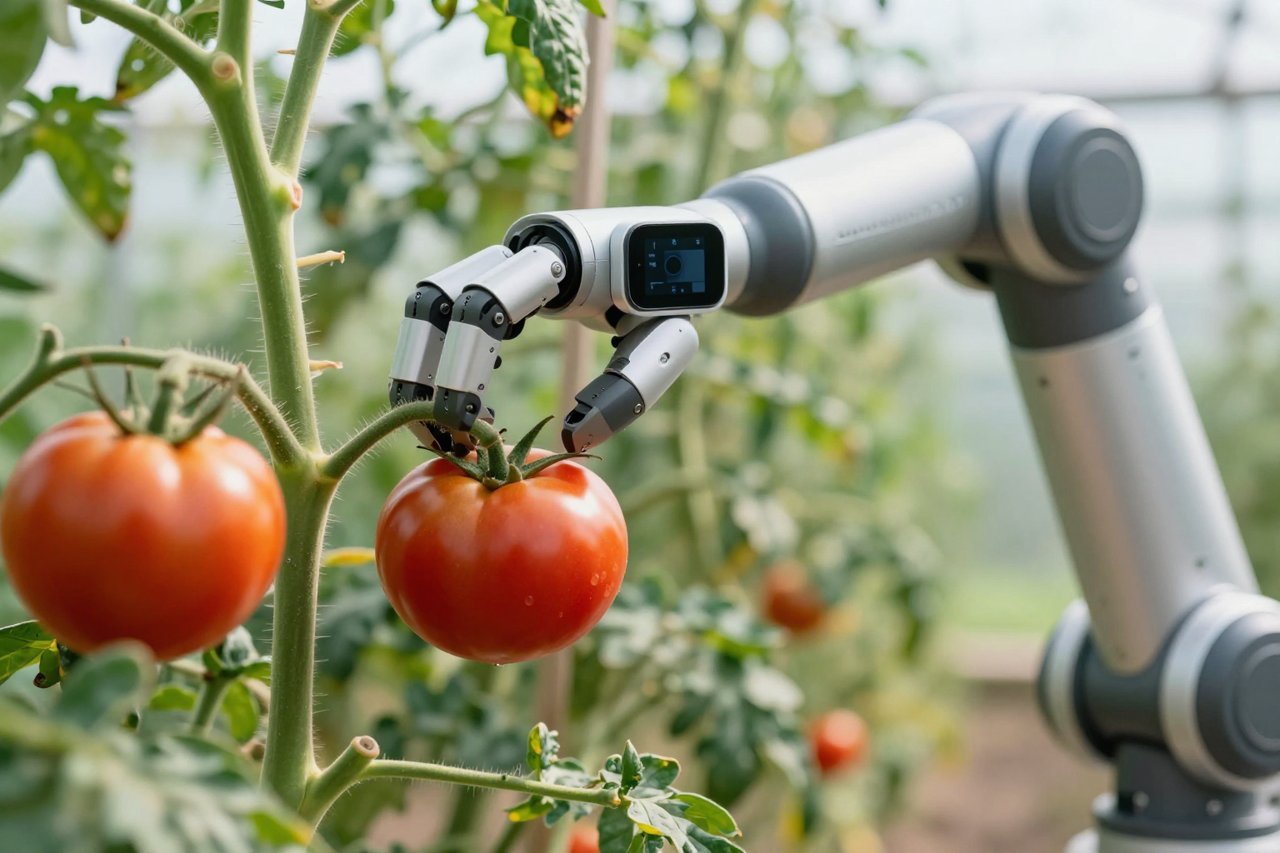
The best courses have you build things like a face blur tool for privacy, a lane detection system for self-driving car simulations, or a gesture-controlled game. One popular OpenCV AI course at OpenCV University has students train a custom object detector to spot ripe tomatoes in a greenhouse, using only 200 labeled images. That’s the kind of practical skill that hiring managers care about. If you want to see how that specific program compares, there’s a thorough OpenCV University review that breaks down the curriculum and cost.
How to Choose the Right OpenCV AI Course
With so many options, you need a filter. Here are the questions to ask before you enroll:
1. Does it assume prior Python knowledge?
Most courses expect you to be comfortable with Python basics—loops, functions, and NumPy arrays. If you’re not, you’ll spend more time debugging syntax than learning vision. Some programs, like those on Coursera, offer a Python primer as a prerequisite.
2. Is it project-based or lecture-heavy?
You can watch someone explain Canny edge detection for hours and still not be able to implement it. Look for courses where at least 60% of the time is spent coding. The best ones have you write a full project from scratch, like a document scanner that corrects perspective distortion.
3. Does it cover modern deep learning?
OpenCV’s DNN module can run models from TensorFlow, PyTorch, and ONNX. A course that only covers classical techniques (like Haar cascades) is outdated. You want to see YOLOv8, SSD, or EfficientNet in the syllabus.
4. What’s the cost and time commitment?
Free resources exist, but they lack structure. Paid courses range from $50 on Udemy to $1,500+ for a full specialization. Consider whether you get mentorship, graded assignments, and a certificate. OpenCV University’s courses, for instance, offer a certificate that some employers recognize, but they’re not cheap. For a full cost breakdown, this detailed review of OpenCV University covers it.
Free vs Paid OpenCV AI Courses: What You Get for Your Money
You can absolutely learn OpenCV for free. The official OpenCV documentation has tutorials, and YouTube channels like Sentdex and PyImageSearch offer excellent walkthroughs. But free resources have two problems: they’re scattered, and they rarely force you to finish a project. Paid courses impose deadlines, provide feedback, and often include a community of learners.
Here’s a quick comparison:
- Free: OpenCV’s own tutorials (great for reference), YouTube crash courses (good for specific tasks), Kaggle notebooks (real data, but little guidance).
- Paid (under $100): Udemy courses like “Computer Vision with OpenCV and Python” (frequent sales, ~$20), Coursera’s “Computer Vision Basics” (audit for free).
- Paid ($200-$1500): OpenCV University’s AI courses, Udacity’s Computer Vision Nanodegree, and specialized bootcamps like those from DeepLearning.AI.
If you’re disciplined, free can work. But if you need a structured path, a paid course is worth it. Just avoid ones that are just slideshows—look for preview lectures that show actual coding.
Building a Portfolio That Gets You Hired
Course certificates are nice, but a GitHub portfolio is better. Employers want to see your code. Here are five projects that will impress:
- Real-time face blur: Use Haar cascades or a DNN face detector to anonymize faces in a video feed. Add a toggle for different blur intensities.
- Lane detection: Process a dashcam video to highlight lane lines using Canny edge detection and Hough transforms. Bonus points for curvature estimation.
- Gesture recognition: Combine OpenCV with MediaPipe to control your mouse or a game with hand gestures.
- Automatic license plate reader: Detect plates with YOLO, then use Tesseract OCR to read them. Deploy on a Raspberry Pi.
- Social distancing detector: Use a pre-trained person detector to measure distances between people in a crowd. (Still relevant for event analytics.)
Each project should have a clear README, a demo video, and clean code. If you take an OpenCV AI course, use its projects as a starting point, then extend them. For example, if the course builds a basic object tracker, add a feature to log detected objects to a CSV file.
The Future of OpenCV in AI
OpenCV isn’t standing still. The 4.x series introduced a more modular DNN module, and OpenCV 5.0 is in development with better support for transformer models and ONNX. The OpenCV AI Kit (OAK) line of hardware, powered by Intel’s Movidius chips, lets you run spatial AI on tiny devices. Courses that cover these emerging tools will give you an edge.
Also, OpenCV is increasingly used in generative AI pipelines. You might use it to preprocess images for Stable Diffusion, or to extract frames for video generation. The library’s role is evolving from pure computer vision to being a glue for multimodal AI.
How to Start Learning OpenCV AI Today
You don’t need a fancy setup. A laptop with Python and a webcam is enough. Here’s a simple plan:
- Install OpenCV:
pip install opencv-python - Work through the official OpenCV Python tutorials for two weeks.
- Pick one project from the list above and finish it.
- If you want structure, enroll in a course. Use the OpenCV University review to see if that program fits your budget and goals.
- Join communities: r/computervision, OpenCV’s forum, and PyImageSearch’s blog.
The field moves fast, but OpenCV is a stable anchor. Once you can read an image, filter it, detect objects, and run a neural network on it, you have skills that apply to robotics, healthcare, security, and autonomous vehicles. The best time to start was yesterday. The second best is with a webcam and a good course.