

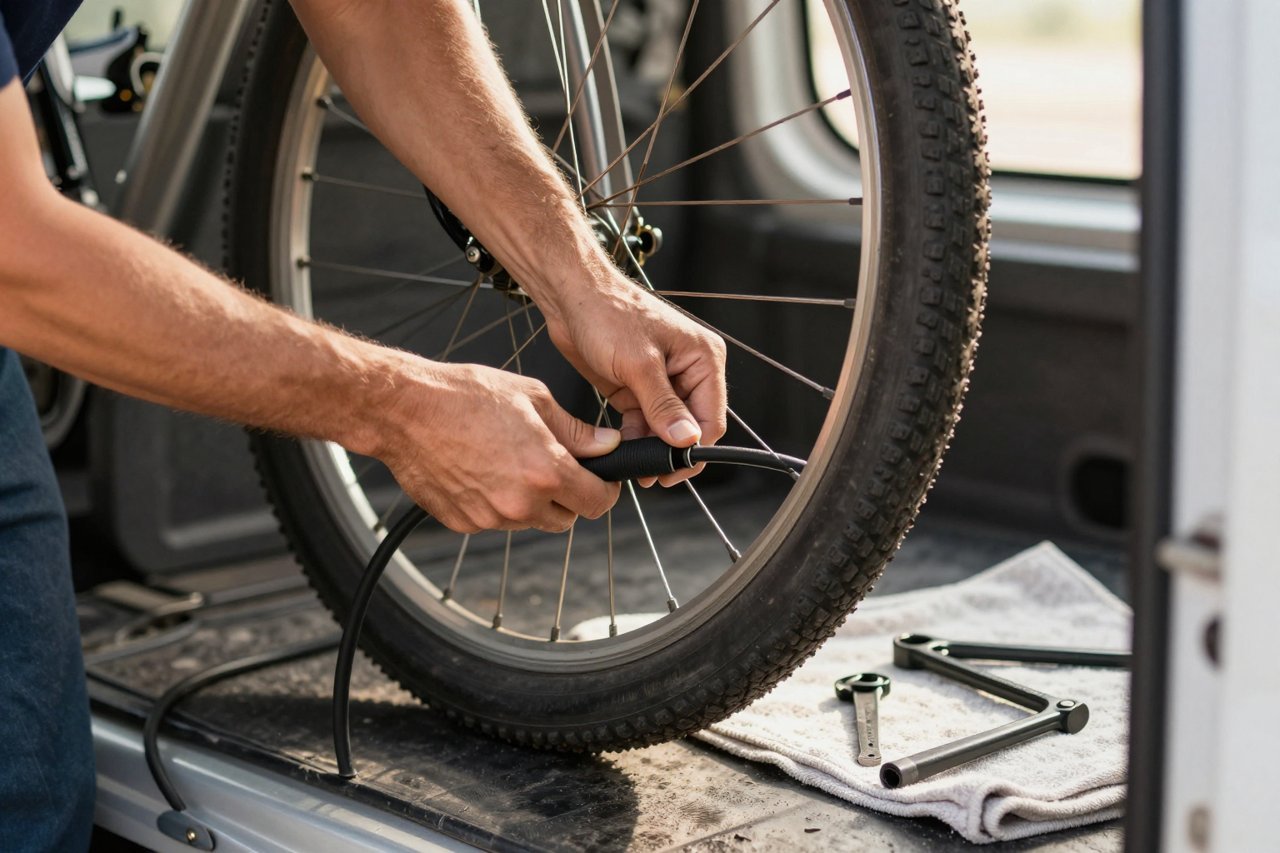
Priya fixes bikes from a van in Norwich. Two mechanics, one booking form, no shopfront. She needed a website by Friday and had roughly ninety minutes to give it, plus a mug of coffee that went cold around minute forty.
What follows is her build, in order, with the real numbers, the parts that broke, and the two edits that made the biggest difference. It isn’t a list of tools. It’s what you do once you’ve picked one.
What an AI website builder actually handles
The pitch is that you describe your business and get a site. That’s close to true, with one caveat. The builder will produce page structure, headline copy, a colour palette, placeholder photography and a responsive layout in under a minute, and the better tools do it well. If you want to know how far the category has moved, there’s a useful overview of the new generation of AI builders worth reading before you commit to one.
What it can’t do is know you don’t work Sundays, that a full tune-up costs £75 rather than being “competitive”, or that your best customers search “bike repair near me” at 7pm on a Tuesday. Facts come from you. Layout comes from the machine. Keep that division clear and you’ll skip most of the frustration.
Step 1: Write a brief, not a prompt
The first draft is only as good as the box you type into. Most people write “bike repair shop website” and get a template full of stock photos of people in helmets, plus a headline about pedalling your way to freedom.
Here is the 60-word brief that worked:
“Mobile bicycle repair covering Norwich and 20 miles around. Two mechanics, both named on the About page. Three services: puncture fix £25, full tune-up £75, e-bike diagnostics £120. Same-week booking, we come to you. Tone: direct, a bit dry, no exclamation marks. Pages needed: prices, booking, service area, about.”
Sixty words, and every one of them is something the AI could not have guessed. Include:
- Business type and location, defined as tightly as you can
- Real prices, or at least a real starting price
- Names, if you have any. A two-person business with names on the page converts better than “our team”
- Tone rules, including what to avoid. “No exclamation marks” does real work here
- The pages you need, not the pages that sound impressive
Skip the clever wording. Specific beats clever every time.
Step 2: Read the first draft like a stranger
The output arrived in about 40 seconds. It was also wrong in a very predictable way. Headline one read: “Welcome to Spoke & Sprocket, your premier destination for all your cycling needs!” That’s three clichés in twelve words, and none of them mention that Priya drives to you.
Watch for the rhythms
AI text has tells. Rule-of-three lists. Words like “seamless”, “elevate” and “unlock”. Paragraphs that restate the headline in longer words. Learning to spot AI-written copy and fix it is a genuinely useful skill now, because you’ll run this audit on every page the builder generates.
Rewrite the headline yourself
Priya’s replacement took nine seconds: “We come to you. Punctures £25, tune-ups £75, booked this week.” A cold visitor learns in one glance whether she’s relevant.
Step 3: Put your numbers back
AI writes around specifics because it doesn’t have them, so “competitive pricing” lands where £25 should be, and “flexible scheduling” replaces Thursday to Saturday. Each swap is small on its own. Stacked together, they’re the difference between a site that gets enquiries and one that gets bounces.
Priya’s rule: any sentence that could belong to another business in another city gets rewritten or cut. “We pride ourselves on quality workmanship” fits a thousand companies. “Both mechanics are qualified on Bosch and Shimano e-bike systems” fits one.
Step 4: Delete a page
The builder generated six pages by default. Four survived. The casualties were a generic Services page that duplicated the homepage and an empty blog.
An empty blog is worse than no blog. It signals that nobody’s home. If you won’t publish twice a month, delete it and put the energy into one strong page instead. If you’d rather compress the whole process into a single sitting, there’s a walkthrough for the blank-page-to-live-site route in under an hour that maps closely to these steps.
Priya’s four: Home with prices above the fold, Book, Service Area, About. Testimonials sat on the homepage rather than earning their own URL, three quotes from customers with the town they live in.
Step 5: Wire up the boring parts
This is where AI builders are weakest, because a form that looks fine but doesn’t deliver is a silent failure. Test each of these properly, don’t just glance at them:
- Form delivery. Submit it yourself from your phone, then check the inbox and the spam folder. Add a second notification email so one bounce doesn’t lose a job.
- Booking buffer. Leave 30 minutes between appointments if you travel. Arriving late to a slot the system called fine is a fast way to lose a customer.
- Analytics from day one. You can’t fix what you didn’t measure in week one.
- Domain and SSL. Buy the domain separately so you can move later, and confirm the padlock shows on the live site rather than the preview.
- Google Business Profile. Match your service-area wording exactly. Priya’s site said “20 miles around Norwich” while her profile said Norwich only, which cost her a week of invisibility in Wymondham searches.
Step 6: Test it on a bad phone on a train
A laptop preview is a comfort blanket. Test on 4G with one bar, thumb only, no zooming. Priya’s price table needed sideways scrolling at 375 pixels, three services that should have been a plain stacked list. The fix took four minutes.
Two things to check: your largest image file, and your hero. Compress photographs to WebP and skip the stock video loop. A site that loads in 2.5 seconds on mobile keeps people. One that loads in six doesn’t.
Step 7: Add a bot only if it saves you a job
A chatbot earns its place when it answers questions you’d otherwise answer by hand. “Do you cover Wymondham?” and “Can you do Thursday?” are worth automating. If that’s your situation, here’s a realistic step-by-step chatbot build for a small team to gauge the effort involved.
What isn’t worth it: a bot that misunderstands eight out of ten messages and leaves visitors less confident than a plain contact form would. If you can’t feed it real answers to your twenty most common questions, don’t ship it yet.
The week after launch
Launch day is the easy part. The first seven days decide whether the site does anything at all.
Check analytics daily and watch a single number: which page people leave from. If it’s the homepage, your headline is the problem. If it’s the booking page, the form is. Change one thing at a time so you know what worked.
Then go collect the testimonials you didn’t have last week. Email your last five customers, ask for two sentences and permission to use a first name and town, and paste them in yourself. No widget. That’s the best twenty minutes you’ll spend on the site all month.
And keep the brief. In six months, when you add a fourth service or a second van, you’ll open the same box, paste the original sixty words with one line changed, and get a page that matches the rest of the site instead of fighting it.