

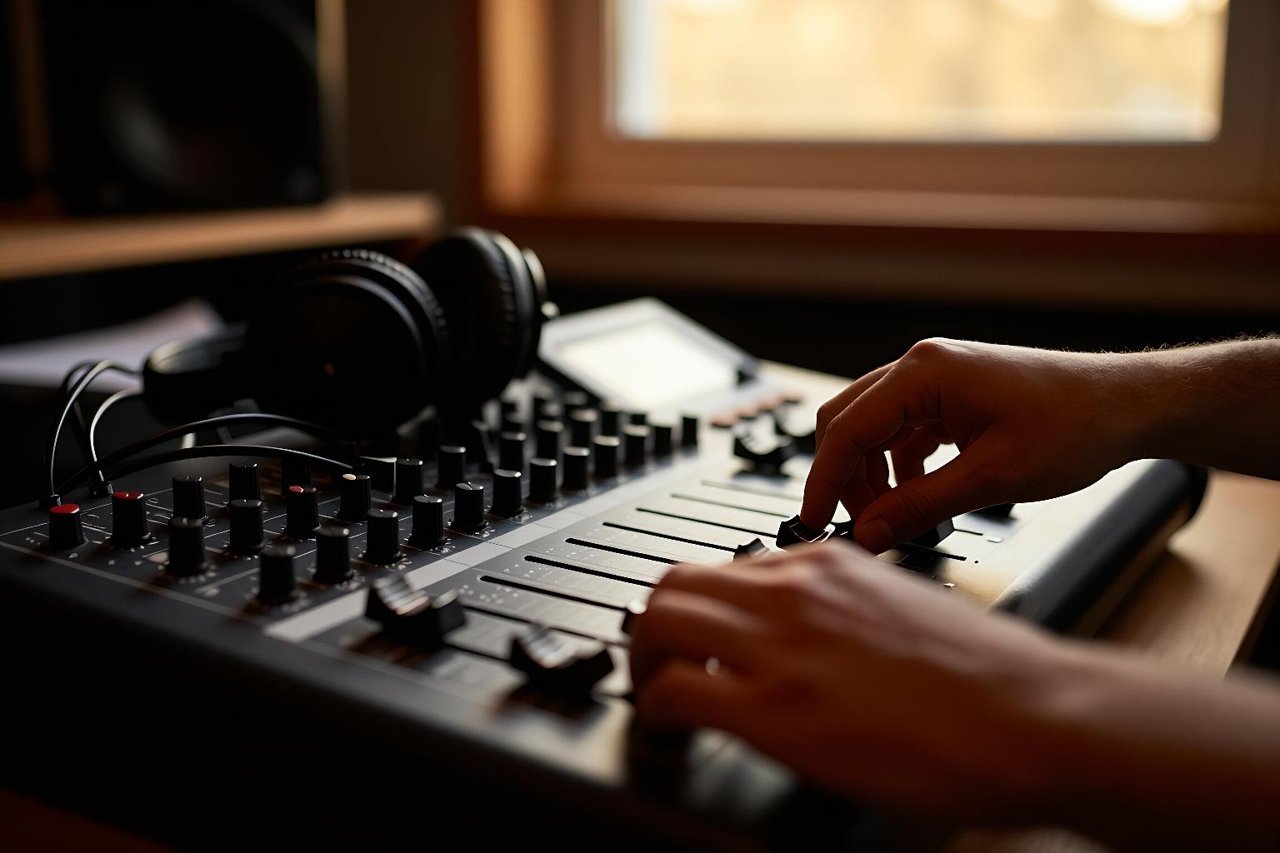
Most first Riffusion sessions go the same way. You type “lo-fi hip hop”, hit generate, and get three minutes of pleasant mush that never quite resolves into anything. The tool isn’t the problem. The prompt is.
Riffusion started in 2022 as a genuinely odd hack: a pair of engineers fine-tuned Stable Diffusion, the open source image model that kicked off the AI art boom, to read spectrograms instead of photographs. Describe a sound and it draws one. That experiment has since grown into a full text-to-music platform with vocals, stem export and track extension.
If you want the background on what the model is doing under the hood, there’s a plain-English guide to how Riffusion turns words into original music already on the site. This article is the practical half: prompts, settings, and an order of operations that gets you a finished 90-second track in about twenty minutes.
Start With Four Prompt Slots, Not One
“Sad piano music” is a search query. A music prompt is a production brief. Riffusion responds well to the same information a session musician would want before you press record, so build every prompt from four slots:
- Genre and era: not just “soul” but “1972 Philly soul”
- Lead instrumentation: the two or three sounds that carry the track
- Energy and mood: warm, tense, exhausted, triumphant
- Production texture: tape hiss, plate reverb, thin AM-radio compression, wide stereo strings
A working example: “1971 Philly soul, lush string section over muted trumpet, walking bass, tambourine, warm analog tape saturation, 104 BPM”. Compare that to “sad soul” and the difference in output is stark.
Put the tempo in the prompt
Tempo is the single most useful piece of information you can add, because it stops the model from drifting. Anything between 70 and 130 BPM tends to land cleanly. If you plan to extend the track later, the tempo needs to be consistent, and a stated BPM is the easiest way to get it.
Name instruments you can actually hear
Vague timbres produce vague results. “Synth” gets you a pad. “Juno-60 brass stab” gets you a stab. If you’re chasing a specific sound, borrow vocabulary from liner notes rather than vibes.
Generate Short, Then Pick Ruthlessly
Set the duration to 10 or 15 seconds for the first pass. Long generations are where people burn their free credits and end up with a track they don’t like and can’t fix. Short clips are cheap to audition.
Run the same prompt four to six times. Two will be throwaways, two will be decent, and one will have a moment in it worth keeping. That moment is your seed. Everything after this step is building outward from it.
Extend in Small Increments
The extend function appends new audio to the end of an existing clip, which is how you turn a 15-second loop into a full arrangement. The mistake is extending by a minute at once. The model only knows what the last few seconds sound like, and the longer the extension, the further it wanders from the original idea.
Extend in 10 to 20 second blocks instead. After each block, listen and decide whether the track should stay where it is or move somewhere new. Writing the change into the extension prompt is what creates sections, so “same instrumentation, drums drop out, add a filtered organ swell” will give you a breakdown rather than more of the same.
Use the Lyrics Field for Structure, Not Just Words
Even if you want an instrumental, the lyrics field is how you tell Riffusion where you are in the song. Section tags like [Verse], [Chorus] and [Bridge] shape the arrangement more than any adjective in the prompt box.
When you do write words, keep lines short. Six to ten syllables per line fits typical pop phrasing, and lines that scan properly are far more likely to land on the beat. A chorus that looks like this works reliably:
[Chorus]
Streetlights on the overpass
I keep the engine running
Nothing here was built to last
But we were good at something
Expect to regenerate the vocal take two or three times. The melody is generated alongside the words, so a line that sang flat last time may sit perfectly next time.
Take the Stems Into a DAW for the Last 10%
Download the individual stems rather than the stereo mix if your project allows it. That gives you four separate moves that fix most of what’s wrong with a raw generation:
- High-pass the vocal at 90 Hz to clear space for the kick
- Trim the first 200 milliseconds of every clip so transients line up rather than flam
- Ride the last two seconds down with a fade to hide the abrupt ending
- Drop a short reverb tail on the final chord so the track doesn’t stop dead
Riffusion outputs around 44.1 kHz, so stems drop straight onto a standard timeline with no conversion. Ten minutes of tidying separates a demo from something you’d actually play for someone.
Three Prompts Worth Testing Today
The sample flip. “Dusty 1974 soul sample, pitched-up vocal chop, boom bap drums at 88 BPM, vinyl crackle, filtered intro.” Extend it four times with the drums muted on the second pass and you have a beat with an arrangement.
The night drive. “Synthwave at 112 BPM, analog arpeggio, gated snare, octave bass, neon-soaked reverb, instrumental.” Add [Instrumental] and keep the lyrics field empty to stop vocals appearing.
The trailer swell. “Cinematic orchestral, low string ostinato, taiko hits, rising brass cluster, 90 BPM, wide hall reverb.” Generate 15 seconds at a time and let each extension get louder. This one benefits from being mixed in a DAW more than any other style.
When Riffusion Isn’t the Right Tool
Riffusion is strongest when you want a song with structure and vocals, and when you’re happy to iterate. If your goal is a clean three-minute instrumental bed for a video with no editing, a tool built around full-length generation will get you there faster, and it’s worth comparing how Stable Audio 2.0 generates complete songs from text prompts before committing to a workflow.
Where Riffusion wins is control. Small extensions, section tags and stem export give you somewhere to intervene. That’s the difference between generating a track and producing one.
A 20-Minute Session, Start to Finish
Minutes 0 to 4: write four prompts using the four-slot formula and set duration to 15 seconds. Generate each one twice.
Minutes 4 to 8: pick the best clip. This is your verse. Reuse the same prompt with a stripped-back instrumentation line to get a chorus seed, then pick the strongest of three.
Minutes 8 to 14: extend each seed in 15-second blocks, alternating between the verse and chorus prompts every other block. You should now have roughly 90 seconds of music with two distinct sections.
Minutes 14 to 20: export stems, drop them into your DAW, align the transients, fade the ending and fix the low end. Bounce it, listen on your phone, and decide whether the second chorus needs one more extension.
That last listen matters more than any prompt trick. The model gives you raw material fast. Deciding which 90 seconds of it deserves to survive is still your job.