

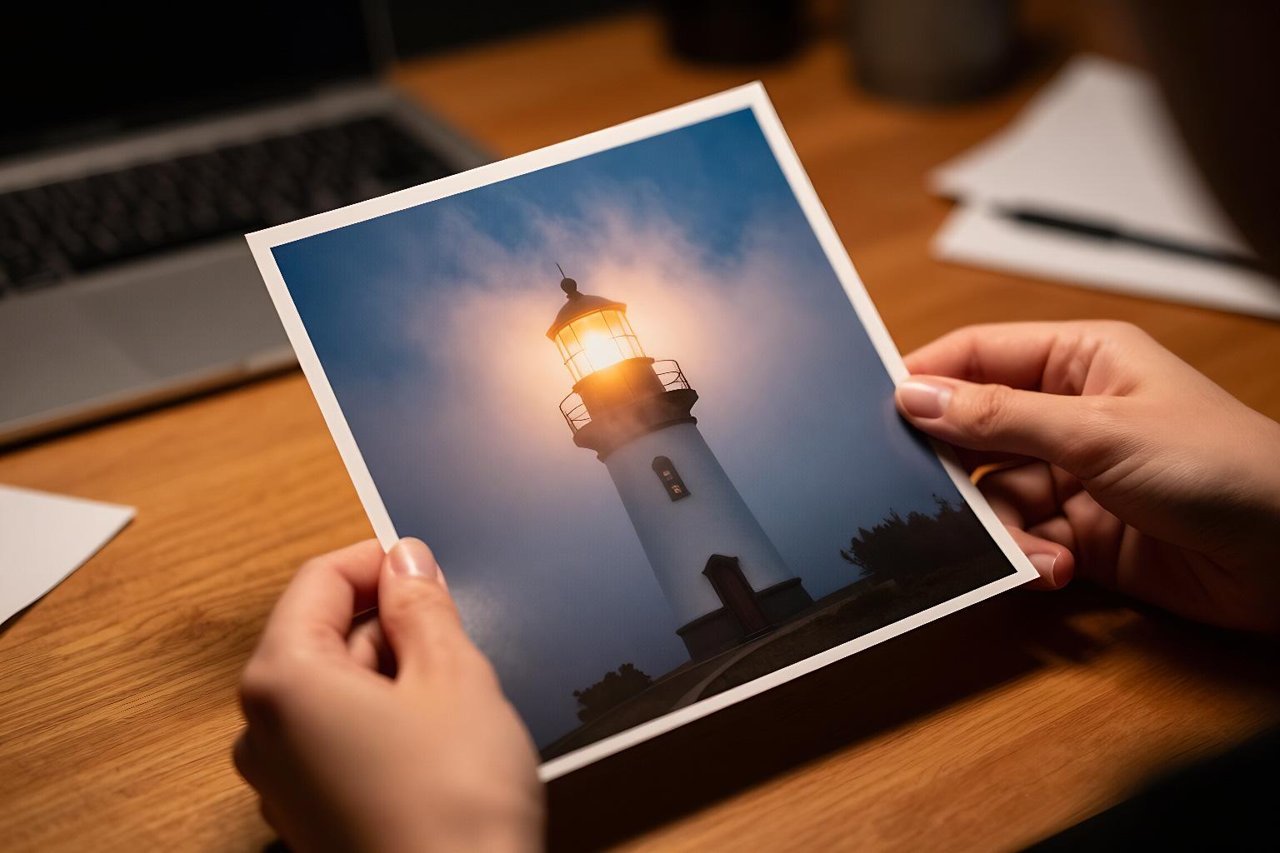
The first time I typed a prompt into an AI art generator, I got forty images and kept one. It was a lighthouse in fog, and the fog looked like crumpled tissue paper. Three months later, roughly the same prompt produced something I still use as a desktop wallpaper. The model hadn’t changed that much. My asking had.
That gap between “wow, it made a picture” and “this is actually usable” is where most people stall out. An AI art generator has a very particular personality. It’s superb at texture and light, careless about counting things, and completely indifferent to what you meant. Learning that personality is most of the job.
What the software is really doing
Most of the tools people open every day, whether Midjourney, DALL·E, Stable Diffusion or Adobe Firefly, are diffusion models. During training they were shown hundreds of millions of image-and-caption pairs with noise gradually added on top. The model learned to run that process backwards: starting from static and stripping noise away until a coherent picture emerges.
One practical consequence matters more than any other. The model doesn’t understand a cat. It has learned which pixel patterns tend to sit near the word “cat” in captions. Ask for two cats and you’ll often get three, or one cat with a second face growing out of its shoulder. Numbers are abstract; visual patterns are not.
Prompting that consistently works
Prompting is not magic words. It’s a compressed brief, and the same rules that make a good photo brief apply here: be specific about what, where, and in what light.
- Lead with subject and medium. “Oil painting of a fishing trawler at dawn, rust streaks on the hull” will beat “a boat, beautiful, 4k, masterpiece” every time.
- Name the light. Golden hour, flat overcast, single hard flash, candlelight from below. Light shape sells realism far more than any quality tag.
- Borrow camera language. 35mm, shallow depth of field, wide angle, macro, slight motion blur. These steer composition and framing.
- Stack fewer modifiers. “8k, ultra detailed, trending on ArtStation, hyperrealistic” does almost nothing on modern models and can flatten the result.
- Use negative prompts where offered. Ruling out “text, watermark, extra fingers, blurry” cleans up a surprising number of bad generations.
When a prompt half works, change one variable at a time. Swapping the lighting phrase tells you something. Rewriting the entire prompt tells you nothing except that the dice landed differently.
The free tier is better than it used to be
You don’t need to spend anything to find out whether AI images fit your workflow. Bing Image Creator and Firefly both give free daily credits, and local Stable Diffusion runs on a mid-range graphics card if you’re patient. If you want a starting point, this roundup of free AI image generator tools for creating striking art covers the realistic options and their limits.
When paying actually makes sense
Subscriptions buy three things: resolution, speed, and consistency tools. If you’re producing one hero image a month for a personal project, free credits cover it. If you’re generating thirty candidate shots for a client deck every week, the $10 to $30 a month pays for itself in an afternoon.
Where AI art generators fall apart
Certain failures are so consistent they’ve become a running joke, and they’re worth planning around rather than fighting.
Hands still break under pressure, especially gripping or overlapping. Text inside images is nearly always garbled, so never ask for a sign, label or book cover with legible words. Reflections and shadows often disagree with each other. And eyes, at close range, have a glassy quality that reads as subtly wrong even when you can’t say why.
Photorealism is the hardest test of all. For a clear-eyed look at where synthetic photography holds up and where it crumbles, this piece on what AI photo generators get right and wrong is worth reading before you promise a client anything.
Getting the same character twice
Consistency is the single biggest complaint from anyone trying to make a comic, a brand mascot, or a series of product shots. Three approaches work, roughly in order of effort.
Seeds and reference images
Fixing the seed keeps the noise pattern stable, which helps but doesn’t guarantee the same face. Feeding a finished image back in as a reference, then describing what to keep, gets you closer.
Train a small model
A LoRA trained on 15 to 30 consistent images of a character or product will hold an identity across hundreds of generations. It takes an hour or two of setup and a decent GPU, and it’s the difference between a novelty and an actual production pipeline.
A workflow that saves you hours
Treat it like a photoshoot, not a slot machine. Write one solid prompt, generate 20 to 30 low-resolution variations, pick the two closest to what you had in mind, then iterate on those with small edits. Upscale only at the end. Chasing a mediocre concept through fifty rerolls is the fastest way to burn an evening.
Keep a text file of prompts that worked, with the model and settings noted. Six weeks later you will not remember which phrasing produced that perfect overcast sky. If you’re building images to accompany written content, the same logic applies to the writing itself: AI blog post generators can hand you a fast draft, but the revision is still yours to do.
The awkward parts: rights and credit
Copyright around AI-generated images is unsettled almost everywhere. In the United States, work lacking meaningful human authorship generally can’t be registered, which matters if you’re licensing art. Several platforms grant commercial rights to output on paid plans, so read the terms rather than assuming.
Two habits keep you out of trouble. Don’t prompt with a living artist’s name in a commercial context. And don’t quietly pass synthetic images off as photography in a portfolio or a news piece, because the correction when someone notices costs more than the disclosure ever would.
Your first week, practically
Pick one free tool and one subject you know well, maybe your own street or a piece of furniture in your flat. Generate 10 images a day for five days, changing one thing each time: the light, then the lens, then the framing, then the level of detail. By Friday you’ll have an instinct for which words the model responds to and which are noise.
That instinct is the actual skill, and it transfers across tools. Models will keep changing, new ones will appear every few months, and the interface will shift. The person who can describe an image precisely and then judge the result honestly will keep getting useful pictures out of whatever AI art generator lands next.