

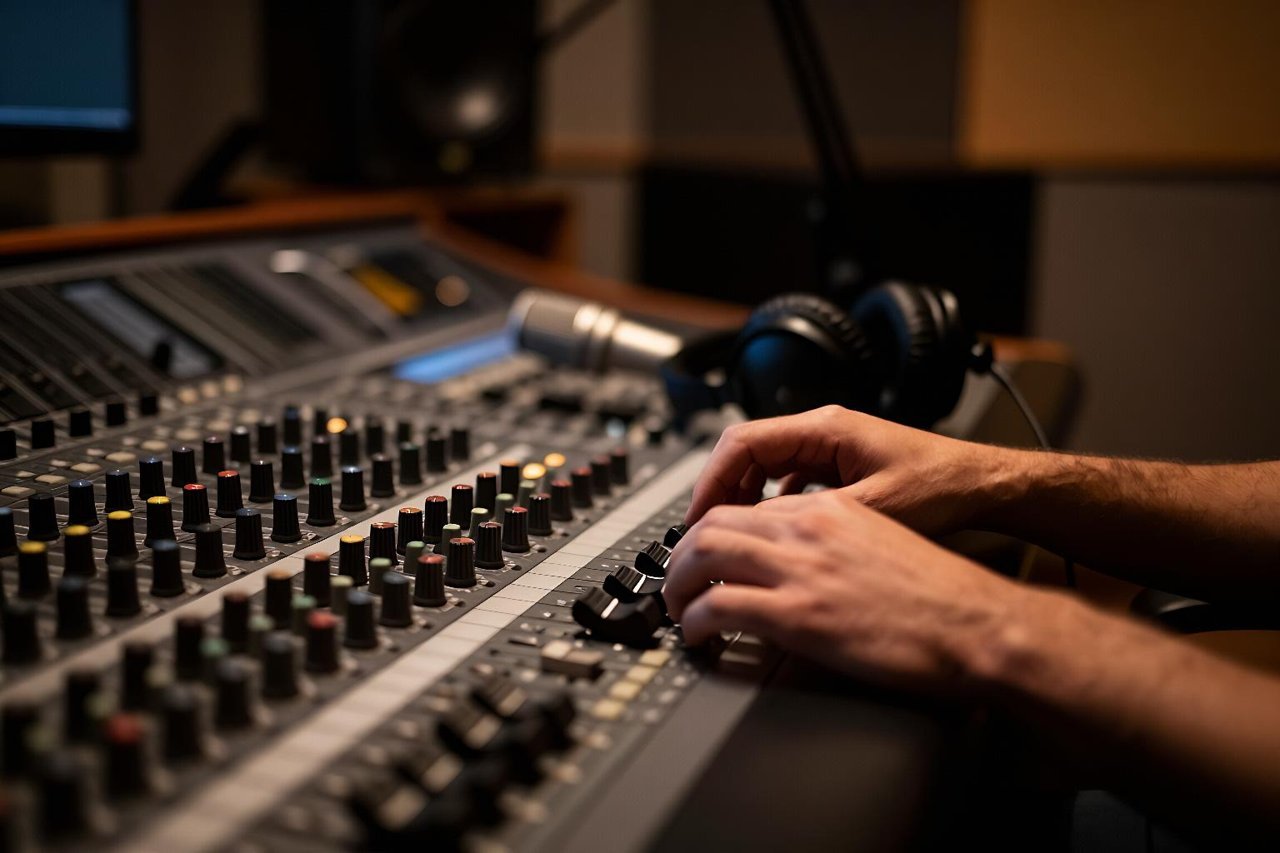
A team in Lisbon records a 14-minute product demo in Portuguese. By the next morning the same clip exists in English, Japanese and German, with subtitles timed to the frame and a synthetic voice that keeps the presenter’s pacing. Nobody booked a studio. Nobody hired four voice actors. That is what an AI video translator does today, and it explains why the category went from party trick to default workflow in about two years.
The results are genuinely good, and genuinely uneven. Knowing which parts of the output you can trust is the difference between a translation that ships and one that quietly embarrasses you in front of a client.
An AI video translator is four models in a trench coat
There is no single “translation model” watching your video. Audio comes in and gets transcribed, the transcript gets translated, and the result is reassembled as either on-screen text or a new spoken track. Each stage fails in its own way, and a weak link ruins the whole chain.
Speech recognition sets the ceiling
Everything downstream is only as good as the transcript. Modern recognisers such as Whisper handle 99 languages and return word-level timestamps, which is what makes precise subtitle timing possible. On clean, close-mic audio in a well-supported language you can expect word error rates in the single digits. Move to a noisy factory floor, two people talking over each other, or a regional dialect the training data barely saw, and that number climbs fast.
Names are the classic casualty. A recogniser hearing “Kubernetes” for the first time in a heavy accent will happily write something else, and the translator downstream has no way to know it was wrong.
Translation needs context, not sentences
Translating a transcript sentence by sentence produces text that is technically correct and completely unnatural. Good systems pass surrounding context, a glossary of product terms, and speaker labels. A Spanish “banco” is a bench in a park and a bank in a finance video, and only context tells them apart.
Timing is a related problem: you are matching spoken audio to the right subtitle cue, which is closer to a retrieval task than a translation one. The same kind of cross-modal matching shows up in work on training multimodal embedding and reranker models, where the job is deciding which piece of text belongs with which slice of audio.
Voice generation is where audiences decide
Dubbing used to mean booking actors and a mixing room. Voice cloning now needs roughly 30 seconds of clean reference audio to produce a passable match in dozens of languages, and the better tools carry over pacing and pitch. What they still struggle with is the stuff that makes speech human: laughing mid-sentence, trailing off, and the sharp emphasis that tells you a joke is coming.
Lip sync is the last mile
Mouth-shape adjustment has improved dramatically, but it is not free. Fast cuts and profile shots confuse the model, and long clips drift out of alignment unless the system re-anchors on hard consonants. For talking-head content it looks convincing. For anything shot handheld with movement, expect artefacts.
Subtitles or dubbing? They solve different problems
Most teams ask for one and need the other. The right choice depends on how the video gets watched.
- Subtitles preserve the original performance, cost the least, and can be indexed by search engines. They also demand literacy and attention, and on mobile people watch with sound off anyway.
- Dubbing wins for training, e-learning and anything with a presenter talking directly to camera. It costs more and pushes runtime longer, because some languages need 15-20% more syllables to say the same thing.
- Both is increasingly the default: a dubbed track with an optional caption layer and the original audio one click away.
Note the runtime problem early. A 10-minute English clip can stretch past 11 minutes in Spanish if the voice track isn’t time-fitted, which breaks any slide cues baked into the edit.
Where AI translation still breaks
Run a two-minute sample through any tool and you’ll see the failure modes within a minute of watching.
- Numbers and units. “Two point five million” becomes “two, five million” or worse. Always check figures by hand.
- Overlapping speech. Two speakers at once and the transcript merges them into one garbled line.
- Humour and idioms. Literal translations of wordplay land somewhere between confusing and rude.
- Domain jargon. Legal, medical and engineering vocabulary needs a glossary or it drifts.
- Cultural references. A local brand or a national holiday rarely survives without a rewrite.
None of these are exotic edge cases. They show up in ordinary marketing videos, which is why a native speaker reviewing a short sample is still the highest-value 20 minutes you can spend.
Live settings are a different beast
Real-time translation for events, kiosks and support desks has to run with sub-second latency, often offline. That pushes the whole pipeline onto local hardware. Compact vision-language-action models running on a Jetson-class board, as in this Gemma 4 VLA demo on Jetson Orin Nano Super, hint at where on-site translation booths are heading: a small box in the room doing the work.
The privacy question nobody asks until procurement does
Uploading a raw training video to a cloud translator means your unreleased product, your internal process and your customers’ faces are sitting on someone else’s server. For regulated industries that alone can kill the project.
Local options exist and are better than they were. Whisper runs on a laptop CPU at a usable speed, and open-weight models handle translation and voice on a single decent GPU. The fully local approach is now mainstream enough that even small robots ship with everything running on-device, as covered in Reachy Mini goes fully local. For a 20-minute internal video, the gap between cloud and local quality is usually small enough that privacy wins.
What it costs, in money and in minutes
Dubbing through a commercial AI service generally lands somewhere between roughly $0.30 and $5 per minute of finished video depending on language pair, voice cloning and how much editing you need. Human dubbing for the same clip runs $30 to $100 per minute and takes days to weeks. Subtitle translation is cheaper still, often a few dollars per video.
The hidden cost is review. Budget one to two hours of a native speaker’s time per 10 minutes of content, more if the subject is technical. That is still an order of magnitude cheaper than the traditional route, but skipping it is how you end up with a German training video that tells staff to “press the emergency stop for fun”.
A workflow that catches problems before your audience does
Lock the script before you translate. Ad-libs and “let me just say this off the cuff” moments are where transcripts fall apart.
Build a glossary of 20 to 50 terms — product names, acronyms, job titles — and feed it into every job. Most tools accept a CSV or a simple term list, and it is the single highest-leverage step available.
Then translate a two-minute slice from the middle of the video first, not the opening. The intro is usually the cleanest audio and the most polished delivery, so it flatters the tool. The middle is where the real recording lives.
Judge the output, not the demo
The most useful test costs nothing: translate a sample, then translate it back into the original language with a different tool and read the result. Awkward phrasing in the back-translation is a strong signal the forward pass is shaky.
After that, watch with your eyes closed. If the dubbed audio alone makes sense, with no subtitle crutch, you have something you can publish. If you need the captions to follow along, your audience will too. Fix the timing or the voice before you fix anything else, and keep one native speaker on speed dial for the names.