

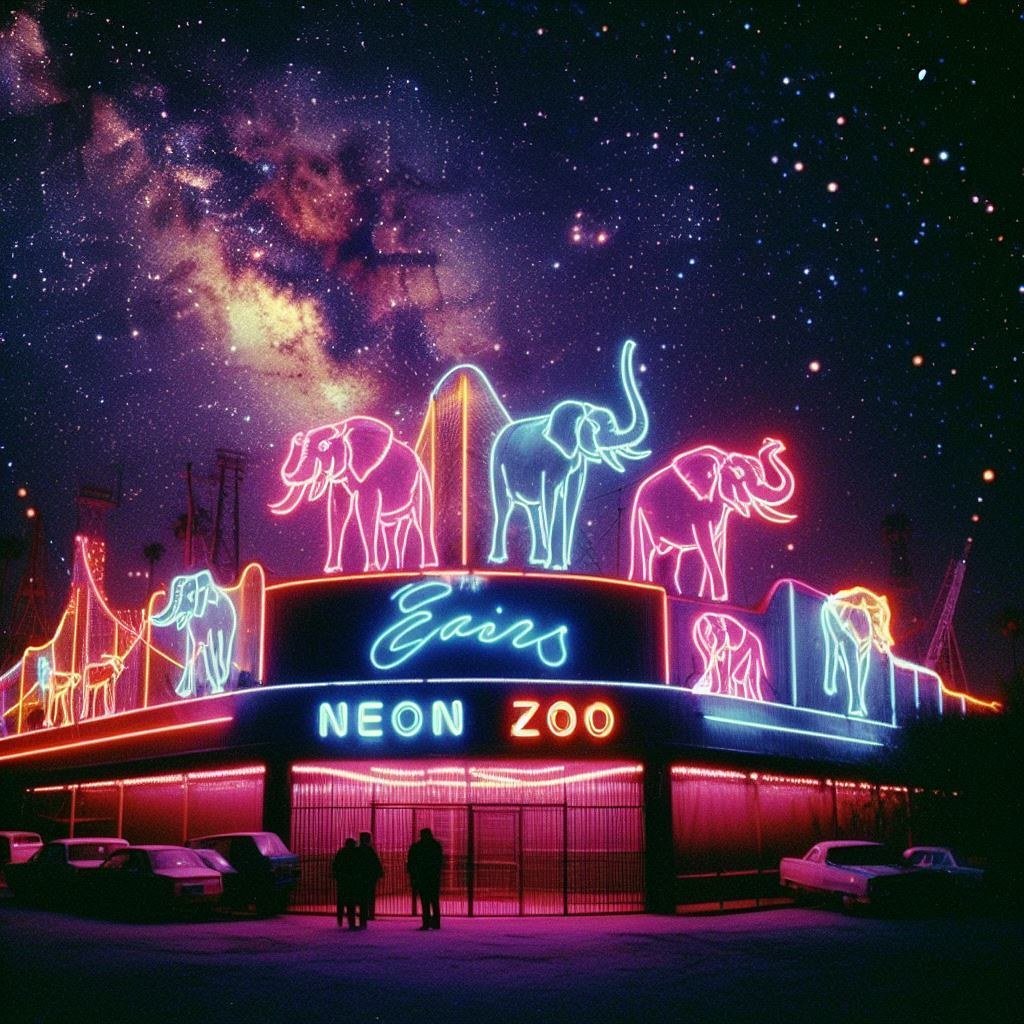
Type a sentence into a chat box, wait a few seconds, and a finished illustration appears. That is the basic promise of Copilot AI image generation, and most people who try it walk away mildly impressed and slightly confused about what they just used. Is it DALL·E? Is it Designer? Why did it refuse that one prompt and accept a nearly identical one an hour later?
Here is the practical version, based on using it for real tasks rather than demo prompts.
What Copilot is actually running when you ask for a picture
Image requests inside Microsoft Copilot get handed to an OpenAI model. For most of Copilot’s life that meant a DALL·E 3 variant, and newer builds route some requests to the GPT-4o image model, which is noticeably better at rendering short words inside an image and at following multi-part instructions. You will not usually be told which one answered.
Output defaults to a square 1024×1024 frame, and each file carries C2PA content credentials in its metadata marking it as AI-generated. The engine is the same one behind Microsoft Designer’s Image Creator, so if you have used one you have effectively used the other. The difference is packaging: Copilot is conversational, Designer is a small editing suite bolted onto the generator.
Three ways in, and which one to pick
You can reach the image tools from copilot.microsoft.com, from the Copilot app on Windows and mobile, and through the Edge sidebar. All three hit the same model with the same daily allowance.
The web version is the most flexible for long sessions because you can keep one conversation thread open and change a single variable at a time. The desktop app is quicker to reach mid-task, though as I found while testing it, Copilot on Windows still has rough edges around how it hands off between quick questions and longer creative work. Designer earns its place once images exist, since it will crop, erase, and restyle a result without spending another generation.
The prompt does most of the work
Vague prompts produce stock-photo mush. Copilot fills gaps with its own defaults, and those defaults are beige: soft lighting, generic smiling people, teal and orange grading. Say what you want and it will usually give it to you.
Lead with the subject and the physical situation
“A cyclist” gives you nothing. “A courier in a yellow rain jacket hauling a boxed cake up wet stone steps, shot from below” gives the model a scene to build. Concrete nouns beat adjectives every time.
Borrow photography vocabulary
Words like 35mm, shallow depth of field, overcast light, hard flash, wide angle, and eye level shift the result more than any “cinematic, 8k, masterpiece” string. The model has clearly read a lot of photo captions and responds to them.
Say what should not be there
Exclusion lists get ignored sometimes, but short ones help: “no people in frame”, “plain background, no props”. Keep them to a clause or two. Long lists of things to avoid have an unfortunate habit of summoning them.
A prompt skeleton that clears the default aesthetic without turning into keyword soup:
- Subject and action: who or what, doing what
- Setting: location plus weather or time of day
- Framing: close-up, wide shot, overhead, from behind
- Light: soft window light, harsh midday sun, neon at night
- Medium: photograph, gouache illustration, pencil sketch, isometric render
Five elements, roughly 25 to 40 words. That is enough.
Steer with follow-ups instead of starting over
Copilot keeps the thread, which is one of the things the Microsoft Copilot chatbot genuinely gets right. Once an image is 70% correct, say “same scene, but move the camera to the left and make the jacket navy” rather than pasting a fresh prompt. You lose less and you learn what each phrase actually does.
The limits you will hit in the first week
Hands still arrive with six fingers more often than they should. Long words inside an image break into plausible nonsense unless you are on the newer model, and even then two or three words is the safe ceiling. It cannot count, so “seven candles” may return five or nine.
Likenesses are the bigger wall. Named public figures, most celebrities, and recognisable characters from films or games tend to get refused. So do prompts involving children in ambiguous contexts, graphic violence, and anything sexual. The refusals are inconsistent enough that people burn hours rewording the same idea. If a prompt fails twice, change the concept rather than the phrasing.
Aspect ratio is a quieter constraint. Ask for a wide banner and you may get a padded square. Cropping in Designer or your own editor is faster than fighting the generator.
Free generations, paid generations, and what actually changes
Signed-in users get a daily batch of fast generations, historically 15, after which images still appear but take longer and sometimes queue. Copilot Pro pushes that to around 100 a day with priority during busy periods. The image allowance is only one line item in a broader package, so read the breakdown of Microsoft Copilot pricing by plan before subscribing. If you only need to know where the free ceiling sits, what you actually get from Copilot AI for free covers it properly.
For blog headers and mood boards, the free allowance is plenty. For a week of ad variants, you will feel the throttle by Wednesday.
Where it genuinely fits into work
The best uses are the ones where good enough and fast beats perfect and next Tuesday. Placeholder visuals for a deck. Three rough directions for a brand illustration before you brief a designer. A hero image for a post that would otherwise run bare. Backgrounds for a video call. Texture and pattern fills.
It is weakest where accuracy matters: product shots that must match the real item, diagrams with labels, anything containing your actual logo or a correct URL. For slide decks, drop the generated image into place and handle layout yourself, because Copilot for PowerPoint is better at structure than at visual polish.
How it compares with ChatGPT’s image tools
Both can run on the same underlying models, so raw quality is often close. The difference is the surrounding workflow and the guardrails. ChatGPT tends to be looser about editing one region of an existing image and iterating on a single object. Copilot is more tightly wired into Microsoft’s apps and more aggressively filtered. If you are deciding where to put a subscription, this look at Copilot versus ChatGPT for everyday work is a fair starting point.
Iterating is where the quality comes from
Nobody gets a publishable image from the first generation. People who do well with Copilot AI image generation treat the first output as a sketch and put their effort into the second, third, and fourth pass.
Three habits make that cheap. Change exactly one thing per follow-up so you can tell what caused the improvement. Ask for a batch instead of a single frame: “four versions of this, varying only the lighting” gets you options in one generation. Keep a plain text file of prompts that worked, with a note on what the model did, because the models change under you and a prompt that sang in March can fall flat in July.
Then take the winner into Designer or any editor for a crop, a small contrast tweak, and a resize for each platform you need. That last ten minutes of manual work is the gap between an image that looks AI-generated and one that looks like it belongs on the page.