

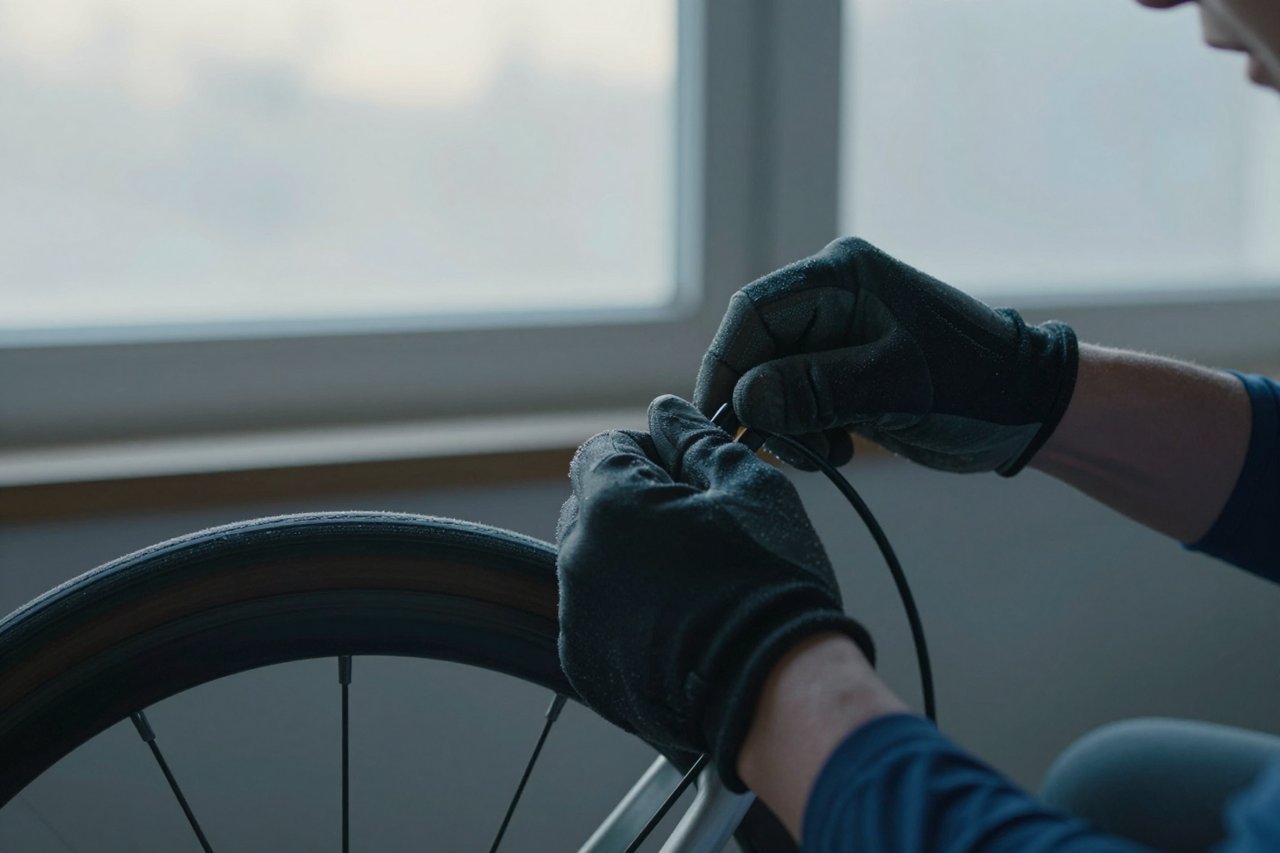
A client emails you one line: “Something for the winter cycling post. Cold, but hopeful.” You open a free generator, type winter cycling, cinematic, 8k, masterpiece, and hit generate. What comes back is a man in a neon windbreaker standing in something that might be fog or might be a rendering error.
That gap between the sentence in your head and the pixels on your screen is the whole job. It rarely gets solved by switching tools. It gets solved by a process you repeat, with small deliberate changes, until the image is good enough to publish.
Here is the workflow I use now. The first run takes about 35 minutes. By the tenth, you are down to eight or nine.
Turn the brief into a sentence a photographer could shoot
“Cold but hopeful” is not an image. No generator has ever produced a good file from a mood word, because mood words describe your reaction to a picture rather than the picture itself.
Translate first. Every vague phrase has a physical equivalent:
- “Cold but hopeful” becomes low winter sun breaking through overcast, long shadows on wet asphalt.
- “Energetic” becomes motion blur on the wheels, rider leaning hard into a turn.
- “Premium” becomes medium format look, soft even light, muted palette.
Free tools generally run smaller models than the paid ones, and small models are far better with concrete nouns than with atmosphere. Give them a scene they can actually draw.
The four-slot prompt that works on almost every free tool
Once you have the sentence, wrap it in four slots: subject, medium, light, frame.
Subject is what is happening. Medium is how it was supposedly captured. Light is where the light comes from. Frame is how close you are and in what shape.
Here is the cycling brief after all four slots:
cyclist on a wet cobbled street before sunrise, 35mm film photograph, low sun behind creating long shadows and lens flare, wide shot with the rider small in frame
Twenty-six words. That is the target. Most free generators weight the start of a prompt more heavily than the end, so lead with the subject and let the styling trail behind it.
Drop the junk words. “8k, masterpiece, ultra-detailed, trending on ArtStation” does nothing on some free tools and on others pushes everything toward a glossy, over-sharpened HDR look that screams AI stock photo. If you have not settled on a tool yet, there is a shortlist of eight free generators that are actually worth your time, though the prompt structure below behaves the same on all of them.
Generate four, not one
Single-image generation is a trap, and it is the main reason free tools feel worse than they are. One output gives you nothing to compare against, so you either accept something mediocre or blame the software.
Run the same prompt four times, then look at the results in a specific order:
- Composition first. Is the subject where you want it, and is the background readable?
- Hands and faces second. This is where cheap models fall apart.
- Colour last. Colour is the easiest thing to fix in editing, so it is the worst reason to reject a good composition.
Free tiers hand out daily credit allowances rather than unlimited runs, so four is usually the practical ceiling before you are waiting for tomorrow. Spend those four on the same prompt, not four different ideas.
Change one variable per round
This is the step people skip, and it is the one that turns a free tool into something usable. Change a single word or phrase between rounds. Rewrite the whole prompt and even if the result improves, you have learned nothing about why.
Common failures and the one change that usually fixes them:
- Melted hands. Move them out of the shot with “hands out of frame”, or turn the subject away from camera.
- Cluttered background. Add “clean background, shallow depth of field”, or physically move the subject to “against a plain concrete wall”.
- Neon colours. Add “muted, desaturated palette” and delete any word like vibrant, vivid or colourful.
- Plastic skin. Add “35mm film, slight grain, natural imperfections”.
- Warped faces at close range. Pull back to a wider frame. Small models handle faces at distance much better than portraits.
That list covers most of what goes wrong. If you want a longer set of repairs, there is a solid breakdown of how to get good images from a free AI image generator that goes deeper on prompt troubleshooting.
Lock the result before you lose it
When something works, download it immediately and paste the exact prompt into a note. Many free tools do not give you seeds at all, and the ones that do tend to reset them between sessions. Losing the one good frame out of forty hurts.
If you need a matching set, say three images for one article, switch to image-to-image instead of text-to-image. Feed the good result back in and change small things, and the lighting and palette stay consistent across the set. The step-by-step walkthrough of working from an existing image covers the settings that matter for that.
Do the last ten percent somewhere else
Generators are bad at the last mile, and it is cheaper to fix that yourself than to keep re-rolling. Two minutes in a free editor gets you there:
- Crop to the shape you actually need. Plenty of free tools output squares by default.
- Upscale before you sharpen. Cropping to 16:9 shrinks the pixel count, so a free upscaler keeps blog headers crisp.
- Nudge contrast and drop saturation by about five percent. That alone removes the giveaway sheen.
- Add a touch of grain if the image looks too smooth sitting next to your other photos.
Keep a log, or you will repeat the same 35 minutes forever
Four columns are enough: date, tool, the prompt, and what you changed. Three weeks in, you will notice you keep reaching for the same two tools for the same two jobs, and that one phrase like “low sun behind, wide shot” does most of the heavy lifting across all of them.
The same logic applies across a wider toolset, and there is a five-step AI workflow built around real numbers that makes the pattern obvious fast.
When to stop and rewrite the scene
Three rounds of one-variable changes and it is still wrong? The wording is not the problem. The scene is. Go back to your sentence and replace the subject or the location entirely. A cyclist on cobbles in the rain is a hard image. A cyclist’s handlebars reflected in a shop window is an easy one. Free generators are much better at tight, simple compositions than at wide, complicated ones.
There are also things free tools simply will not do well, and knowing the list saves you a lot of wasted credits: repeating the same character across many images with consistent detail, rendering legible text inside an image, and anything involving a specific real person or a licensed logo. Design those constraints out of the brief early rather than fighting them for an hour.
Do that, and the free option stops being a compromise. It becomes the tool you reach for first, because you know exactly how far it gets you and exactly where you take over.