

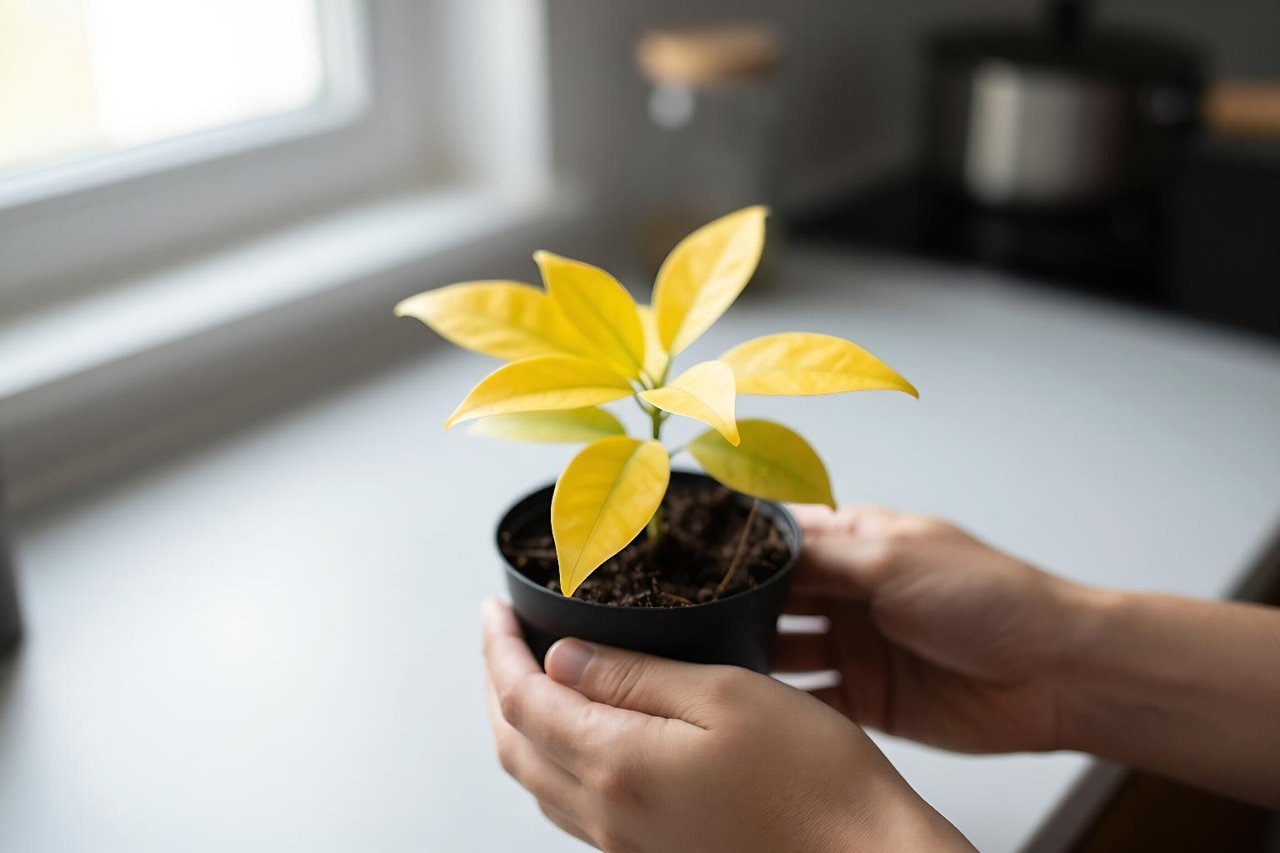
You drop a photo into ChatGPT, type “what’s wrong with this?” and get an answer that sounds confident. Sometimes it nails the problem in seconds. Sometimes it invents a detail that was never in the frame. ChatGPT image analysis is genuinely useful, but it works more like a sharp assistant with imperfect eyesight than a measurement instrument.
What ChatGPT image analysis is actually doing
When you upload an image, ChatGPT’s vision model converts the picture into a form it can reason about alongside your text. It recognizes objects, layouts, colors, text, and patterns, then explains what it thinks is there. That makes it good at interpretation and poor at precision. A photo of a receipt? It can pull out the merchant and total. A photo of a 40-row spreadsheet? It may lose a digit halfway down.
The model does not open the image like Photoshop or run a ruler across it. It predicts a plausible reading based on training. That distinction explains most of its wins and failures.
Where it earns its keep
Reading text from photos and screenshots
Optical character recognition is one of the strongest uses. ChatGPT can transcribe handwritten notes, menu shots, receipts, labels, error messages, and screenshots. I use it to turn a photographed receipt into a categorized expense list, then check every number by eye. The transcription is usually close, not perfect, especially with crumpled paper or low light.
Describing scenes and spotting obvious problems
Ask it to describe a room, a plant leaf, a piece of furniture, or a product photo and it will produce a useful inventory. It can point out a wilted leaf, a missing screw, or a messy cable run. For sellers, it can suggest a cleaner product photo composition. For renters, it can help decode a badly lit apartment photo. It will not replace a plumber or a doctor, and it should not be treated as one.
Reviewing screenshots and interfaces
This is the quiet workhorse. Upload a screenshot of a broken layout, a confusing checkout page, or an error dialog and ask what stands out. ChatGPT can explain the likely cause, rewrite the error message, or suggest a clearer flow. It is especially handy for non-designers who need plain-language feedback. For Windows and Microsoft 365 users, Copilot vs ChatGPT compared for real workflows is worth reading, since Copilot can analyze screenshots inside some Microsoft apps.
Making sense of charts and diagrams
Upload a bar chart and ChatGPT will usually describe the trend, name the highest category, and summarize the takeaway. Treat exact values as estimates. If the chart has 12 labels and no data table, ask it to list only the values it can read clearly and flag the rest as uncertain. That one instruction cuts down on invented numbers.
Where ChatGPT image analysis goes wrong
Most errors fall into predictable buckets:
- Exact counts. Ask how many screws are in a tray and you may get a confident wrong number. Models are better at “about a dozen” than “17.”
- Dense or blurry text. Small fonts, glare, and handwriting cause dropped words and invented line items. Always verify totals and names.
- Spatial precision. “Is the valve left of the pipe?” can produce a guess. Add a marked-up image or describe the layout in words.
- Specialist judgment. Medical scans, legal documents, and structural damage need a qualified human. ChatGPT can explain terms, not diagnose.
- Current facts. A photo of a product does not tell the model today’s price or recall status. It may still answer as if it does.
How to write a better image prompt
The image is half the input. The question is the other half. A prompt like “What do you see?” invites a generic tour. A prompt like “Read the total on this receipt. If a number is unclear, write UNCLEAR instead of guessing” gives the model a job and an escape hatch.
Try this sequence:
- State the goal. “I need to know whether this plant needs water,” not “analyze this.”
- Add context. “This is a 1930s rental kitchen. The cabinet door is stuck.” Context changes what details matter.
- Ask for uncertainty. “Flag anything you cannot read or see clearly.”
- Request a format. “Return a table with item, price, and category.” Structured output is easier to check.
- Crop before uploading. One receipt beats a photo of a desk covered in papers.
If the first answer feels too smooth, ask a second question: “Which parts of that answer came directly from the image, and which parts are inference?” The reply often reveals the shaky bits.
Practical uses that save real time
A few examples from ordinary work:
- Turn a photographed receipt into an expense table, then verify the total against the paper.
- Upload a screenshot of a code error and ask for the likely cause in plain English.
- Photograph a plant leaf and ask for three possible causes, ranked by likelihood.
- Get alt text for an image you are about to publish, then edit it for tone.
- Photograph a furniture parts bag and ask which pieces look missing before assembly.
- Translate a sign or menu from a photo, with a warning that idiom and handwriting can trip it up.
For research that needs live sources, pair the image with a search-first tool. A comparison of Perplexity AI vs ChatGPT for search explains when a model with fresh web results beats a pure chat window.
Privacy rules worth following
Every image you upload deserves a second look. Blur or crop out faces, account numbers, addresses, medical details, and anything under an NDA. A photo of a whiteboard can contain more confidential information than a PDF. If you would not paste the text into a chat window, do not upload the picture.
Check the service’s data controls before using client work. Free accounts and paid accounts can have different retention settings. The guide to ChatGPT Free covers what you get on the no-cost plan, including the practical limits on image uploads and long conversations.
When another tool fits better
ChatGPT is not the only model with eyes. If your work lives in Office documents, Copilot may be the smoother fit. If you need sourced answers from the live web, Perplexity is often stronger. If you want a fast second opinion on a visual question, run the same image through two tools and compare. DeepSeek Chat vs ChatGPT and Gemini is a useful reality check on where cheaper models hold up and where they stumble.
For a quick sanity test, upload an image with a detail you already know, such as a receipt total or a label. See whether the model catches it. That 30-second check tells you more about reliability than any benchmark.