

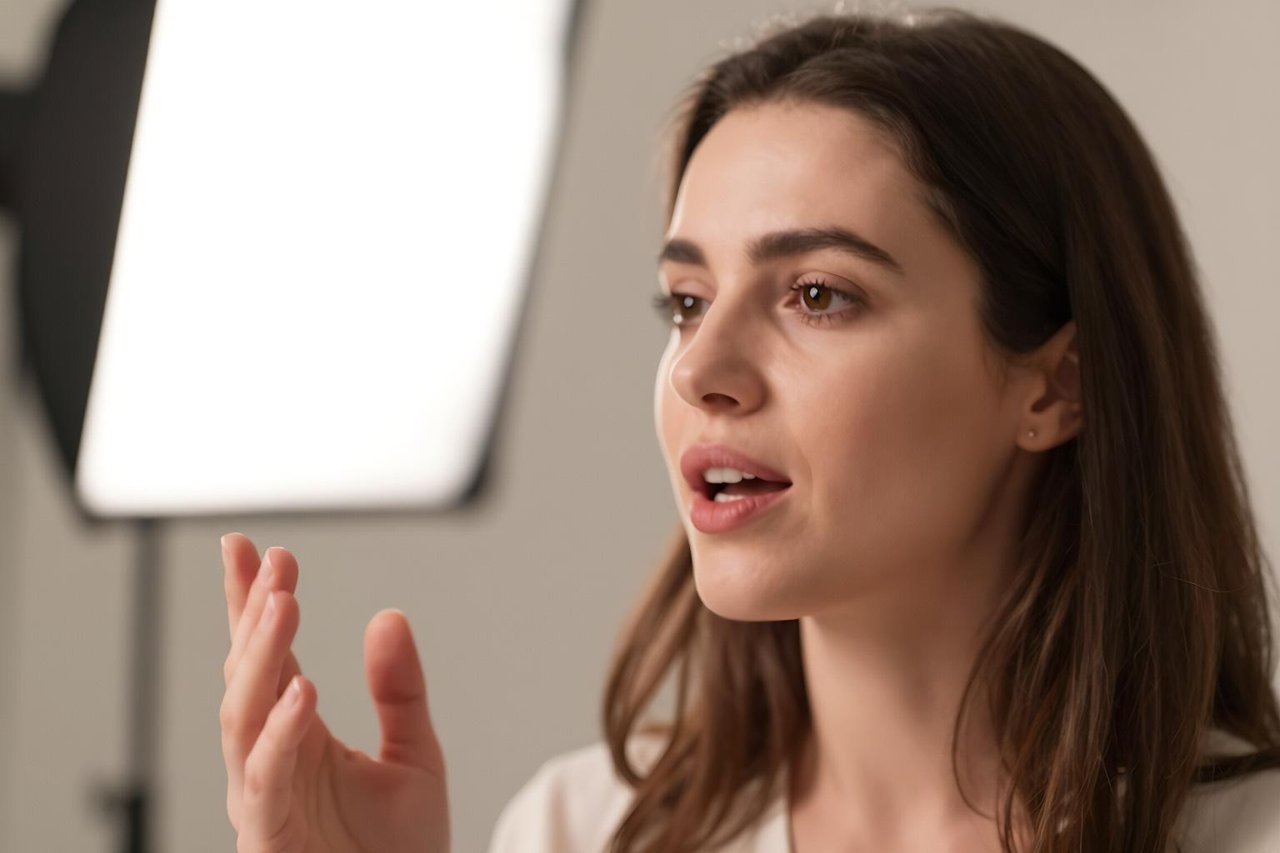
A 90-second product demo, six languages, one presenter who never had to re-record a take. That is the pitch behind every AI talking avatar generator, and it is closer to true than most AI marketing. The disappointment arrives later, after the first export, when the eyes blink a beat too slowly and the word “February” lands flat, like someone reading a phone number off a card.
The distance between a demo that stuns and a video you would actually publish comes down to three things: the source footage, the script, and whether you picked the right tool. Everything else is secondary.
What an AI talking avatar generator actually does
Underneath the templates and brand kits, there are three working parts.
- The face. Either a stock avatar from a library, or a custom one trained on footage of a real person.
- The voice. A stock neural voice, a clone of yours, or a recording you upload yourself.
- The driving model. The piece that takes the audio and generates lip movement, blinks, head tilts and small facial shifts, frame by frame.
Synthesia, HeyGen, D-ID, Colossyan and Elai assemble those layers differently, but the architecture is the same. Output is almost always MP4 at 1080p, with 9:16 and 1:1 variants for social thrown in.
Stock avatar or your own face?
A stock avatar takes about four minutes to produce. You pick a presenter, paste a script, choose a voice, export. Nobody will mistake it for a real person, but nobody will be confused by it either, and for internal training content that is usually enough.
A custom avatar is a different commitment. You record two to five minutes of yourself on camera reading a consent script, in decent light, looking at the lens. Processing takes anywhere from a few hours to a couple of days. The result is a digital version of you that can say things you never recorded, which is genuinely useful and also a little unnerving the first time you watch it.
Where talking avatars earn their budget
They are brilliant at volume and repetition. A 40-slide compliance course that used to need a presenter, a studio and three days of editing becomes a morning’s work. Product updates that would otherwise sit unread in a changelog get a face and a voice. A sales team personalising 200 opening videos is now a spreadsheet job.
They fall apart when the job needs warmth or improvisation. A founder’s launch announcement, a customer apology, a keynote. Audiences forgive plenty, but they do not forgive a synthetic face delivering news that clearly needed a human.
A rough rule: if you would happily send the same video to 1,000 people, an avatar is fine. If the message only makes sense to one person and the relationship matters, film it yourself on a phone.
The details that separate usable from embarrassing
Watch any talking avatar for thirty seconds and your eye goes hunting for the flaws. That is the uncanny valley doing its work, and it is worth knowing where the cracks are before you commit to a tool.
Mouth shapes. Plosives (p, b, m) and sibilants (s, sh) are where lip sync breaks first. If a tool garbles “business process”, it will garble your brand name too.
Blinking and micro-motion. Cheap engines blink on a loop. Expensive ones vary the timing. Watch a 20-second clip and count the blinks.
Framing. Almost every avatar looks convincing in a tight head-and-shoulders shot and collapses the moment the camera pulls back and hands appear. Shoot close. Keep it close.
Pacing. The voice is the giveaway, not the face. A flat stock voice reads every sentence with the same energy, so the script has to carry the variation.
What free tools realistically deliver
Free tiers exist and they are useful for testing, not publishing. Expect a watermark, a cap of one to three minutes of video, 720p exports, and access to library avatars only. Some services let you generate a preview of a custom avatar but charge to render the final file. If you want to see how far a genuine free AI generator will take you before you spend anything, that is the sensible place to start.
A workflow that produces something you would publish
The tool is maybe 30% of the result. The rest is process.
1. Write for the ear. Short sentences. One idea per line. No subordinate clauses stacked three deep. Spell out figures as you want them spoken and respell tricky names phonetically in the script box: “Kai-oh-tee” rather than trusting the engine.
2. Record the audio yourself if you can. Even a laptop microphone beats a stock voice for warmth, and most platforms accept an uploaded audio file. Failing that, pick a voice with some texture and slow it by about 5%.
3. Build in a tight frame. Head and shoulders, plain background, eye contact with the lens. If you are working from a single photo rather than a trained model, turning one photo into a polished talking-head video brings its own quirks around image quality and head angle.
4. Break the monotony. Cut to a screen recording, a product shot or a b-roll clip every 20 seconds or so. A single talking head for four minutes wears out its welcome fast, however good the lip sync. Building a repeatable stack of AI tools for content creators around this step saves more time than any single generator will.
What it costs, honestly
Entry plans sit around $20-30 a month for 10 minutes of video, which sounds generous until you realise a three-minute explainer eats a third of it. Creator and team tiers run $60-90 a month for 30-60 minutes plus 1080p downloads. Custom avatar creation is often a one-off fee somewhere between $50 and $300, or bundled into an annual business plan.
Per-minute pricing is the number that matters. Compare it with a half-day studio shoot, a presenter fee and an editor, and the maths often favours the avatar for anything you will update quarterly. For a single hero video you will use for a year, hire a videographer.
Questions worth asking before you pay
- Does the plan include commercial usage rights, or is that a separate licence?
- How long does my custom avatar stay available if I pause the subscription?
- Can I upload my own audio, or am I locked into the built-in voices?
- What happens to my footage and likeness data, and how do I delete it?
- Does the export come out at 1080p without a watermark on the tier I am buying?
Those five answers separate the tools that respect their customers from the ones that do not. It is also worth understanding what actually separates one AI video generator from another before you sign an annual contract, because the real differences rarely appear in the comparison tables.
Make the first one boring
Pick a 60-second internal update nobody outside the company will see. Write the script at roughly 140 words per minute, so 140 words for a minute of video. Upload your own audio. Export at 1080p. Watch it twice: once for the message, once for the mouth.
If the second viewing makes you wince, change the framing or the voice rather than the tool. Most first attempts fail on shot choice and script rhythm, not on the model itself. Once a plain, unglamorous clip passes that test, you have a template you can reuse for months, and the realistic expectations for an AI avatar generator start making a lot more sense.