

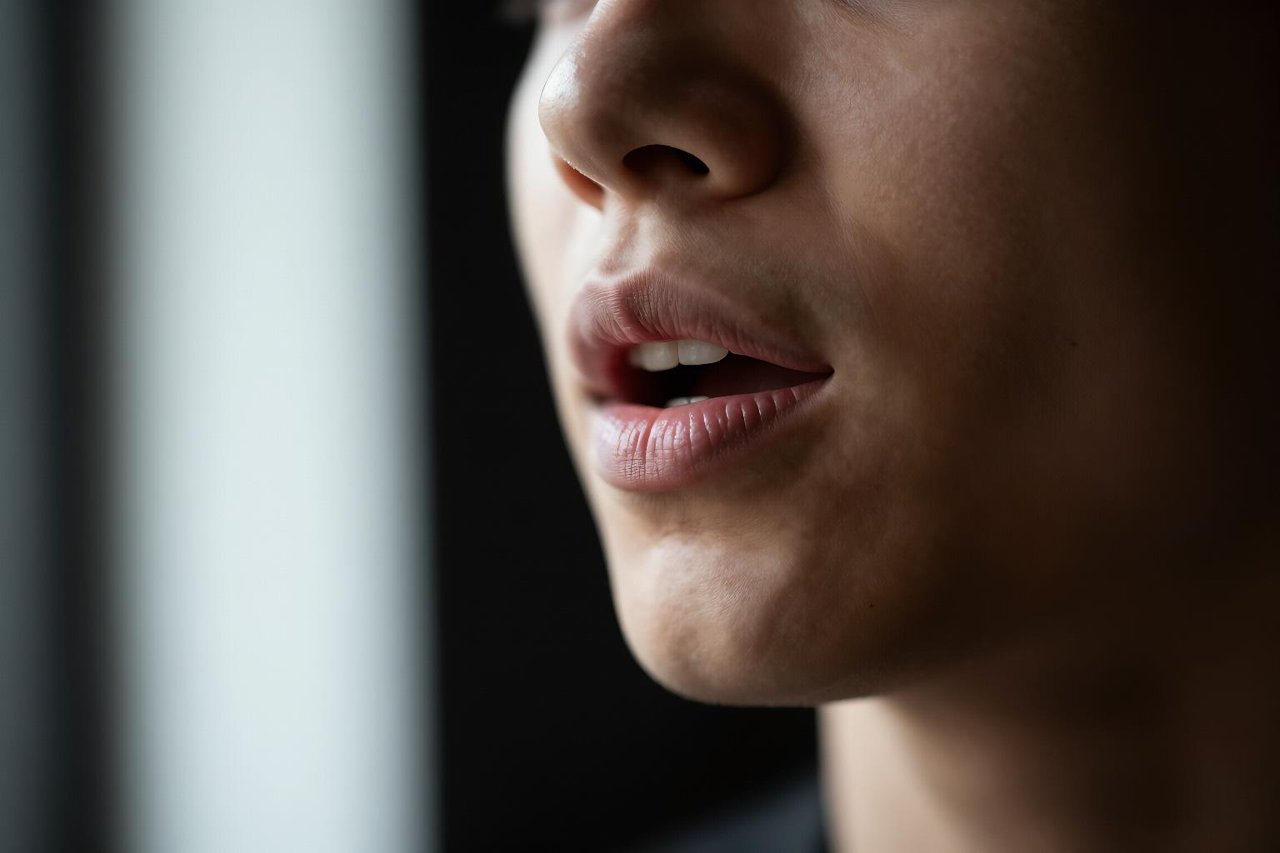
A founder films a 40-second product demo on a phone, drops the file into an AI lip sync video tool, and gets back five language versions before lunch. The Spanish cut looks native. The Japanese cut looks like a hostage video: the mouth moves beautifully, the eyes don’t, and the head does this tiny nervous shimmer that nobody can name but everybody notices.
Same tool. Same source clip. That gap is what separates a dub you’d put in front of a paying client from one you quietly delete. It usually has very little to do with which model you picked and a lot to do with the footage you fed it, the language pair, and two or three settings buried in an export menu.
What an AI lip sync tool is actually changing
Strip the marketing away and these tools do one of two things.
Warp-based systems detect facial landmarks, isolate the mouth region, and stretch pixels to match new phonemes. They run fast and they preserve the original head motion, which is why the body language still reads as the person you filmed. The weakness is anything the model has to invent: teeth, tongue, the dark inside of a mouth mid-vowel.
Generative re-renders rebuild the lower face from scratch, frame by frame. Teeth hold up. Angled shots survive. The trade-off is identity drift, where the jaw gets slightly wider after ten seconds and the chin slightly longer, plus a noticeably bigger invoice.
Both approaches key off visemes, the visual mouth shapes that correspond to phonemes. English needs roughly fifteen of them. Languages with heavy rounded vowels or nasal sounds push that mapping harder, which is why your German version often looks sharper than your Portuguese one.
The three jobs people actually hire these tools for
Dubbing a video you already finished
The workflow is plain: transcribe the original, translate it, generate speech in the target language, then re-sync the existing mouth to the new audio. The step everyone skips is pacing. A twelve-second English line can become seventeen seconds in French, and the sync tool has no choice but to force the mouth into fast-forward. Tighten the translation until each sentence lands within about 10% of the original duration and the output improves before you touch a single setting.
Talking-head video and UGC-style ads
Here the source is often a still image or a three-second clip, so the lip sync carries the entire performance. Accuracy is table stakes. What actually sells it is everything around the mouth: blinks, micro-nods, a voice with some breath in it. If you’re building a presenter rather than dubbing one, the guide to making a talking avatar that doesn’t read like a robot digs into the details that separate usable from uncanny.
Repairing footage you can’t reshoot
An interview recorded on a dying lav mic. A client ad where the talent mispronounced the brand name nine times. A sync tool lets you drop in a clean read and refit the mouth, and this is the most underrated use of the entire category. One caveat: the replacement read has to match the original rhythm, or you get a mouth that arrives half a beat early for the whole clip.
Where lip sync falls apart
Failures cluster in predictable places. Learn to look for them and you’ll spot a bad render in under three seconds.
- M, B, P and F. These need lips to actually close or touch teeth. Most visible glitches live right here.
- Teeth and tongue. Warp-based tools smear them; generative ones sometimes invent a second row.
- Angled shots. Front-on is easy. A three-quarter turn loses half the landmarks and the jawline starts sliding.
- Beards and moustaches. Hair moves independently of skin, so a full beard tends to ripple like water.
- Fast speech. Auctioneer-speed delivery gives the model four frames per syllable instead of eight.
- 24fps with motion blur. Cinematic footage hands over blurred mouth frames and the tracker guesses.
- Glasses. Reflections shift across the cheek while the face underneath doesn’t, which the eye reads as wrong instantly.
What to check before you pay
The pricing pages hide the useful numbers. Free trials are typically 30 to 90 seconds, which is enough for one honest test and not much else. Look at maximum output resolution, because a 720p render looks fine on a laptop and mush on a 55-inch TV. Check clip length caps, whether original head motion is preserved, whether the tool handles more than one face in frame (it usually picks one, badly), and whether commercial rights are included on your plan.
Speed matters less than you think. A two-minute turnaround feels magical on day one and irrelevant by week three. What you’ll actually care about is repeatability, and the one factor that decides whether an AI video tool is right for you is rarely the one in the comparison table.
A shooting setup that flatters any tool
You can improve results more with a camera than with a subscription. Shoot at 4K and 30fps, even if your final output is 1080p, because the extra detail gives the tracker more to hold onto. Put the lens at eye level. Use soft, frontal light so the mouth isn’t half in shadow. Stand in front of a plain wall and keep your hands away from your chin.
Then slow down. Most people speak about 15% faster on camera than they think, and dropping back to a natural interview pace gives the model clean frames to work with. Keep takes under 30 seconds with a beat of silence between sentences; long unbroken monologues are where drift creeps in.
Post matters too. Cropping, colour matching and audio cleanup quietly rescue more lip sync jobs than any model upgrade, and an honest look at what an AI video editor saves and what it costs you is worth ten minutes before you commit to a workflow.
Getting the render to survive a phone screen
A technically perfect sync still dies in a vertical feed if the face sits outside the safe zone or the subtitles cover the chin. Reframe to 9:16 before you export, keep the mouth in the middle third, and add burned-in captions for anyone watching with sound off. Vertical-first thinking changes the shoot too: shoot slightly wider than you need so the crop has room. If short-form is the destination, the breakdown of what AI Reels generators nail and where they fumble covers the formatting traps in more detail.
The mismatch nobody mentions in reviews
Here’s the thing that gives away more dubs than any mouth artifact: room tone.
Original footage shot in a café carries hum, cutlery, a refrigerator cycling somewhere behind the counter. The replacement voice arrives studio-dry, recorded in a treated room with a noise floor near zero. The mouth is flawless and the scene still sounds wrong, because your brain notices the acoustic change before it notices anything visual.
The fix takes two minutes. Grab five seconds of ambience from the original clip, loop it under the new dialogue at around -30dB, and match the reverb tail roughly to the size of the space. A little room noise makes a synthetic performance feel like it happened somewhere real.
Then watch the render twice: once muted, to judge whether the mouth shapes read on their own, and once with your eyes closed, to hear whether the audio belongs in that room. If both pass, you’ve got a clip that will hold up in front of an audience that never thinks about lip sync at all.