

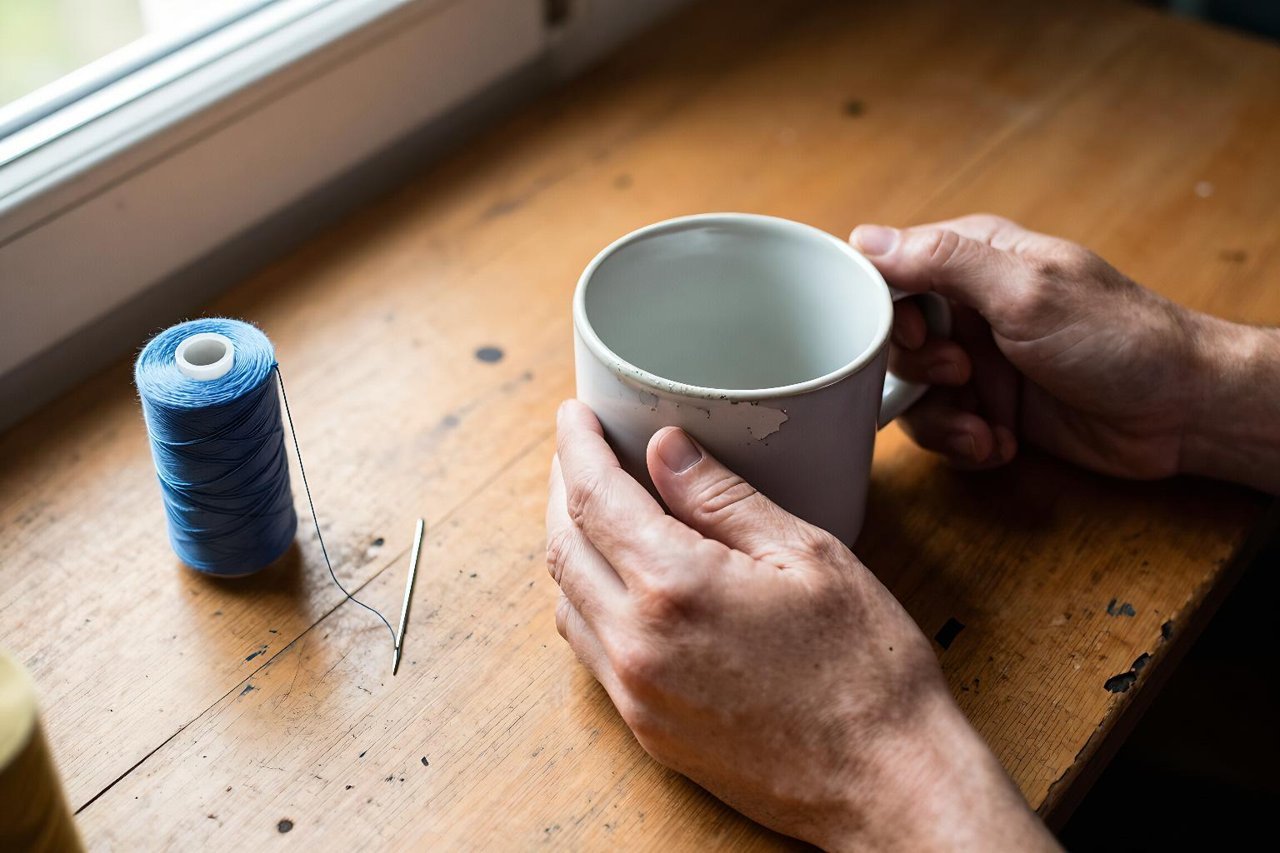
The photo was a tangle of thread and one bent needle, sent from a friend’s kitchen table at eleven at night. She’d already typed three paragraphs trying to describe the jam. One picture and one follow-up question — the bobbin case won’t seat, is the hook timing off? — and she had a plausible answer in under a minute.
That exchange is the entire case for an ai chatbot with image upload. The picture carried the detail that typing kept losing. Vision-capable assistants have been standard for a couple of years now, yet most people still treat them as text boxes. Here’s what actually works, where it quietly breaks, and how to word a request so the reply is useful instead of vaguely encouraging.
What an AI Chatbot With Image Upload Is Really Doing
The model slices your photo into patches, turns those patches into tokens, and matches them against patterns it learned during training. It isn’t looking at your picture the way you do. It’s reading a compressed description of it.
Two consequences follow. First, it’s excellent at gist and weak at fine measurement. Second, when an image is blurry or ambiguous, it tends to describe what it expects to be there rather than saying it can’t tell. That confidence is the single biggest source of bad answers.
The upside is that text and shape get handled in the same pass. Ask a good assistant to look at a washing machine control panel and it can read the code “E3” off the display and connect it to a water inlet fault without you explaining either. A plain OCR tool would hand you the letters and stop.
Tasks Where a Photo Beats a Paragraph
Text that’s awkward to retype
Receipts, nameplates on motors, medicine boxes, business cards, the serial sticker on the back of a router. Photograph it, ask for the model number and warranty date, done. Asking for a summary of fourteen receipt line items usually produces a clean table. Asking “what does this say?” produces a reasonable transcription with occasional invented digits.
Diagnosing something broken
A brown-edged leaf, a scorched resistor on a circuit board, water pooling under a sink trap, a car dashboard lit up like a fairground. The bot can name likely candidates and, more usefully, tell you which ones to rule out first. It can’t smell gas or feel whether a pipe union is loose, so treat its output as a checklist rather than a verdict.
Turning a rough sketch into a first draft
Photograph a whiteboard after a planning session and ask for a bullet outline. Photograph a napkin floor plan and ask which furniture arrangement fits a 3.2-metre room. Photograph a hand-drawn wireframe and ask for HTML structure. None of these are finished work, but each saves you the twenty minutes of re-typing that used to come first.
Where Image Upload Quietly Falls Apart
- Small text. Anything below roughly 10-point on a photographed page gets guessed at. Serial numbers are the classic casualty.
- Handwriting. Neat print is fine. Cursive from a 1978 letter is closer to a coin flip, especially on proper nouns.
- Tables and grids. Columns drift. Rows get merged. Always re-check totals yourself.
- Counting. “How many screws are in this bag?” is a question the model will answer confidently and wrongly by one or two.
- Measurement. Ask how long a pipe is and you’ll get a specific number with no basis whatsoever.
- Multiple images at once. Comparing four product labels in a single message is where attention starts to smear.
How to Phrase a Request Around a Photo
The difference between a brilliant answer and a useless one is usually one sentence of context. Try these habits:
- Name the object before you ask anything. “This is a photo of a boiler control panel” beats silence, every time.
- State the goal, not just the question. “I need to decide whether to call a plumber today” changes the shape of the reply.
- Ask for actions, not descriptions. “List the three most likely faults and the one test that rules out each” is a far better prompt than “what’s wrong with this?”
- Crop before you upload. A 12-megapixel shot of an entire desk loses detail once it’s downsampled; the label you care about is now 40 pixels wide.
- Invite uncertainty. “Tell me which parts of this you can’t read clearly” surfaces the guesses instead of hiding them.
- Send the original file, not a screenshot of a screenshot.
If you’re weighing up which assistant handles vision best, a side-by-side AI chatbot comparison based on real workflow tasks will save you a lot of trial and error, because the ranking changes depending on whether you’re reading text or judging photographs of objects.
Free Tiers, Limits, and the Privacy Question
Images eat far more of your quota than text. A single photo can consume the equivalent of a few hundred words, and most free plans throttle uploads to a handful per day before nudging you toward a paid tier. It’s worth understanding what “free forever” actually gets you before you build a habit around a tool that caps out at five pictures.
Privacy deserves a moment too. Photos carry more than you intend: a face in a mirror, a bank statement in the corner of the desk, a patient name on a chart. For personal troubleshooting that’s low stakes. For work documents, check whether the service trains on your uploads — several let you opt out in settings, and it’s usually a single toggle you’ll never find again.
If you’d rather test image upload without creating yet another account, there are no-sign-up chatbot options that never ask for an email, which is a reasonable way to try three tools in an afternoon.
A Five-Minute Test Worth Running
Pick three images you already have on your phone: a receipt, something broken, and a page of handwriting. Ask each candidate assistant the same three questions and score them on accuracy, not fluency. A model that sounds confident and gets the receipt total wrong is worse than one that says the second line is illegible.
Watch for one specific behaviour: does it ask for a better photo when the image is genuinely unclear? That single habit separates tools you can trust with a serial number from tools you’ll be double-checking forever.
Then keep your use narrow. Photo in, one specific question, numbers verified by hand. The assistants that earn a permanent place aren’t the ones that can describe any image in glowing prose. They’re the ones that read the label correctly on the first try and admit it when they can’t.