

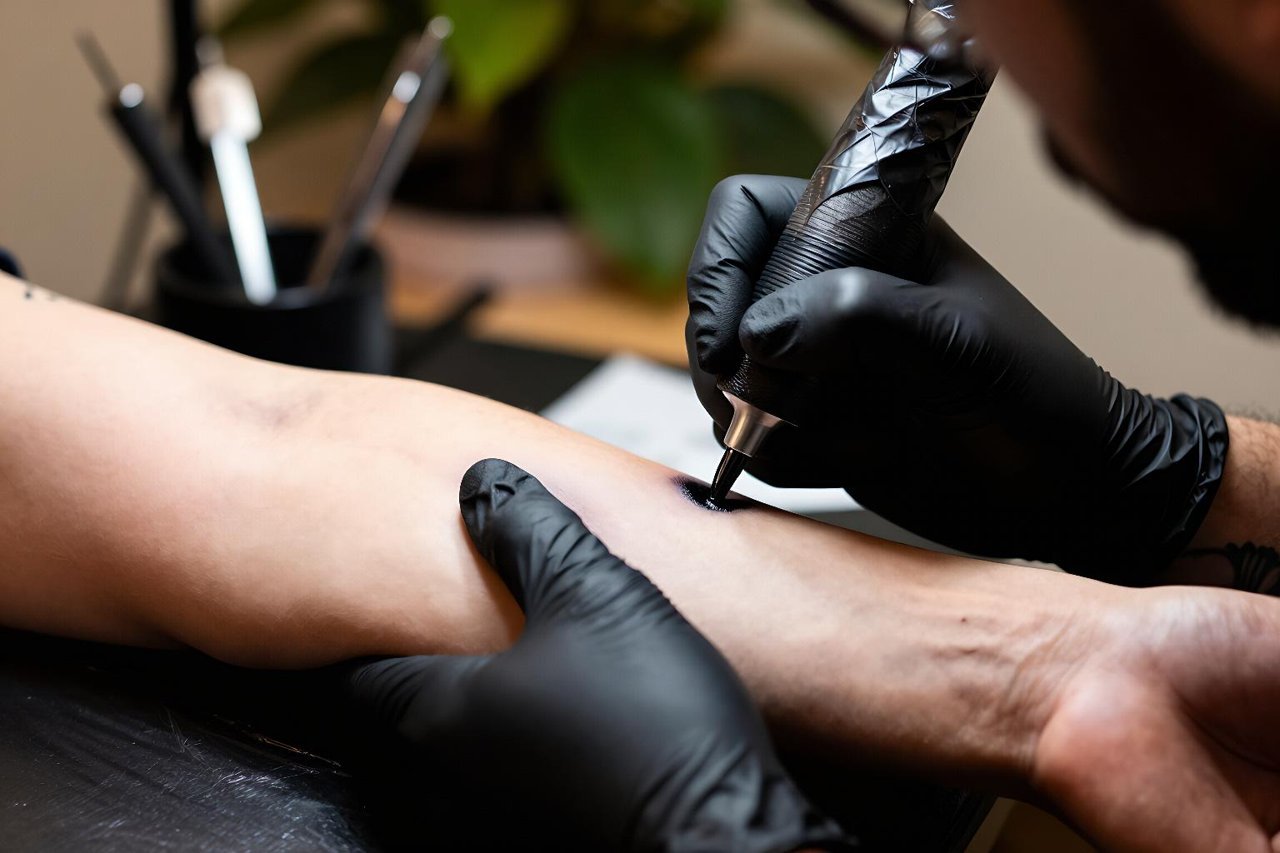
A friend of mine spent four months trying to describe a tattoo to her artist. Half-moon, but not too literal, some botanical element, nothing Pinterest-y. The sketch she got back was lovely and completely wrong. Ten minutes with an AI image tool later she had six variations that finally captured the feeling she was after, and a far more productive conversation the second time around.
That’s the real case for an AI tattoo generator. Not “design your own tattoo in 30 seconds,” but “stop going round in circles.”
What these tools actually do
Most tattoo generators are image models under the hood. Midjourney, DALL·E, Stable Diffusion, plus a growing crop of tattoo-specific apps layered on top. You type a description and get a picture back. The dedicated ones bolt on presets: fine line, blackwork, American traditional, neo-traditional, no colour. Some let you upload a reference photo, choose a body part, and preview the design warped onto skin.
Here’s the part the marketing glosses over. None of them draw a tattoo. They generate a picture that looks like a tattoo. That gap matters more than you’d think, and it’s where most people get burned.
Where AI genuinely earns its place
Breaking the blank page
Describing a visual idea in words is hard. AI is excellent at taking a fuzzy sentence like “something with moths but not creepy, kind of delicate” and throwing twelve options at you. Nine will be rubbish. Two will be close. One will give you the vocabulary you needed all along. That’s a cheap way to buy clarity.
Testing scale and placement
A design that looks stunning on a flat white square can die on a shoulder blade. Tools that composite your image onto a photo of an arm, ribs, or calf are genuinely useful for judging whether a piece is too busy for the space, or whether the flow follows the muscle. Take the mock-up with a pinch of salt: AI stretches and warps in ways a real body won’t.
Giving your artist something to push against
Good tattooers are collaborators, not photocopiers. A rough AI reference with the right mood, composition, and level of detail lets them skip three rounds of “no, less like that.” Most artists I’ve spoken to would rather be handed a messy direction than a vague feeling.
The limits that catch people out
Hands, faces, and symmetry
Image models still fumble anatomy. Fingers merge, eyes drift off-centre, mirrored elements come back subtly lopsided. On a screen at 600 pixels wide you won’t notice. On a forearm at 15 centimetres across, everyone will.
Clean linework isn’t stencil-ready
AI renders that look like crisp black lines are usually thousands of pixels of shading arranged to fool your eye. Zoom in and the “line” frays, thickens, and fades. A tattoo needle needs a consistent, single-weight path. Convert the image to pure black and white and the problem becomes obvious fast.
Flat composition on a curved surface
Limbs curve. Ribs wrap. Knees move. AI generates for a rectangle, so busy designs with edge-to-edge detail will lose chunks of themselves when wrapped around a body. Leave breathing room you didn’t plan for.
How to prompt one without wasting an afternoon
Vague prompts get generic results. The trick is stacking specifics: style, subject, line quality, and what to leave out.
- Name the style. “Fine line botanical” beats “plant tattoo.” Try blackwork, dotwork, neo-traditional, engraving, or single-needle.
- Describe the line, not the vibe. “Consistent 1mm line weight, no shading, high contrast” produces something closer to a usable drawing.
- Set the background. “Plain white background, isolated” stops the model from inventing a whole forest around your moth.
- Add negatives. Most tools accept “no colour, no text, no shading, no background, no gradients.” Use all four.
- Iterate one variable at a time. Change the style or the subject, never both, or you’ll have no idea what worked.
A prompt like “single continuous stem, six leaves opening outward, fine black line, flat design, white background, no shading, no text” will beat anything poetic every time.
A workflow that holds up in practice
Generate 20 to 30 options across a few prompts rather than obsessing over one. Screenshot the three you keep coming back to. Then do the boring bit: trace over your favourite in a cheap drawing app, or print it and redraw the outline by hand with a fine pen. Anything that survives that redraw is a real design. Anything that collapses isn’t.
Next, check it at actual size. Print it, cut it out, tape it to the spot, and look in a mirror from two metres away. If it reads as a blob, it needs simplifying. Then take your reference, your redraw, and a photo of the placement to your artist and say plainly: “This is the direction, not the drawing. What would you change?”
Ownership, ethics, and the awkward questions
In the US, works without human authorship generally can’t be copyrighted, and the Copyright Office has been consistent on that point for AI outputs. Tool terms of service vary wildly, though, and some restrict commercial use of what you generate.
The bigger issue is etiquette. If your generated image is clearly aping a specific living tattooer’s style, don’t ask another artist to copy it. Most will refuse, and the ones who don’t are telling you something about how they work. Prompting for a genre is fine. Prompting for a named person is a bad look and a worse tattoo.
Expect to pay for the design. An artist who redraws your AI reference from scratch is doing the actual work, and a fair few now charge a separate drawing fee — often £40 to £120 depending on complexity — before the appointment. Ask upfront.
The designs that still look good after a decade
Skin is not paper. It sheds, ages, and softens, and ink spreads over time. Details that looked surgical in an AI render are usually the first thing to go.
Lines thinner than about a millimetre blur into grey within a few years. Lettering under 5mm tall fills in until it reads as a smudge. Dense dotwork shading loses contrast. Ultraviolet sun exposure accelerates all of it. What survives: bold outlines, clear negative space, high contrast, and shapes big enough to still be recognisable when the edges soften a little.
So when the generator hands you something delicate and intricate, ask whether you want it because it’s beautiful, or because it’s small. Sometimes those are the same thing. Often they aren’t, and the version you’ll love at 45 looks a lot simpler than the one you loved at 25.