

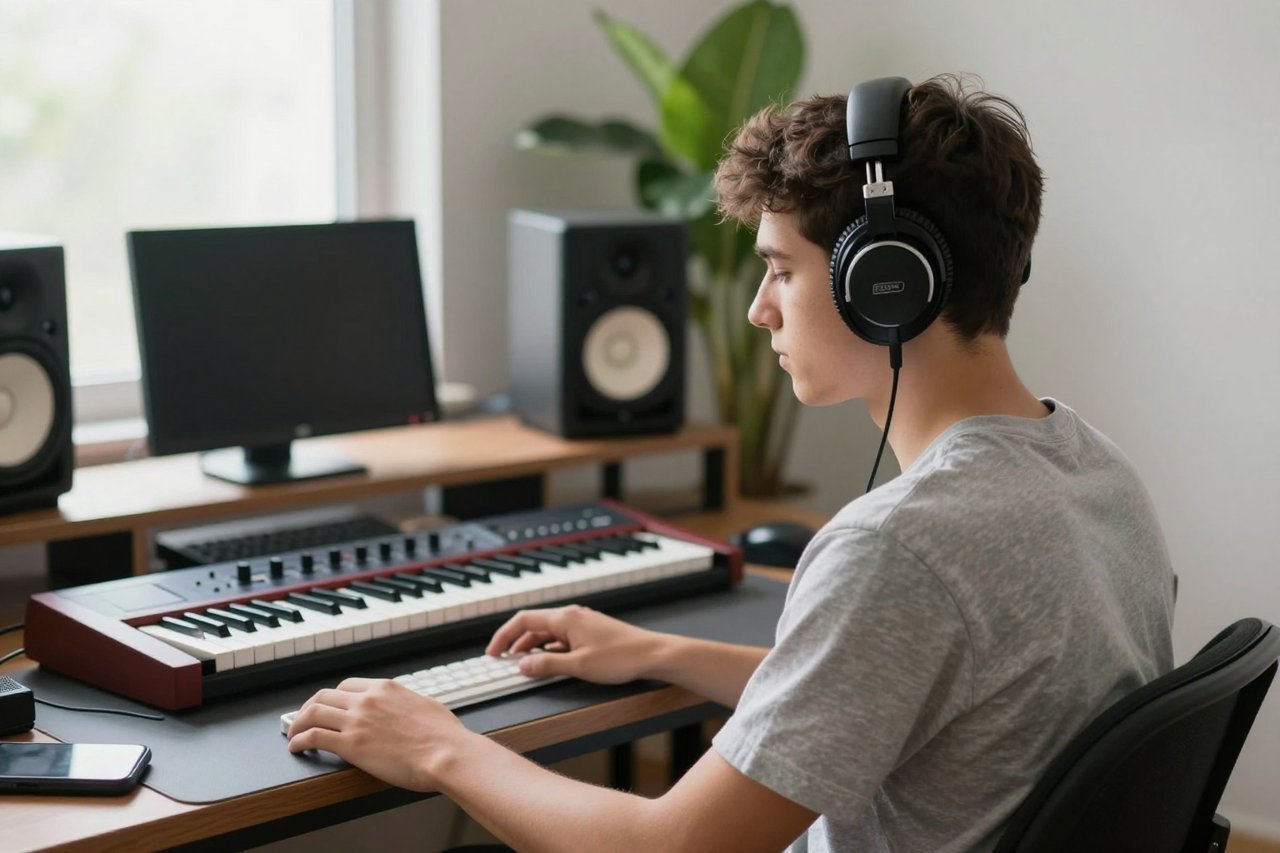
You’ve probably seen Boomy mentioned in a headline about AI music, or listened to a track on Spotify that just sounded a bit too synthetic. Boomy is one of the most accessible AI music generators out there, and it’s quietly powering a small revolution in bedroom-produced music. But what can you really do with it? In this post, I’ll walk you through what Boomy is, how to make a track from scratch, and whether the results are worth uploading.
What Is Boomy, Really?
Boomy is an AI-powered music creation platform that lets you generate complete song ideas in a matter of seconds. It first launched back in 2018 as a way to let anyone become a music producer without knowing how to play an instrument or open a DAW. The idea is simple: you pick a genre, tweak some presets, and Boomy’s AI arranges loops, beats, and even melodies to create something that sounds like a finished track.
Over the years, Boomy has expanded into a full-service music platform. You don’t just create tracks; you can add lyrics, choose vocalists, mix, master, and then distribute your finished songs to streaming services like Spotify, Apple Music, TikTok, and YouTube Music. It’s essentially a one-stop shop for making and releasing music.
How to Make Your First Boomy Song
Getting started with Boomy is free, but the free tier has limitations. You can create music, but you’ll need a subscription to export or distribute your songs. The paid plan is around $9.99 a month, and it removes those caps. For hobbyists, the free version is a good way to explore.
Pick a Vibe
Once you’re in the Boomy studio, you choose a “vibe” or style. The default options are grouped into genres like lo-fi, hip hop, electronic, Latin, rock, and even country. There are dozens of sub-styles, each with a preview button so you can hear the general feel before committing.
Let the AI Build Your Instrumental
After you set your vibe, Boomy uses its generative engine to produce a song skeleton. You’ll get a verse, a chorus, a bridge, and sometimes an intro and outro. This is where the magic happens: the AI selects chord progressions, drum patterns, and basslines that fit the genre. You can hit the “Recreate” button as many times as you want and save bits and pieces you like from different attempts.
Customize and Add Vocals (If You Want)
Here’s where Boomy separates from simply generating a beat. If you’re writing a more conventional song, you can add one of Boomy’s AI vocalists. There are a handful of synthetic singers to choose from, and you can feed them your own lyrics. The AI sings with a reasonably natural tone, though it’s clearly synthetic. If you prefer an instrumental, you can keep it instrumental or download the stems and mix them yourself in a proper DAW.
Does Boomy Music Sound Professional?
Honesty time: the quality of Boomy’s output depends a lot on the genre and how much you’re willing to tweak it. The AI-generated instrumentals are typically well mixed. Drops in EDM tracks hit with the right energy, hi-hats are crisp, and the bass syncs with the kick drum. For a quick demo, the sound is genuinely impressive. But there are limitations.
Vocal tracks remain a weakness. The AI voices can feel stiff, and they don’t handle emotional phrasing well. If you want a radio-ready pop vocal, you’ll probably need to record your own. The AI also struggles with more complex arrangement ideas. It tends to stay in a safe, loop-based structure. But that’s not necessarily a bad thing for the target audience, which is beginner musicians and hobbyists.
Another thing to note is that Boomy’s built-in mastering can only do so much. It’ll make your track louder and punchier, but it won’t fix muddiness in the low end or harshness in the high frequencies. If you’re serious about releasing a song, you’ll want to run it through a better mastering plugin or send it to a professional engineer. And for the critical listening you’ll be doing, a decent pair of headphones is essential. If you’re on the hunt, you can check out this roundup of the best earbuds of 2026 for a few budget-friendly options that won’t embarrass your mix.
Can You Make Money on Boomy?
One of the biggest draws of Boomy is that you can push your music to Spotify and other platforms without a distributor. The platform handles the licensing and takes a small cut. Some artists have done quite well. For example, Boomy reported that a user released an album in 2021 and it generated over 400,000 streams within the first few months. That’s not a fortune, but it’s proof that the pipeline works.
Nevertheless, going viral is not guaranteed. The music market is saturated, and AI-generated tracks face a lot of skepticism from curators and algorithms. That said, Boomy’s biggest advantage is speed. You can create and release a fully finished song in under an hour, which means you can test different genres, styles, and release frequency to see what sticks. For an emerging artist, it’s a low-cost way to build a catalog.
Boomy vs. The Rest of the AI Music Pack
Boomy isn’t the only AI music generator in town. You’ve probably heard of Suno, which is famous for raw AI vocals, or Udio, which was created by former Google engineers. There’s also Soundraw, which focuses more on customizable background music for video creators.
So where does Boomy fit? It tends to be more structured than Suno. Suno generates a passable full song in seconds, but you have very little control over the individual parts. Boomy, by contrast, gives you more granular control: you can edit sections, swap instruments, and adjust the arrangement. It’s not as flexible as Soundraw, but it’s more aimed at songwriting than video background music.
The main takeaway is that Boomy is a middle ground between art and template. You don’t have to be a producer to use it, but if you have a little bit of music theory, you can bend it to your will.
Six Practical Tips for Better Boomy Tracks
- Start with a clear genre. If you mix too many influences, the AI gets confused and the track sounds generic. Pick one style and let it run.
- Don’t skip the vocal selection. If you’re using AI vocals, spend time auditioning different singers. Each one has a slightly different timbre and accent.
- Use the ‘Recreate’ feature to your advantage. Generate five or six versions of the same vibe, then combine the sections you like best. The AI can produce surprisingly distinct takes.
- Tweak the mastering preset. Boomy’s free mastering is a simple loudness boost. If you’re on a paid plan, use the EQ settings to cut the low end a little more.
- Listen on good gear. Your phone speaker won’t reveal a muddy mix, so a pair of quality earbuds makes all the difference. We’ve gathered a few top-rated earbuds in this guide, so you can hear exactly what’s in your track.
- Push for a song a day. At least for the first month. Boomy rewards repeated use, and you’ll improve your ability to identify good sections quickly.
The Future of AI Music Creation with Boomy
Boomy is likely to keep evolving. In 2025, the company added stems export and a browser-based editor that works on Chromebooks. There’s also been talk of deep integration with generative lyrics using LLMs, which would let you prompt a full song from a single sentence. As the technology improves, the line between an AI-assisted song and a fully generated one will blur. That will bring new challenges around copyright and authenticity, but it also opens doors for people who have ideas but lack production skills.
Right now, Boomy is best understood as a launchpad. It’s an efficient way to test songs, practice arrangement, and distribute music to the world without spending hundreds on a home studio. If you have a melody in your head but never learned Ableton, Boomy deserves a closer look. Spend a weekend with it and you’ll likely have two or three songs ready. Whether they become hits is up to you, but at least you’re creating.