

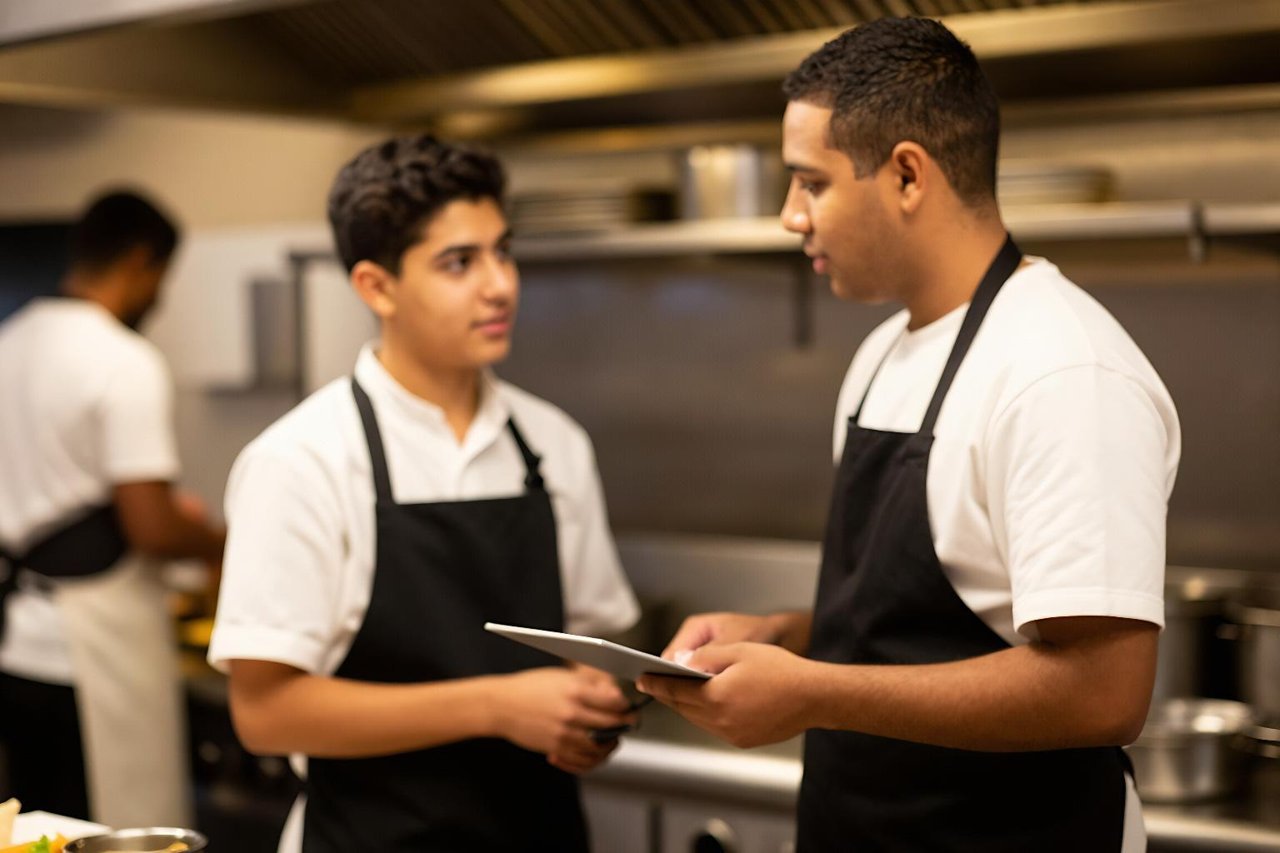
Friday night at a busy restaurant. A server calls in sick at 4pm. The manager needs to find a replacement, update the schedule, notify the team, and make sure the closing checklist still gets done. That used to mean a flurry of group texts, a spreadsheet edit, and a lot of hoping. CrewOS was built to make that scenario boring.
CrewOS is an operations platform designed for restaurants and other shift-based businesses. It pulls scheduling, team communication, task management, and onboarding into one place. The goal is simple: give managers back hours every week and give crews a single app where they actually know what’s going on.
What Exactly Is CrewOS?
Think of CrewOS as the operating system for your team. Instead of stitching together a scheduling tool, a messaging app, a checklist app, and a training binder, you get one system that shares data across all of them.
When a shift opens up, the right people get notified. When someone picks it up, the schedule updates automatically and the manager sees it. When a new hire finishes their food-safety training, that record lives next to their profile, not in a filing cabinet. That connectedness is the whole point.
CrewOS runs on iOS, Android, and the web. Most teams use it on their phones during service and on a laptop or tablet for admin work.
The Problems CrewOS Was Built to Solve
Restaurant teams have a specific set of headaches. General-purpose tools like Slack or WhatsApp weren’t designed for them.
- Scheduling chaos. Managers spend 5 to 10 hours a week building schedules, handling swap requests, and covering call-outs.
- Communication overload. Important updates get buried in group chats. Someone misses the memo about a new menu item or a private event.
- Broken task loops. Opening and closing checklists live on paper or in someone’s head. Things get missed.
- Training gaps. New hires shadow whoever’s available. There’s no consistent record of who knows what.
- No visibility. Owners can’t easily see labor costs, attendance patterns, or which locations are struggling.
CrewOS tackles each of these directly. It’s not a generic chat app with a restaurant skin. The workflows assume shift work, high turnover, and the reality that most of your team is on their feet, not at a desk.
Key Features That Make CrewOS Stand Out
Scheduling and Shift Swaps
Managers build schedules with drag-and-drop tools, and CrewOS flags potential issues like overtime or double-bookings. Once published, the schedule pushes to everyone’s phone. If a server needs to swap a shift, they can offer it to qualified teammates directly in the app. The first person to accept gets it, and the manager just approves. No group text thread. No ‘who’s available?’ round-robin.
For a 25-person restaurant, this alone can save a manager 4 to 6 hours a week.
Team Communication That Doesn’t Get Lost
CrewOS uses channels for different locations, roles, or projects. There’s a main channel for company-wide announcements, a channel for the kitchen, and a channel for shift-specific notes. Messages are searchable, so when someone asks ‘what was that allergy protocol again?’, the answer is two taps away.
Read receipts and acknowledgements help managers confirm that critical messages were seen. That matters for things like menu changes or safety updates.
Task Management and Checklists
Opening, closing, and shift-change checklists live in CrewOS as digital lists. Team members check items off as they go. Managers can see completion rates by shift or by person. If the fryer cleaning gets skipped three nights in a row, that pattern shows up in the data instead of staying invisible.
Onboarding and Training
New hires get a clear path: watch this video, read this guide, complete this quiz, shadow this station. CrewOS tracks progress. Managers can see who’s ready for which roles, which makes it easier to promote from within or move people around during a rush.
Reporting and Labor Insights
The platform pulls scheduling, attendance, and task data into dashboards. Owners can compare labor cost percentages across locations, spot chronic lateness, and see which teams are hitting their checklist goals. These aren’t vanity metrics. They’re the numbers that affect margin.
A Day in the Life With CrewOS
Here’s how a typical Saturday might look for a restaurant using CrewOS.
8:00 a.m. The opening manager opens the app and sees the day’s schedule, plus a note that one prep cook called out. Two qualified replacements were already notified automatically. One accepted. The manager approves the swap with one tap.
10:30 a.m. The opening checklist is 80% complete. The manager sees that the walk-in cooler temperature log hasn’t been filled in and sends a quick nudge through the kitchen channel.
2:00 p.m. A new server finishes their menu training module. The manager gets a notification and adds them to the floor schedule for the dinner shift.
5:00 p.m. The dinner rush starts. The team uses the app to communicate about a large party’s allergy needs. The message is pinned so everyone can see it.
11:30 p.m. Closing checklist is done and logged. The manager reviews the day’s labor numbers against sales and heads home. No spreadsheet cleanup required.
That’s the promise: fewer fires, more visibility, less time on admin.
CrewOS vs. the Piecemeal Approach
Plenty of restaurants run on a combination of spreadsheets, a free messaging app, and paper checklists. It works, sort of. But the hidden costs add up.
- Time. Managers spend hours each week on scheduling and follow-ups.
- Errors. Missed shifts, missed tasks, missed training.
- Turnover. When communication is messy, new hires feel lost and leave sooner.
- Blind spots. Without centralized data, owners can’t see problems until they’re expensive.
CrewOS isn’t the only restaurant platform out there. But its strength is integration. Scheduling, messaging, tasks, and training share the same data. A shift swap updates the schedule. A completed training module updates the team roster. That’s hard to replicate with three separate apps.
Getting Started With CrewOS
Rolling out a new system can feel daunting, especially in a busy restaurant. A few practical steps make it smoother.
Start with scheduling. Import your team and build one week of schedules in CrewOS. Get everyone used to seeing their shifts in the app before you add other features.
Add communication next. Move your group texts into CrewOS channels. Set expectations about what goes where, and keep it simple at first.
Digitize checklists. Pick your most important opening and closing lists. Build them in CrewOS and run them for two weeks. Adjust based on what your team actually needs.
Layer in training. Once the basics are running, add onboarding paths and training modules. This is where you’ll see the biggest long-term payoff.
Review the data. After a month, look at the reports. Which shifts have the most call-outs? Which checklists get missed? Use that to make changes.
Where CrewOS Fits in the Bigger Picture
Restaurant software has been moving toward consolidation for years. Owners are tired of juggling a dozen logins. They want one system that handles the core operations: people, tasks, and communication. CrewOS is a bet that the operating system model will win.
It’s not a magic fix for bad management or a broken culture. No app is. But for teams that are already doing the right things, CrewOS removes a lot of friction. It turns the daily scramble into a set of clear, trackable workflows.
As the platform evolves, expect deeper integrations with POS systems, payroll providers, and scheduling forecasting tools. The more CrewOS connects with the rest of the stack, the more it becomes the single place where managers start and end their day.
For now, if your restaurant runs on a patchwork of apps and paper, CrewOS is worth a serious look. The free trial is a low-risk way to see how much time you get back.