

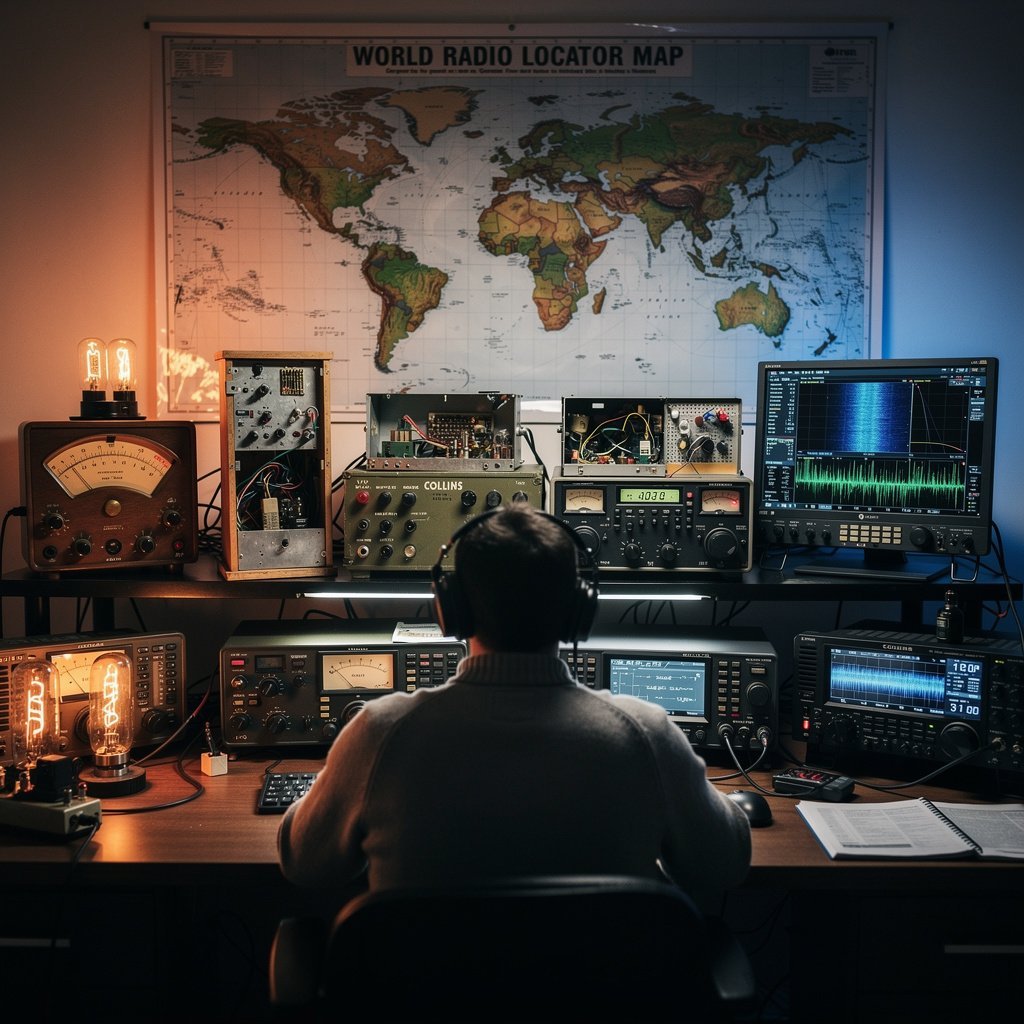
A bakery storefront at six in the morning, and a chalkboard in the window that reads “CINNAMON BUNS $4.” Ask most image models for that and you get a chalkboard smeared with alien runes. Ask Flux and the sign usually comes back spelled correctly, in handwriting that looks like someone actually wrote it.
That single improvement explains a lot of the attention the Flux AI image generator has picked up since Black Forest Labs released it in August 2024. The founding team includes several of the researchers behind Stable Diffusion, so expectations ran high. What they shipped is less a single model than a family of them, and knowing which one you’re touching changes what you can do with it.
The Flux lineup, and why the version matters
Every Flux model shares roughly the same architecture: a 12-billion parameter transformer, a text encoder, and a variational autoencoder. The differences sit in training, distillation and licensing.
- Flux.1 [schnell]: German for “fast,” and it lives up to the name. Four sampling steps to an image, Apache 2.0 licence, small enough for a consumer card. Quality sits a notch below the others.
- Flux.1 [dev]: the one most people mean when they say “Flux.” Open weights, 12B parameters, around 24GB of VRAM at full precision or 8-12GB with a GGUF quantisation. Outputs are non-commercial without a paid licence.
- Flux.1 [pro]: API only. Better prompt adherence and finer detail, no local install, priced per image.
- Flux.1 Kontext: the editing model. You hand it an existing image plus an instruction (“change the sign to read BAKERY”) and it edits in place rather than regenerating the whole frame.
- Flux.1 Krea [dev]: a joint release with Krea, tuned to fight the glossy, over-lit look that has become shorthand for “AI image.”
If you’re weighing it against Midjourney or Firefly, a wider look at what AI art generators are good at and where they fail is a better starting point than any single benchmark. The same goes for how the 2025 crop of image generators compares, because the gaps between them have narrowed fast.
Text rendering is the real headline
Diffusion models spent years treating letters as just another texture, which is why early results looked like a half-formed script from a dream. Flux was trained with text as a first-class element, and it shows up in mundane places: street signs, t-shirt prints, cereal boxes, whiteboard scrawls, the spine of a book on a shelf.
This matters more than it sounds. A large share of commercial image work involves a sign, a label, or a headline that has to land correctly. Generating that in one pass, without compositing type in Photoshop afterwards, collapses a two-step job into one. If you’ve been working around the limitation with other tools, the workarounds are familiar territory in how to get pictures you’d actually use out of text-to-image AI.
How to prompt Flux well
Flux rewards plain, physical description over stylised prompt syntax. Drop the “8k, ultra-detailed, trending on ArtStation” stacks. Write like you’re briefing a photographer.
- Name the light source. “Window light from the left, overcast” beats “beautiful lighting” every time.
- Put the subject in a real space. Details like “scuffed tile floor” or “wet pavement outside a corner shop” give the model something to build around.
- Quote your text exactly. Wrap the words in quotation marks and say where they appear: ‘a paper cup with the word “FRESH” printed in green.’
- Use the guidance range. Flux dev behaves well around guidance 3 to 4, not the 7 to 9 you may be used to. Higher values bake in contrast and fry fine detail.
- Keep prompts under about 80 words. Past that, later clauses start getting quietly dropped.
Negative prompts are mostly unnecessary here, though a short one can help if hands keep dissolving into extra fingers.
Where it still falls over
Nothing is universal, and Flux fumbles the following often enough that you should plan around it:
- Dense body text. A single word or short phrase is fine. A paragraph of small print turns into plausible-looking gibberish.
- Counting and symmetry. “Seven identical chairs in a row” will usually produce six or eight.
- Exact brand marks and logos, which is arguably a feature rather than a bug.
- Specific real people, particularly through pro, which filters many such requests.
Anatomy is far better than the 2023 generation of models, but hands in motion (gripping, pointing, playing an instrument) still need several attempts. Its failures are almost complementary to DALL·E’s, so there’s a decent case for splitting work between them. This breakdown of what DALL·E nails and where it fumbles is a useful pairing guide.
Running it yourself versus paying per image
Open weights sound like freedom, and they partly are. Full precision wants a 24GB card. Quantised GGUF builds drop that to 8-12GB with a modest quality cost, and ComfyUI supports them cleanly. On a rented 4090 through RunPod or Vast, a batch of 20 images at 1024×1024 finishes in a couple of minutes.
The hosted route, through Fal, Replicate, Together, or any of the design tools that wrap it, removes the setup problem entirely. You trade control and marginal cost for zero maintenance. For occasional use, hosted wins. Generate more than a few hundred images a month and the maths tips toward owning a card.
A workflow that holds up on real jobs
Take a product page for a small ceramics studio. Generate the base scene in Flux against a plain backdrop, quote the label text exactly, and produce four variations by changing one clause at a time. Fix picky details with Kontext (“remove the crack in the glaze”). Then upscale.
Upscaling is the step people skip and later regret. Flux output is roughly 1MP by default, so anything headed for print or a hero banner needs a second pass. Worth understanding what actually happens when you hit enhance, since a naive 4x enlarger will cheerfully invent new freckles and fabric weaves.
The licence detail most people skip
Flux [dev] and Krea [dev] are open weights but not open licence. Commercial use of the generated images needs a paid licence from Black Forest Labs. Schnell (Apache 2.0) and pro (via API, under the provider’s terms) don’t carry that restriction. Designers who build a client deliverable on dev and only read the licence afterwards have an awkward conversation ahead of them. The same caveat applies to Kontext [dev], and tool wrappers rarely put it front and centre.
So the decision rule is short. If the images are for you, dev at guidance 3.5 on a quantised build is the best quality-per-pound in open models right now. If they’re for a paying client, either license dev properly, pay for pro, or fall back to schnell and accept the quality dip. Everything else is a detail you can tune once that part is settled.