

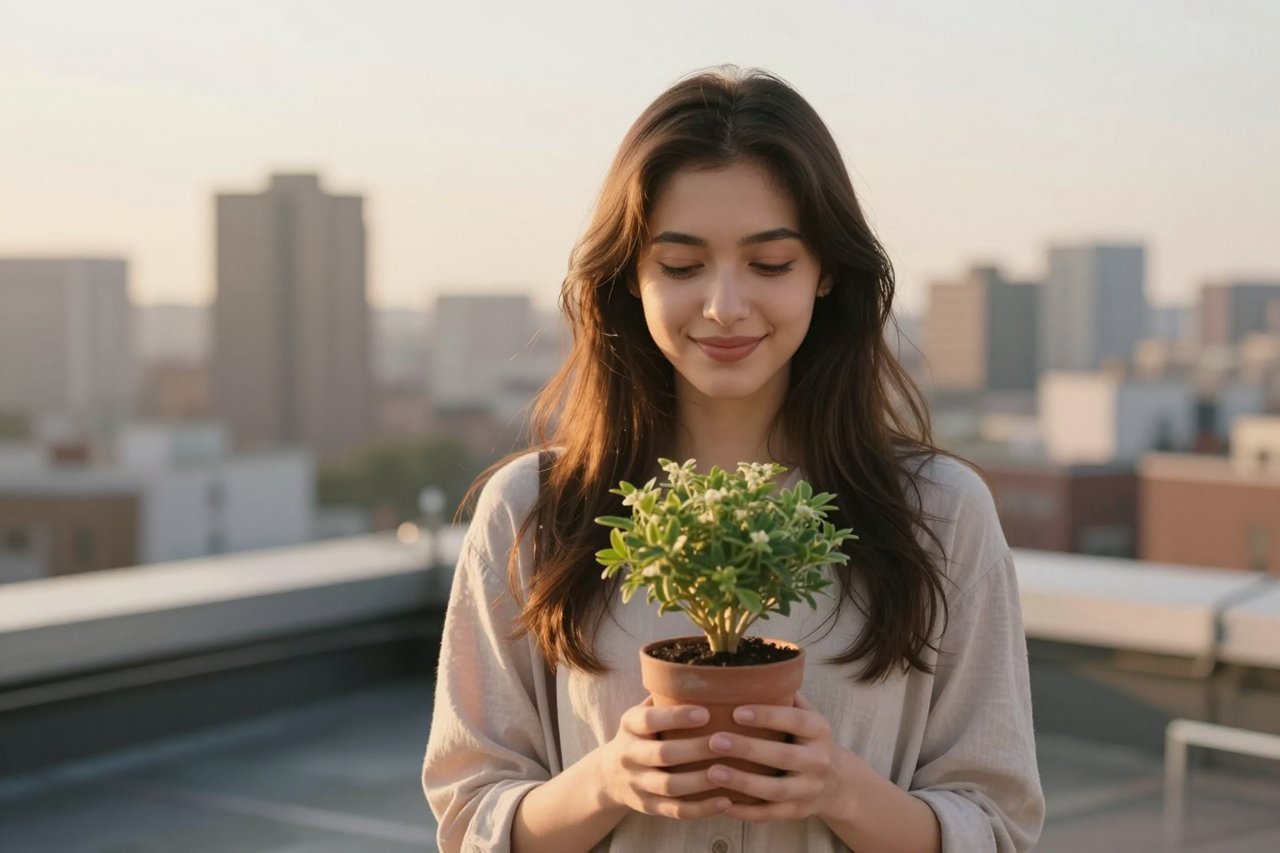
Three years ago, a free AI image usually meant a 512-pixel square with a watermark across the bottom. Today you can generate a sharp 1024-pixel portrait, clean it up, and publish it without spending a cent. Finding a free AI photo generator is not the hard part. The hard part is telling the genuinely free ones apart from the three-image demos, and learning to prompt so that a request for a dog on a beach doesn’t come back with six legs.
Here’s what the free tiers actually hand you, how to work inside their limits, and what to do when the output looks wrong.
What these tools can realistically produce
Diffusion models are strong at light, texture, and single-subject compositions. They are shaky on hands, crowds, and anything needing legible text. Knowing that split saves a lot of wasted generations.
The work they handle well:
- Headshots and profile photos with a clean background
- Blog headers, abstract backgrounds, and gradient textures
- Product shots on a plain surface or in soft studio light
- Icons, seamless patterns, and web design elements
- Concept art and mood boards for early-stage projects
Resolution is the first hard ceiling. Most free plans top out around 1024×1024 or 1024×1792, which covers a website banner or a social post but not an A3 print. You can upscale afterwards with a separate tool, and the results are noticeably better when the original is clean.
The free tools actually worth using
Free tiers shift every few months, so any list goes stale. These have stayed workable rather than degrading into a teaser. For a wider comparison, there’s a solid rundown of seven tools that create professional-looking images without a card on file.
- Bing Image Creator runs on DALL·E 3 and gives you a small batch of fast boosts each day before dropping you into a slower queue.
- Leonardo AI issues around 150 tokens daily, roughly 10 to 15 images depending on the model. Its style presets are why people stay.
- Ideogram renders lettering inside images better than almost anything else on a free plan, useful for sign or poster mockups.
- Stable Diffusion on Hugging Face Spaces is free and slow, with real queues at peak hours. Worth it for a specific checkpoint or LoRA.
- Canva Magic Media sits inside Canva’s free plan, so generation, editing, resizing, and background removal happen in one window. There’s a useful breakdown of how Canva Magic Media turns text prompts into images if you want the specifics.
Prompting does most of the work
Two people open the same tool and get wildly different results. The gap is almost always the prompt. Piling on adjectives like “stunning, ultra-detailed, 8K masterpiece” adds nothing. Concrete nouns and camera language add a lot.
Describe a photograph, not a mood
“A happy dog” gives the model almost nothing. “A wet golden retriever shaking off water on a pebble beach, overcast light, 85mm lens, shallow depth of field” specifies subject, action, location, lighting, and framing. That is five decisions made for the model instead of zero.
Pick one style lane
Words like 35mm, macro, golden hour, and backlit push toward photographic realism. Flat vector, watercolour, and concept art pull hard the other way. Mixing them produces mush, because the model averages the two.
Change one thing at a time
Generate four variations, keep the closest, then adjust a single element: the angle, the background, the time of day. Rewriting the whole prompt each round discards whatever was already working.
The limits free tiers don’t advertise
- Daily caps. Most plans reset every 24 hours, and “unlimited” usually means unlimited with a queue and a resolution ceiling.
- Watermarks. Some tools stamp free output and charge to remove it. Check before you build a campaign around one.
- Public by default. Several platforms show free-tier generations in a public gallery unless you change a setting.
- Licence terms. Free generation and commercial rights are separate questions, and the second lives in the fine print.
There’s a clear-eyed look at what real free tools can do and what they can’t if you want to see how the limits compare across platforms.
If you plan to sell or publish the images
Most major tools now allow commercial use on a free plan, but the conditions differ. Some want attribution. Some restrict logos or trademarks. A few ban prompts naming a living artist or a specific brand, because output can drift uncomfortably close to someone else’s work.
Two habits keep you out of trouble. Skip prompts built around a named photographer or studio. And record which tool made which image, plus the date, because terms change and your notes are your defence. If money is involved, read up on how to get impressive results without a subscription, since licensing matters more than megapixels once you’re selling.
Open weights changed the maths
The biggest shift of the past couple of years isn’t a new free tier. It’s that some of the best models now ship with open weights you can run on your own hardware. No daily cap, no watermark, no queue, and nobody logging your prompts.
That’s largely down to models like FLUX, the open-source image model that changed the game. A mid-range GPU with 12GB of video memory turns out images locally in seconds, and the quality holds up against paid cloud services. Setup takes an afternoon with a decent tutorial, and afterwards the cost per image is effectively zero.
The trade-off is your own time. Local generation means picking a model, managing checkpoints, and troubleshooting when a driver update breaks everything. Cloud tools remain easier if you simply need five images by Friday.
When the output comes out wrong
Bad results usually fall into a few repeating categories, and each has a fix that isn’t “regenerate until it works.”
Mangled hands and extra fingers
Frame the hands out of shot, put them in pockets, or give the subject something to hold. A coffee cup solves more bad generations than any negative prompt. Failing that, generate wider and crop.
Plastic skin and dead eyes
Add film grain, natural skin texture, or documentary photography to the prompt. Asking for studio lighting and retouching is what creates the wax-figure look in the first place.
Faces that drift between frames
If the same person needs to appear across several images, use a tool with character reference or face-lock features, or generate one strong image and edit it rather than regenerating from text each time.
Compositions that ignore half the prompt
Put the most important detail first. Models weight the opening of a prompt more heavily, so “close-up portrait of a baker, flour on her apron, warm bakery interior” beats burying the subject behind a paragraph of style notes.
None of that requires paid software. It requires patience and a willingness to treat the first four generations as a rough draft rather than a final answer. That is the real difference between someone who gives up on free tools and someone who quietly ships work with them every week.