

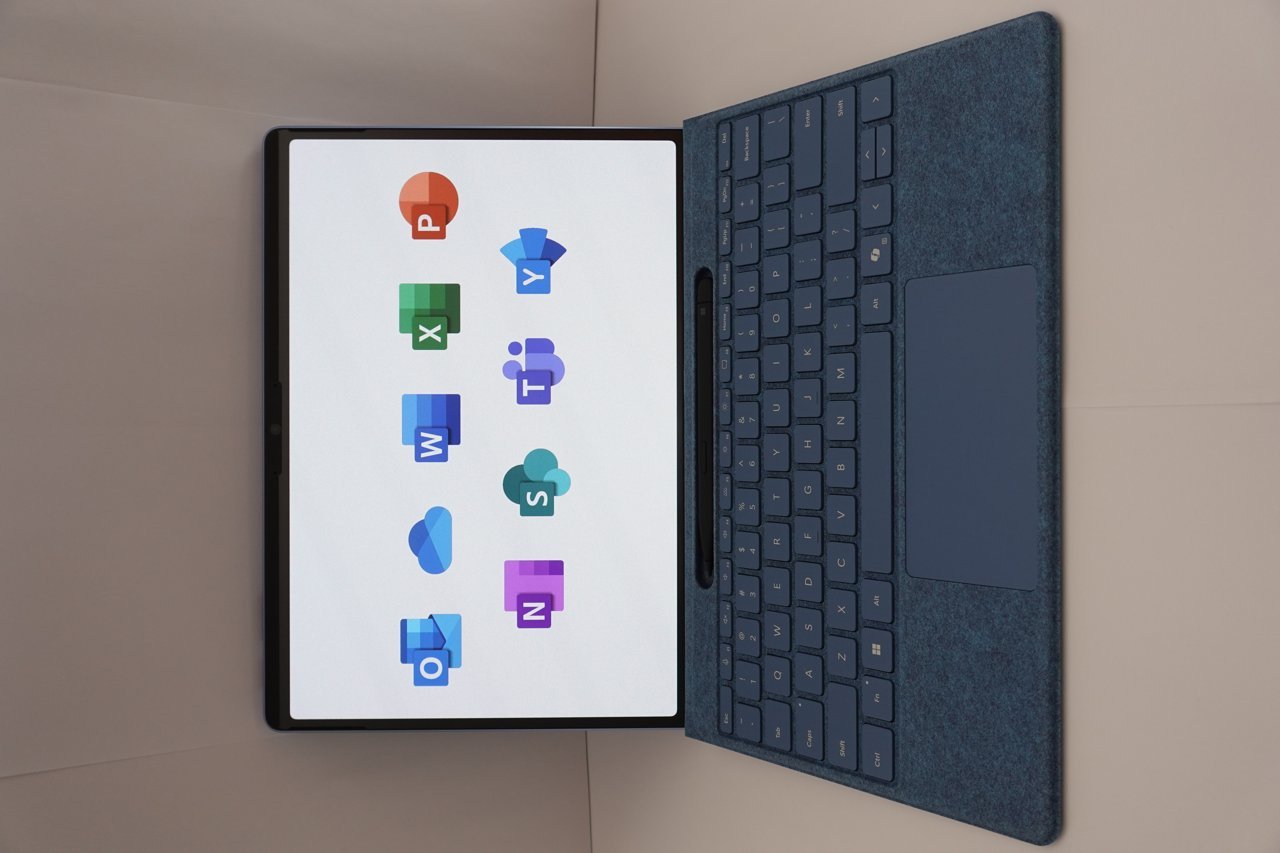
The first surprise with Microsoft 365 Copilot is that it isn’t really one product. It’s a layer of features spread across Outlook, Teams, Word, Excel and PowerPoint, each behaving differently, each with its own failure modes. Reviewing “Copilot” as a single thing is a bit like reviewing “Microsoft Office” as a single thing.
I’ve now watched it go into three organisations: a 60-person design agency, a 400-seat financial services firm, and a small consultancy that bought four licences and quietly stopped using two of them. That range is why this honest review spends less time on the launch demos and more on week nine, when the novelty has worn off and the finance director wants to know what the invoice is buying.
What $30 a seat actually gets you
Copilot in Microsoft 365 costs $30 per user per month on an annual commitment, and that sits on top of the Microsoft 365 licence you already pay for. Microsoft dropped the original 300-seat minimum in early 2025, so a ten-person firm can now buy it. The per-seat maths hasn’t moved.
For that money you get Copilot inside the desktop and web apps, meeting recaps in Teams, answers grounded in your own email and files through Microsoft Graph, and a chat pane that can reach into SharePoint. What you don’t get is a general assistant with no boundaries. Most answers are only as good as the permissions and file hygiene underneath them. If your SharePoint is a swamp, Copilot is a swamp guide, and it will cheerfully lead you into the muddiest part of it. There’s a fuller breakdown of what that $30 seat actually buys you if you want the feature-by-feature version.
Where it genuinely earns its keep
Meetings you’d otherwise reconstruct from memory
Teams recap is the feature people miss when you take it away. It produces a summary, a list of who said what, and action items. On a well-run 45-minute call, the person who used to write the notes gets maybe 15 minutes back. The catch is real: transcription has to be on, people have to speak in full sentences, and anyone dialling in from a train will turn into a garbled line of text.
Email, which is where most people notice it first
Outlook is the strongest surface for most knowledge workers. Summarising a 40-message thread where the client replies in single sentences, then drafting a response that doesn’t sound like a robot, is a genuine 10-minute saving several times a week. It’s also the feature that made the most sceptical person in our pilot change their mind, which I didn’t expect.
Spreadsheets, with a caveat the size of a house
Excel Copilot is excellent when your data is a clean table in the open workbook. Ask it to build a pivot, explain a formula, or flag a trend and it obliges competently. Point it at five messy sheets, three merged headers and a column of free text, and it will invent a column that doesn’t exist with total confidence.
First drafts of documents you already understand
Word is not good at writing something from nothing. It is very good at restructuring, shortening, shifting tone, and turning a 60-page RFP into a two-page brief. Give it your own material and a clear instruction and the output is genuinely usable. Give it a vague prompt and you get 600 words of beige.
The reliability problem nobody puts in the demo
This is the part that decides whether people keep logging in during month three. Recaps occasionally fail to generate. The same prompt gives different quality answers on different days. It has referenced a version of a file from three weeks ago because that’s the copy sitting in a stale folder. Response times during the 9am and 2pm peaks are noticeably worse than in a quiet demo room.
None of this is fatal. All of it erodes trust, and once a user has been burned twice they tend to stop asking. We documented this properly in our 90-day Copilot reliability review across 180 seats, and the pattern held: plan for roughly one in seven prompts needing a redo or a manual fix.
What the $30 seat still can’t do
Expectations run ahead of the product here, so it’s worth being blunt. Copilot won’t clean up bad data, won’t join the dots across systems that have no connector, and won’t reliably run a multi-step task end to end without a human checking each stage. Judgement calls, negotiation, anything requiring context that lives in someone’s head rather than in a file: it’s not there yet. We keep a running list of the limitations the $30 seat still can’t work around, and it’s longer than the marketing suggests.
Doing the money maths properly
Here’s the calculation I’d actually run. If a seat saves 30 minutes a week at a fully loaded cost of £50 an hour, that’s roughly £100 of time a month against a £24-ish licence. That’s a three-to-one return, on paper.
The honest problem is that almost nobody saves those 30 minutes in week one. They save them from week six or seven, once they’ve built the habit of asking rather than typing. So the return depends more on training and a bit of internal nagging than on any feature Microsoft ships. Our team worked through whether Copilot is worth the money at $30 a head and landed in the same place: the licence is fine, the adoption is the expensive part.
If you’re a solo user, this isn’t the product for you
Microsoft 365 Copilot needs a work tenant. Freelancers and one-person businesses should be looking at Copilot Pro instead, at around $20 or £19 a month, which gets you the assistant inside consumer Office apps without the enterprise plumbing. The use cases are narrower but the price is defensible, and we’ve mapped out where the £19 Copilot Pro plan actually pays off.
Run a pilot that tells you something true
Most Copilot pilots measure satisfaction, which is the least useful number available. People are polite about new software for about a fortnight. Try this instead:
- Pick 15 to 20 people who already write a lot and sit in a lot of meetings. Don’t start with IT or the innovation team; they’ll love it regardless.
- Baseline three specific tasks before anyone gets a licence. Minutes to draft a client update, minutes to summarise a board pack, minutes to clear an inbox backlog. Write the numbers down.
- Give it eight weeks minimum. Two weeks tells you nothing beyond whether the licences provisioned correctly.
- Watch the admin usage dashboard weekly, not the survey results. Active usage that holds above 60% in week eight is a good sign. A cliff after week three is your real answer.
- Interview the three people who stopped using it. They’ll tell you more in 20 minutes than 50 satisfied users will tell you in a month.
- Count rework, not enthusiasm. How many outputs had to be substantially rewritten before they went to a client? That is your quality metric.
One final thing worth saying plainly. Copilot is a decent tool that gets better with use and worse with neglect, and the difference between a wasted $30 and a well-spent one usually comes down to whether anyone taught your team how to ask it properly. Buy the seat if you’ll fund the training. Skip it if the plan is to hand out licences and hope.