

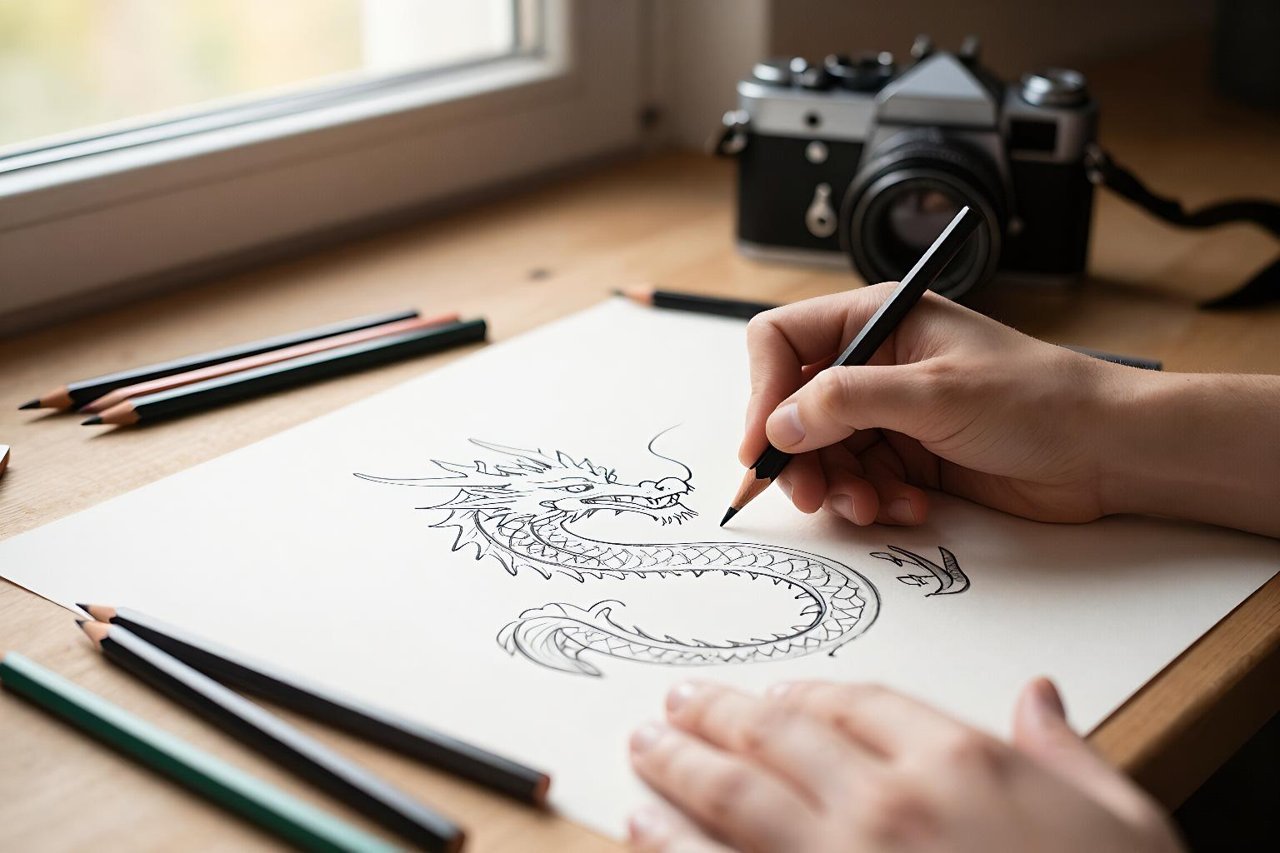
Midjourney AI has become a strange thing to publicly admit you love. On one hand, it produces some of the most striking AI-generated images you can get from text alone. On the other, the ongoing fights about training data, artist consent, and its aggressive subscription-only model make it a polarizing tool. But there’s no denying its influence. So let’s talk about what actually works, what doesn’t, and how to get the most out of it without making a fool of yourself.
What Makes Midjourney AI Different from Every Other Generator
Midjourney’s biggest strength isn’t resolution or realism. It’s taste. The default outputs have a stylized, dreamlike quality that other tools often struggle to match. That’s why so many professional illustrators and art directors treat it as a mood-board machine rather than a final renderer. If you’re just starting out, this deep dive into Midjourney’s artistic roots explains why so many art-focused creatives keep coming back.
Since Version 6, the prompt understanding has gotten dramatically better. You can describe scenes in plain English, with composition, lighting, and even lens details, and the model usually respects those choices. That’s a huge leap from the early days when you had to rely on broken phrases and magical keyword combinations.
Prompting Basics That Make a Real Difference
If you’ve tried Midjourney and felt like your images look like someone threw paint at a canvas, the problem is almost always your prompt. The good news is that you don’t need to be a tech wizard. You need to be specific.
Instead of typing “a red car,” try this: “a 1967 Ford Mustang, metallic red paint, parked on a rainy Tokyo street at night, dramatic reflections, shot on 35mm film, shallow depth of field.”
That level of detail doesn’t guarantee perfection, but it gives the model enough to work with. Most beginners also skip parameters. Here are the ones worth learning first:
- –ar controls the aspect ratio. Use –ar 16:9 for widescreen, –ar 9:16 for portrait, or –ar 1:1 for social posts.
- –no tells the model what to exclude. Write –no people, text, watermarks after your prompt to keep them out.
- –style applies a stylistic filter, like –style raw for a more natural look or –style expressive for bold color.
- –chaos changes the variation level. A low value gives you similar results each time, while a high value can surprise you.
- –tile creates seamless patterns, which is handy for textures and backgrounds.
The Style Stack Trick
One technique that separates casual users from pros is layering styles. Start with a subject, then add a medium, then a camera, then a lighting condition, then a mood. For instance: “a woman reading a book, charcoal sketch on textured paper, studio light from the left, melancholic atmosphere.” The more specific you get, the more predictable the output.
Midjourney AI vs. FLUX: Which One Wins?
Midjourney has dominated the art side of AI images, but the open-source community has been catching up fast. FLUX, for instance, offers stunning output and a much more permissive license, making it a real competitor. If you care about control and local hosting, FLUX is worth a hard look. There’s a clear breakdown of what FLUX actually does differently that might change how you think about image generation.
In my experience, Midjourney still wins on pure aesthetics out of the box. Its color grading and composition feel more curated, while FLUX can be hit or miss unless you tweak settings. But FLUX gives you the ability to fine-tune your own model, which is a game changer for teams with a consistent brand style.
The Copyright Question Nobody Can Dance Around
Every AI image model is trained on billions of examples scraped from the internet. That has always been a hard pill to swallow, especially for working artists whose thumbprints show up in everything from Midjourney to Stable Diffusion. One particularly dramatic case is a researcher who scraped enormous amounts of art to train an AI, and then turned around to collaborate on a tool to help artists protest their own styles. It’s a messy ethical landscape, and it’s not going away.
The practical takeaway for you is simple: don’t generate images that mimic a living artist’s style when you intend to sell that work. Midjourney’s terms of service allow you to own whatever you make, but that doesn’t mean you’re immune from moral or legal battles down the road.
Free Alternatives Worth Your Time
Of course, not everyone wants to pay $10 a month minimum. If you’re experimenting on a budget, Playground AI is a surprisingly full-featured free option, and it handles a lot of the discovery work for you. I’ve written a complete guide to Playground AI’s free tier if you want to see whether it can replace Midjourney for your workload.
For graphic design and illustration, Recraft has also become a favorite because it supports vector output, which is something Midjourney can’t do. There’s a designer’s guide to Recraft that explains exactly how it fits into a professional workflow.
A Realistic Workflow for Using Midjourney AI in 2025
Let’s say you’re designing a poster for a fictional sci-fi film. Open Midjourney and try something like this as a starting prompt: “abandoned spaceship corridor, moss covered walls, volumetric orange light, cinematic composition, in the style of Syd Mead, ultra-realistic details, wide angle.” Run it a few times. Pick one result. Then use the upscale function and maybe change the aspect ratio with –ar 16:9. Finally, feed the image into a photo editing tool for text or typography. This pipeline costs about fifteen minutes.
That iterative loop is the real secret. You generate, evaluate, refine, and repeat. Midjourney gives you endless variations, but the tool itself won’t make creative decisions for you. You still have to curate the output, re-roll when nothing feels right, and occasionally walk away and come back with fresh eyes.
The new web editor also makes this easier since you can edit on a canvas rather than scrolling through Discord messages. But the core process stays the same.