

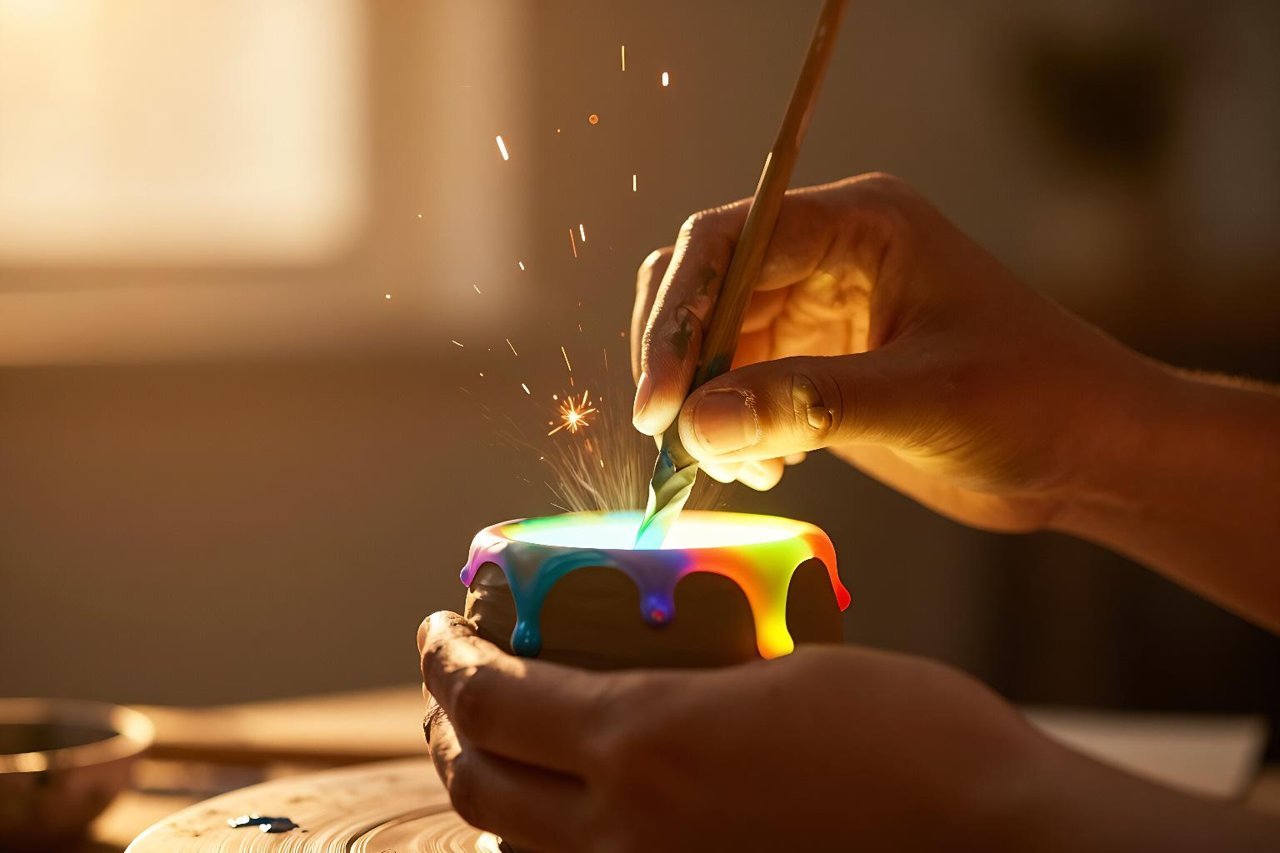
If you’ve spent any time looking at AI-generated art in the last year, you’ve almost certainly seen Midjourney’s handiwork. That painterly sheen, those cinematic faces, the weird hybrid creatures that look like they crawled out of a Renaissance painting – that’s the Midjourney aesthetic. It’s not just another text-to-image tool. It’s become a cultural shorthand for AI art itself.
But talking about Midjourney and actually getting good results from it are two different things. The platform is idiosyncratic, lives inside Discord, and rewards a certain kind of patience. Here’s a real-world look at how to get the most from it.
What Makes Midjourney Different?
Most AI image generators try to be neutral. Give you a cat, any cat. Midjourney doesn’t work that way. It has a strong aesthetic bias – think muted palettes, strong shadows, and a tendency toward the ornate. That bias is why it went viral.
There’s also the community element. Midjourney runs entirely through Discord servers, which sounds cumbersome at first. But it means you’re constantly watching other people generate images in real time. You learn what prompts work by osmosis. The company keeps the interface deliberately sparse – type a prompt, press enter, see four versions.
Under the hood, the models are consistently ahead of the curve. Version 6.1 refined hands, faces, and text rendering, and it made the prompt understanding significantly better. Newer iterations add features like style references and stronger image-to-image workflows.
Getting Started with Midjourney
You don’t download software. You join the Midjourney Discord server, subscribe to a plan, and start typing. The basic workflow is simple: type /imagine, then describe what you want.
If you’re new, the command list matters. Here are the essentials:
- /imagine – generates an image from a text prompt
- /blend – merges two or more images into one
- /describe – takes an existing image and turns it into a text prompt
- –ar – sets the aspect ratio (e.g., –ar 16:9 for widescreen)
- –stylize – controls how aggressively it applies its own artistic flair
- –no – excludes something from the image
That’s enough to start. Everything else comes with practice.
Writing Prompts That Actually Work
Midjourney is more literal than you expect and more poetic than you’d like. The sweet spot is a prompt that describes a scene the way a photographer would.
Be Specific About Subject and Composition
“A woman” gives you a random face. “A candid portrait of a 70-year-old fisherman with deep wrinkles, wearing a yellow raincoat, shot in the rain with a 50mm lens” gives you something you can use. Mention camera details, lighting, and framing.
Use Style Modifiers and Artist References
Say “in the style of photographer Annie Leibovitz” or “in the style of a 1990s fantasy book cover.” Midjourney responds well to named artists, art movements, and technical terms like “chiaroscuro” or “macro photography.” If you want to elevate your prompting game, a deep dive on mastering the art of the AI image creator is worth your time.
Don’t Forget Parameters
The little flags at the end of a prompt change everything. You can force a portrait orientation with –ar 4:5, turn up the weirdness with –chaos 50, or shut out unwanted elements with –no text. Learning these tweaks separates people who get lucky from people who get consistent results.
Midjourney vs. Other AI Image Generators
It’s useful to know where Midjourney sits in the broader ecosystem. DALL-E 3 follows instructions to the letter but often feels sterile. Stable Diffusion is incredibly flexible but demands technical skill to run well. Adobe Firefly is designed with commercial safety in mind, trained largely on licensed stock imagery.
Midjourney’s edge is taste. It’s the default for concept artists, art directors, and people who want an image that looks striking before they even edit it. The tradeoff is control. You can’t fine-tune models locally or train it on your own dataset, and the Discord interface can feel limiting when you’re managing a hundred generations.
Taking Your Images Further
A single Midjourney grid is rarely the final deliverable. You’ll upscale one that works, then want to alter it. Midjourney lets you vary a specific image or use it as a starting point for something else. You can also combine Midjourney’s output with a separate tool that lets you transform any photo into something new.
More advanced users are using Midjourney as a concept generator, producing dozens of variations before refining in Photoshop or running the result through a video model. The creative pipeline becomes: generate, select, transform.
The Ethical Side of Midjourney Art
Let’s be honest: Midjourney has a messy underbelly. The training data scrapes artists’ work without consent, which has sparked lawsuits and plenty of bad blood. The platform also makes it effortless to fabricate realistic images of people that don’t exist.
That last point is already causing real-world harm. We’ve seen AI grifters create fake Black people to sell Shein junk, using photorealistic Midjourney generations to sell clothes on social media. It’s a cautionary tale about how easily this tool can be abused, and why it’s smart to ask whether the face you’re looking at is actually a human.
None of this means you should stop using Midjourney. It means you should be transparent about what you make, avoid copying a living artist’s exact style for profit, and think twice before you generate lookalikes of real people.
Where Midjourney Is Headed
Midjourney has already expanded from stills to web-enabled generations and, as of recent updates, the ability to edit parts of an image by simply describing the change. The team is slowly rolling out video and 3D capabilities. With each release, the gap between imagination and output gets narrower.
The tool’s real impact is cultural. It has pushed AI art from novelty to mainstream, giving millions of people a way to visualise ideas that would otherwise stay stuck in their heads. If you’re a designer, marketer, or just someone who likes making strange pictures, learning Midjourney now puts you ahead of the curve. The platform might be quirky, but it’s the one that keeps defining what AI art is supposed to feel like.