

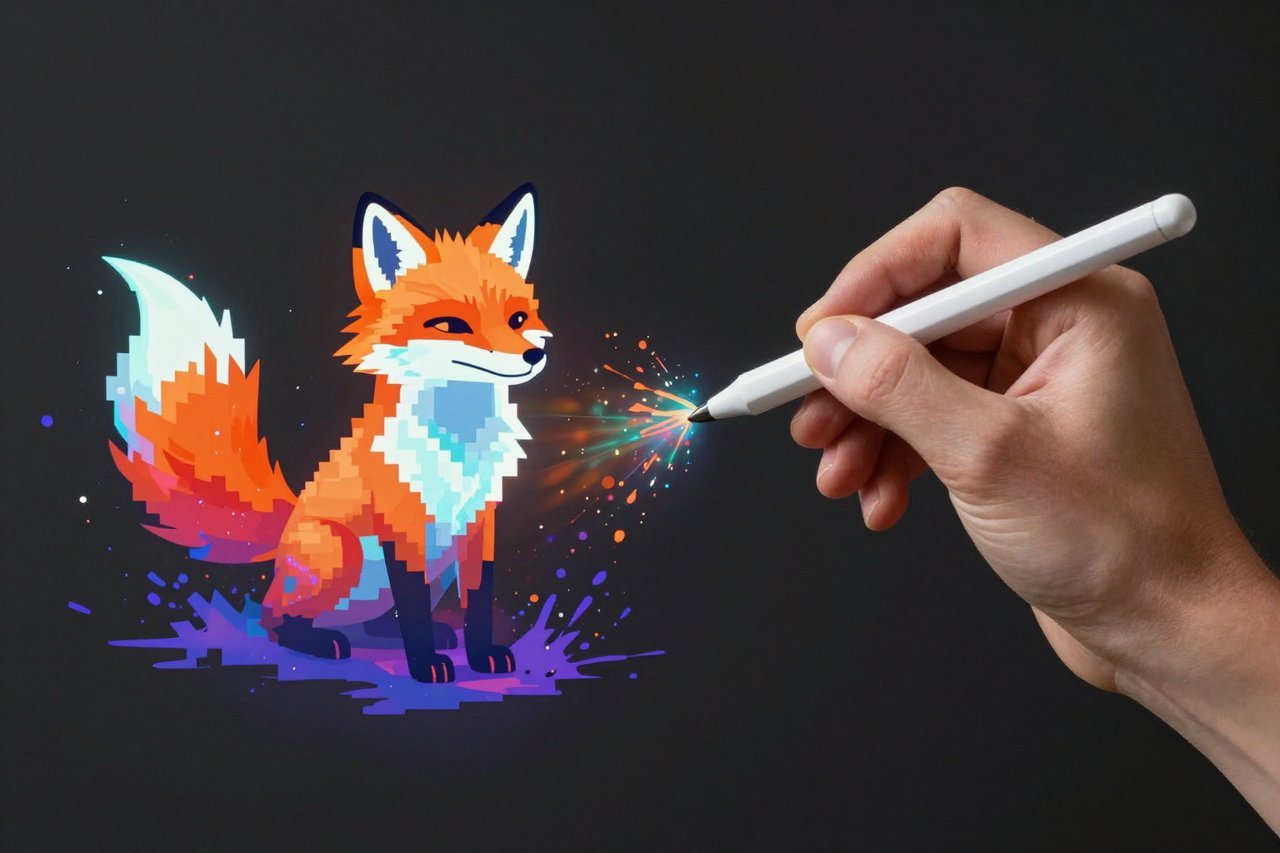
Back in 2022, creating AI images felt like a secret club. You needed to hack together a Google Colab notebook, wait for a Discord invite, or understand what “steps per second” meant just to generate a simple cat portrait. Then Playground AI arrived with a clean web interface that made the whole process feel as easy as tweeting. Two years later, the platform has evolved into one of the most accessible image generators on the internet—and it’s only getting better.
What Exactly Is Playground AI?
Playground AI is a free, browser-based tool for generating images from written prompts. It started as an official demo for Stable Diffusion, allowing anyone to test the open-source model without installing anything. Since then, it has grown into its own ecosystem, with a custom model called Playground v3, a thriving community gallery, and a suite of editing tools that go beyond simple text-to-image generation.
You don’t need a powerful graphics card, a discord account, or any coding knowledge. You type a description, hit generate, and in a few seconds you’ve got a set of images to download, remix, or post to the public boards. The free plan gives you a generous 500 images per day—enough for almost any hobbyist or curious beginner.
Key Features That Make Playground AI Stand Out
Playground v3: Built for Speed and Smarts
The underlying engine has come a long way. Playground v3 is capable of producing 4K resolution images with dramatically fewer artifacts than the early Stable Diffusion models. It handles complex compositions, lighting, and text rendering much better, too. You can generate in landscape, portrait, or square ratios, and it gives you multiple variations of each prompt so you’re not stuck with a single interpretation.
A Free Tier That Actually Delivers
Most “free” AI tools force you to wait in line or downgrade the quality. Playground AI keeps the free tier useful: 500 images per day, no watermark on your downloads, and access to community-featured prompts. The trade-off is that you’ll wait a bit longer for images during peak hours. If you’re impatient, the paid tier starts at around $10 per month, which removes the queue and adds priority generation. It’s one of the few subscriptions I don’t mind paying for.
Browsing and Remixing the Community Gallery
Whenever you publish an image to the public boards, you join a feed filled with other users’ experiments. It’s a fantastic source of inspiration. You can take any image in the gallery, copy its prompt, tweak a few words, and make it your own. This social approach to AI art feels more like a creative community than a tool. In fact, it reflects a wider trend in the industry: while some people worry about AI replacing artists, projects like GRAI are showing how AI can make music more social, not redundant. The same collaborative energy is woven into Playground’s public boards.
Inpainting and Outpainting Tools
Beyond generating whole images from scratch, you can edit existing pictures using brush tools. Inpainting lets you select a region and repaint it with a new prompt—perfect for removing an unwanted object or fixing a weird hand. Outpainting extends the image beyond its original borders, which is a dream for creating wallpaper-sized versions of your favorite art. These tools used to get their own paid section, but they’re now bundled into the free experience.
How to Write Prompts That Actually Work
Prompting is half the fun and half the frustration. The difference between “photo of a dog” and “photorealistic Australian Shepherd standing in a misty mountain meadow at sunrise, shot on a Canon RF 50mm f/1.2, shallow depth of field” is night and day. Here are the habits that make my own results consistently better:
- Add camera and lens details for photographic realism. Mentioning “shot on 35mm film” or “macro lens” nudges the model in the right direction.
- Specify lighting conditions. Words like “golden hour,” “neon glow,” or “overcast softbox lighting” radically change the mood.
- Use subject emphasis and order. Put the main subject first and keep your prompt under 100 words. The longer the prompt, the more likely the model will pick up on irrelevant details.
- Mention the style explicitly. “Digital painting,” “isometric cartoon,” “photorealistic,” “3D render,” or “watercolor sketch” are all useful anchors.
- Combine styles with a comma. For example: “a cozy cabin interior, Pixar animation style, volumetric lighting, high detail” works better than a run-on sentence.
Playground AI also gives you an “upscale” button for every result. I’d recommend generating several variations first, then upscaling the one that feels closest to your vision. That saves you credits in the long run.
Playground AI vs. Midjourney vs. DALL-E
Midjourney is still the king of artistic interpretation. It produces incredibly painterly, stylized results, but it lives inside Discord and costs $10 per month with no serious free tier. DALL-E 3, on the other hand, excels at understanding your prompt’s word order and natural language, but it’s locked inside ChatGPT’s subscription. Playground AI sits neatly in between: browser-based, free to start, and surprisingly good at both photorealistic and illustrated styles.
If you’re a marketer who needs a quick hero image for a blog post, Playground’s speed and web UI win. If you’re a concept artist who wants cinematic fantasy scenes, Midjourney may give you more visually striking work. The good news is that Playground’s free tier lets you experiment without a credit card, so you can find out which style fits your workflow before spending anything.
The Bigger Picture: Playground AI in a Crowded Market
AI image generation has become a battlefield for the tech industry. OpenAI, Google, and Microsoft are all pouring billions into their own multimodal models, and the gap between commercial products narrows almost monthly. Microsoft, for example, has been quietly building its own foundation models rather than relying entirely on partnerships, a move that signals just how strategically important these tools have become. You can read more about Microsoft’s three new foundational models to see the shape of that competition.
Meanwhile, AI is seeping into every corner of our digital lives. Image generators like Playground are just one piece. The next wave of smartphones is increasingly integrating AI assistants directly into the OS—imagine telling your phone to “drop this subject onto a beach background” and having Siri hand it off to an image model in the background. Rumors around iOS 27 and its custom camera app and ChatGPT-like Siri suggest that these capabilities are closer than you think. Playground AI already works well in a mobile browser, so you can start building those habits today.
What You Should Know Before Relying Entirely on One Tool
As convenient as Playground AI is, it’s worth keeping your options open. AI services can change their pricing, moderation rules, or even their entire model lineup overnight. We’ve seen major examples of this across the industry, including the recent mess where Microsoft started canceling Claude Code licenses, leaving developers who relied on that subscription scrambling for alternatives. The same thing could happen with any hosted AI platform, no matter how friendly it seems today.
That’s not a reason to avoid Playground AI, but it is a reason to back up your downloads and learn a bit about open-source alternatives like Stable Diffusion or Flux. If the web app ever disappears, you’ll still have the skills to generate images locally. Treat your prompt library like an asset, and you’ll never feel locked in.
For now, Playground AI remains one of the best free portals into the world of generative imagery. Whether you’re creating doodles for a social post, experimenting with surreal portrait photography, or building a serious design portfolio, it gives you a smooth on-ramp without demanding a subscription. The more you play with it, the more you’ll realize that the real bottleneck isn’t the model—it’s the range of your imagination.