

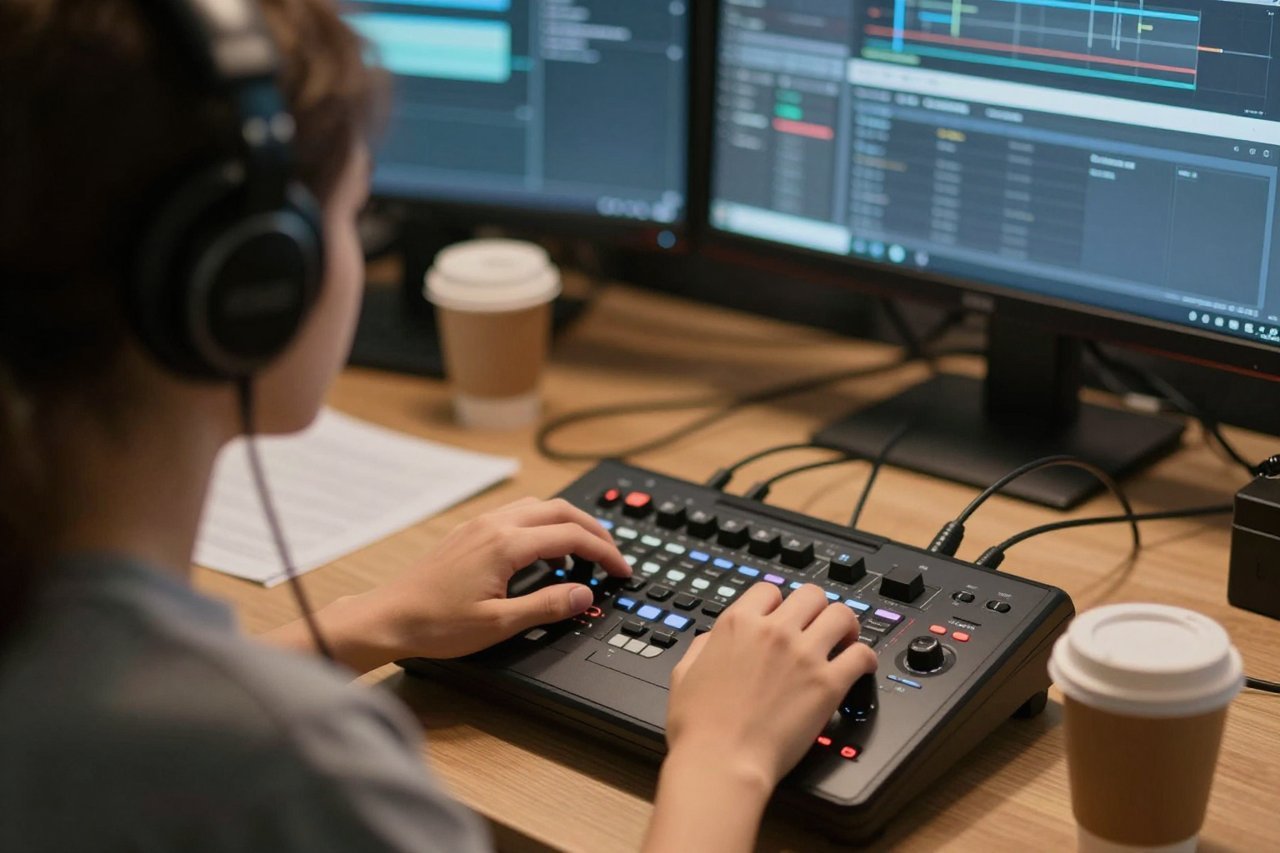
A 40-minute interview, a client who wants it live by Friday, and one person doing the edit. That’s the setup where an AI video editor earns its keep, and also the setup where it quietly burns a whole day if nobody checks the output.
I’ve run rough cuts through a dozen of these tools over the past two years. The pattern holds: AI is very good at the boring middle of editing and bad at taste. Knowing which is which decides whether the software hands you four hours back or just moves the work somewhere less visible.
What’s actually running inside an AI video editor
Most products in this category stitch together three systems: speech recognition, computer vision, and a timeline you can manipulate through text instead of dragging clips around.
Transcription gives the tool a searchable script of everything spoken. Vision models tag what’s on screen, including faces, shot changes, motion blur, and objects. The timeline layer then lets it cut, reorder, or generate on top of that index.
This explains why identical footage behaves so differently across products. Strong transcription plus weak shot detection gets you clean captions and a mangled b-roll pass. A sharp vision model cuts around blinks and dead takes but still misspells your client’s surname in all 340 subtitles.
Three jobs it genuinely handles well
Removing dead air and filler
Silence detection is the most reliable feature in the category. Set a threshold of around 400 milliseconds and a 38-minute talking-head recording collapses to 24 minutes without anyone touching the timeline. The tool finds the gaps, trims the tails, and adds short crossfades so the audio doesn’t click at every join.
Push the setting too hard and it eats the pause before a punchline. A beat of 0.8 seconds that lands a joke becomes a jump cut that reads as a mistake. Start conservative, then tighten by hand.
Captions and translated subtitles
Modern speech models hit roughly 95% accuracy on clear audio recorded in a quiet room. The missing 5% lives exactly where it hurts: product names, numbers, acronyms, and the way people say “gonna” when they mean “going to”. Budget ten minutes of proofreading for every ten minutes of footage, and check line breaks. Auto-captioning will happily split a phrase so the viewer reads the same sentence twice.
Reframing for vertical
Tracking a subject through a 16:9 frame to produce a 9:16 crop is genuinely magic when it works. Watch the hands, though. Gestures drift out of frame and talking heads start to look like a passport photo. Tools that let you keyframe the crop manually, even with AI assist, beat the ones that lock onto a face and refuse to let go.
Where it still falls apart
Rhythm. Comedy dies under automated cutting. So does anything built on a slow reveal or a deliberate silence. AI optimises for the absence of dead air. A good editor optimises for tension.
Multi-cam and stacked audio. Feed in three angles plus a separate lav track and most tools either flatten everything into one stream or guess wrong about who’s speaking. Manual syncing is still faster than repairing an AI’s guess.
Judgement calls. The tool has no idea which of three takes the client approved, or that the sentence about the lawsuit has to go. Human intent doesn’t transcribe.
Cutting and generating are different jobs
Plenty of products marketed as AI video editors actually generate footage from scratch. That’s a separate task with separate failure modes. Generated b-roll works for abstract transitions, background texture, or a shot you could never afford to film. It does not work for hands, food, or anything carrying text, at least not yet. If generation is part of your plan, learn first what works and what melts in text to video AI before you build a pipeline around it.
Stills are a faster route for simple inserts. A product photo with a slow push or a parallax pan takes seconds and looks clean, provided the source image separates the subject from its background. The same constraints apply as with turning a still photo into footage that doesn’t look wrong, so choose that frame carefully.
The workflow that actually saves hours
- Transcribe first, edit second. Get the full text, then cut by deleting words. It’s the single biggest time save in the entire stack.
- Rough cut with AI, fine cut by hand. Let it strip silence and bad takes. Then close the AI panel and fix pacing yourself, because pacing is where the tool has no opinion worth having.
- Captions before polish, not after. Subtitles change framing decisions. Placing them last means re-cropping half the timeline.
- Vertical versions last. Lock the horizontal cut, then reframe once. Reframing first guarantees you’ll do the whole job twice.
What separates the tools you keep from the ones you abandon
Feature lists across the top ten products are nearly interchangeable. The variable that actually decides whether you stay is duller: how well the thing handles the files you already have. Codec support, frame rate mismatches, the variable frame rate phones produce, audio drift on long recordings. A tool that ingests a 90-minute XLR-recorded interview without desyncing is worth more than one with eight extra transitions.
It’s the same reason the best AI video generator for your work is rarely the one topping the comparison tables. The deciding factor is how the output slots into whatever you do next, not how many models sit behind the paywall.
Read the pricing before you read the features
Nearly every AI video editor runs on credits, and credit systems are designed to be opaque. A minute of transcription might cost one credit. A minute of upscaled 4K export might cost forty. Free tiers tend to cap export length somewhere between 30 and 60 seconds, stamp a watermark in the corner, or quietly render at 720p.
Watch the gap between “minutes processed” and “minutes exported”, because rendering the same timeline three times drains a plan fast. If you’re only testing, the free AI video generators and where they cut corners are fine for a one-off social clip and poor as a production tool. And if thumbnails are part of your week, a solid AI image editor online will save you a separate design subscription.
Run this test before you pay for anything
Take 20 minutes of your messiest real footage. Not a clean studio take. The one with a fan humming, two speakers talking over each other, and a phone-shot B-roll clip at 29.97fps that never quite synced.
Then check five things:
- Does the transcript spell your product names correctly after one correction pass?
- Does silence removal keep the audio click-free, or can you hear every join?
- Does the vertical reframe keep the subject’s hands in frame through a gesture?
- What’s the wall-clock export time for a 10-minute 1080p file?
- Can you export the timeline to Premiere, Resolve, or Final Cut, or are you locked in?
That last one matters more than people expect. A tool that hands off an XML or EDL lets you use AI for the grunt work and finish in software you already trust. One that doesn’t turns a time-saver into a hostage situation the first time a client asks for a tweak in the middle of a sequence.
Almost everyone who sticks with an AI video editor ends up using about 30% of its features: transcription, silence removal, captions, and export. The rest is demo material. Get those four right and the hours genuinely come back.