

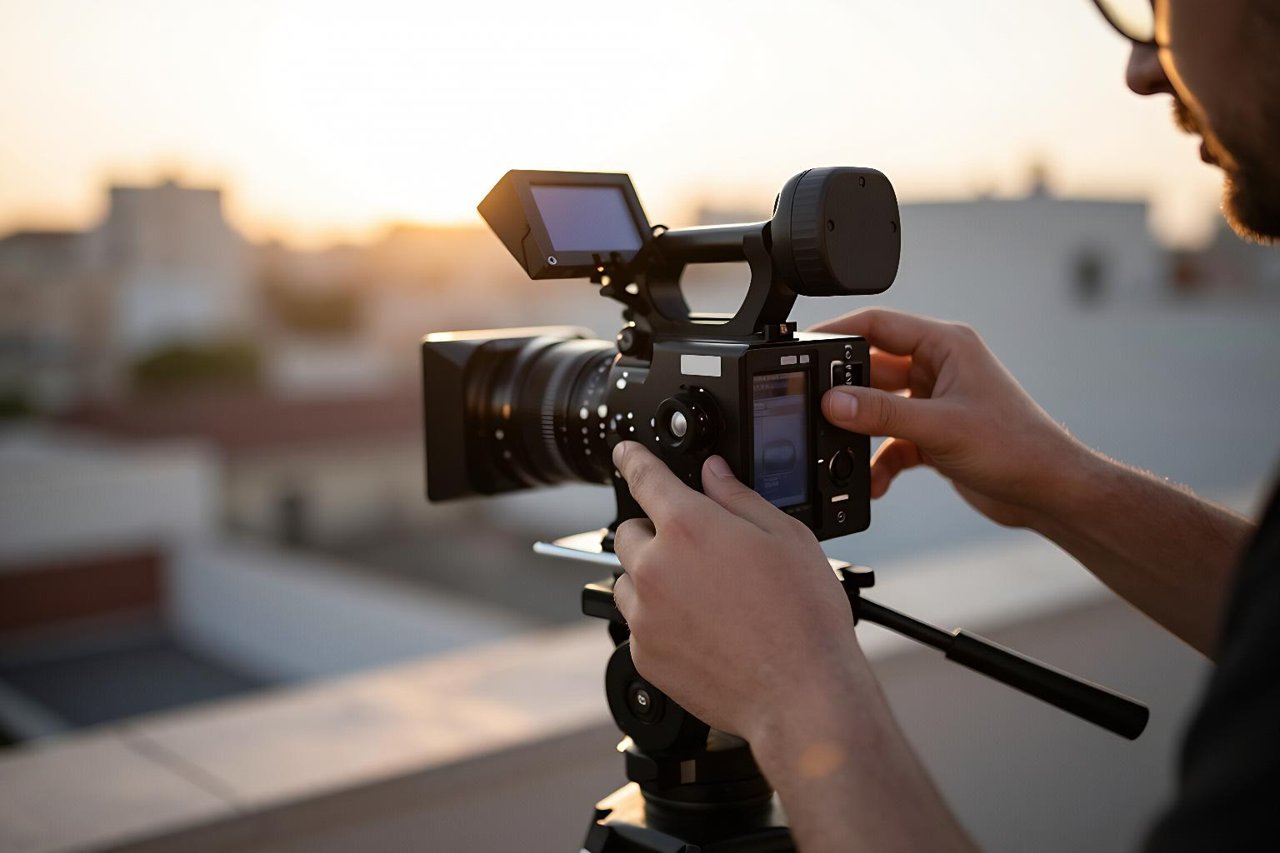
A one-line prompt goes in. Forty-five seconds later, a nine-second clip comes out: a woman walking through a rain-slicked alley, neon bleeding into the puddles. No camera, no crew, no location permit. That’s the pitch for text to video AI, and in 2025 it mostly delivers, with a list of caveats long enough to fill a page.
I’ve been running these tools against real client work for the better part of a year, mostly social ads and product teasers where eight seconds of footage is genuinely enough. Here’s the honest version of what happens between typing a sentence and exporting a file.
What the model is actually doing with your sentence
Runway’s Gen-3, Kling, Luma Dream Machine, Pika and Google’s Veo all work on the same basic principle: diffusion models trained on paired video-and-text data. They learn statistical relationships between words and motion. What “slow dolly in” usually looks like. How fabric moves on a windy street. Where shadows fall at 7pm in summer.
That’s pattern matching, not comprehension. The model knows what walking looks like in general. It doesn’t know that your character should turn left at second six, or that the label on the bottle needs to stay legible for the whole shot.
There’s a hard ceiling on length, too. Most systems give you five to ten seconds per generation. A few stretch to twenty. Anything longer gets stitched together from separate clips, and that’s exactly where continuity falls apart: same character, different jacket, different face shape, different lighting temperature.
Where text to video AI earns its keep
Used for the right jobs, these tools save hours. The wrong jobs waste an afternoon and leave you with a folder of near-misses.
- Atmospheric B-roll. Fog rolling across a road, steam off a coffee cup, city lights flickering on at dusk. Cheaper than a stock subscription, with no licensing paperwork.
- Abstract and looping backgrounds for podcast intros, title cards, and presentation decks. Nobody needs them to be photoreal, which removes the hardest problem.
- Animatics and previz. Show a client the blocking of a 30-second spot in an afternoon instead of waiting on a storyboard artist. Even rough motion communicates pacing better than static frames.
- Style exploration. Test a concept in three visual directions for roughly the price of lunch. That used to require a test shoot.
- Short social cuts. TikTok and Reels audiences tolerate eight seconds of gorgeous nonsense. Feature films do not.
Where the output falls apart
Hands, still. Fingers multiply or fuse around the fourth second. Crowds turn to mush the moment more than three people enter frame. Fast motion smears. Reflections behave according to no known law of physics.
Continuity is the bigger structural problem. Ask for the same character in three shots and you’ll get three different people who share a haircut. Some tools now accept a reference image to lock a face or an outfit, and it helps, but it isn’t reliable enough to build a narrative around without checking every frame.
The text problem
Any words inside the frame render as hallucinated glyphs. Street signs, product labels, shopfronts, t-shirt prints, on-screen graphics: all of it turns into alien script. If your shot needs readable text, generate the plate and composite the type in afterwards with an editor. Every time I’ve tried to prompt my way out of this, I’ve lost twenty minutes and a fistful of credits.
Precision and timing
You can describe an action. You cannot schedule it. “She picks up the cup, smiles, then turns to the window” will produce one of those three things, in whatever order the model prefers. If exact beats matter, you’re editing, not prompting.
A prompt structure that reliably produces usable clips
Vague prompts get vague results. The prompts that work behave more like a shot list entry than a wish. Six things, in roughly this order:
- Subject and a single action. “A cyclist in a yellow raincoat pedalling through a flooded street.” One action per clip, always.
- Camera language. “Handheld tracking shot, low angle” or “locked-off wide, slow push in.” This is the highest-leverage line in the whole prompt.
- Light. “Overcast midday,” “golden hour side light,” “harsh fluorescent overhead.” Light does more for realism than any style word.
- Look anchors. Film stock, grade, era, lens. “35mm, muted teal shadows, documentary feel.” Two of these is plenty.
- Motion restraint. Fewer moving elements means fewer things that can break. One subject, slow movement, plain background.
- Negatives. Many tools accept a list of things to avoid. Put “text, logos, extra fingers, warped background” in it every single time.
If a tool supports image-to-video, you’ll get far better control by generating a still first and animating it rather than prompting from scratch. The guide to what works and what breaks in text to image AI covers the composition habits that carry over directly, since a good starting frame solves half the problems a prompt can’t.
Choosing a tool without burning a weekend
Every comparison article ranks these tools by demo reel quality, which is close to useless for actual work. The variable that matters is control: how well a tool holds a subject across multiple generations, how much it respects a reference image, how predictable it is on the fifth attempt rather than the first.
That single factor is what separates the best AI video generators from the merely impressive ones, and it’s the reason a tool with slightly softer output can be the smarter pick for a project with more than one shot. Test candidates with the same prompt on the same subject three times each. Consistency shows up fast.
Fitting clips into an actual edit
Generated footage rarely stands alone. It works when it’s cut into something: a voiceover track, a music bed, a talking-head segment. Two routes I keep coming back to.
For talking-head or scripted content, an all-in-one tool handles the assembly. This breakdown of InVideo AI’s text-to-finished-video workflow is a fair picture of what you get: fast turnaround, stock footage mixed in, and a presenter voice you’ll probably want to re-record yourself.
For visual assets dropped into a design, Canva’s Magic Media tools are the low-friction option, especially if the final deliverable is a social post or a slide rather than a standalone video file.
The habit that matters most: generate three to four times more clips than you need. A ten-second generation typically yields about 1.5 seconds worth using. Premiere and DaVinci timelines don’t care where the footage came from, and the cut hides almost every artifact the model produces.
The credit and licensing math
Costs vary wildly. Credit systems on the major platforms work out to somewhere between roughly $0.10 and $1.00 per second of generated footage, depending on resolution and tier. A one-minute finished piece built from scratch can quietly cost $15 in generations before you’ve paid for music.
Free tiers deserve suspicion for a different reason. Watermarks, resolution caps, and commercial-use restrictions buried in the terms are standard. There’s a clear-eyed look at what free AI video generators actually give you and where they cut corners that’s worth reading before you build a client deliverable on one. Check the commercial licence on the specific tier you’re paying for, not the one on the marketing page.
What to practise first
Skip the cinematic showreel attempts. Pick one subject, one location, one camera move, and generate twenty variations of it. Change one variable at a time: swap “golden hour” for “overcast,” swap “handheld” for “locked-off,” add a negative prompt, remove a style word. Twenty clips will teach you more about how a given model interprets language than any tutorial, and it costs less than a takeaway.
After that, work on your editing instincts. The generation step is now fast and cheap. Deciding which 1.5 seconds out of forty is the one worth keeping is the part that still takes taste, and no prompt writes that for you.