

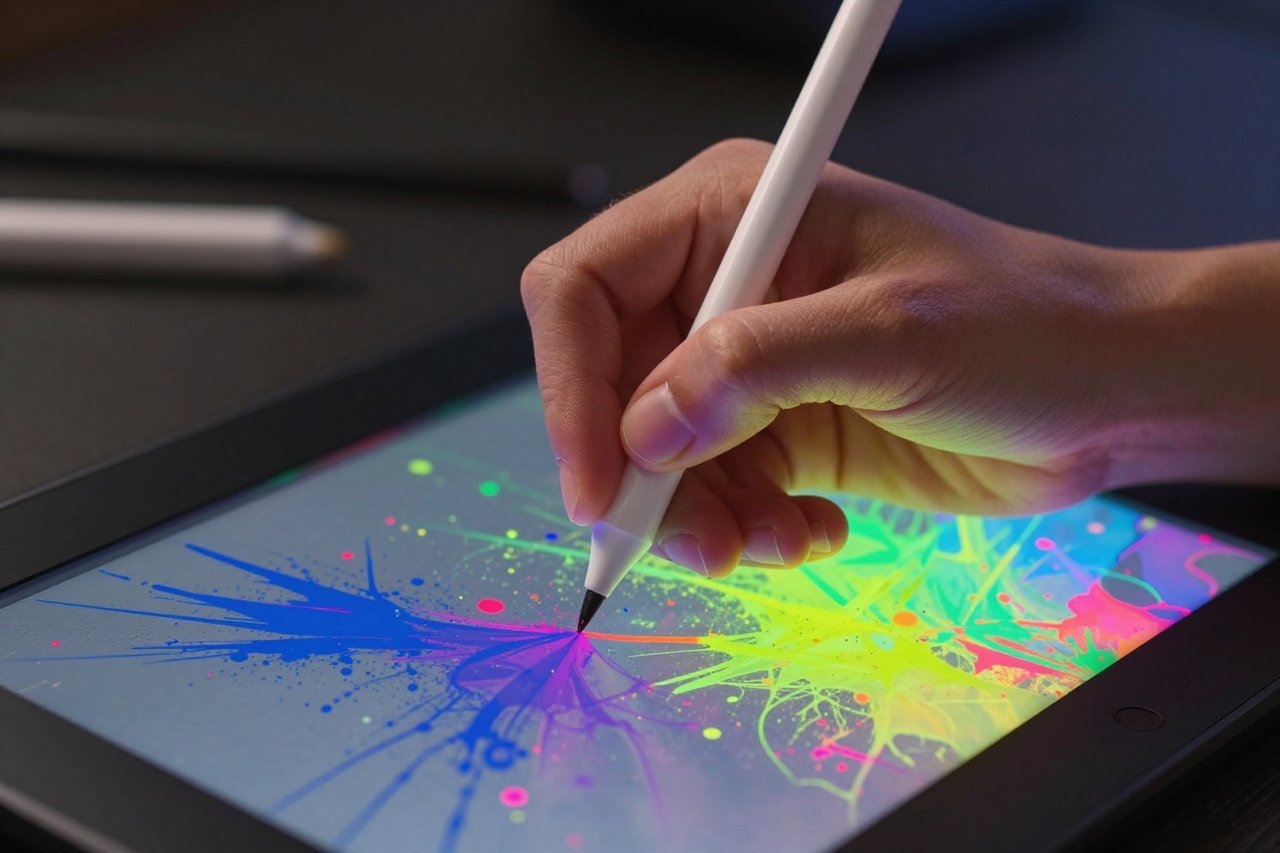
Three years ago, typing a sentence into a box and getting a photorealistic picture back felt like magic. Today, an AI image creator is as standard in a designer’s toolkit as a Wacom tablet. The technology hasn’t just matured – it’s become weirdly practical. Even so, most people still use these tools wrong. They type “a cool wolf in a forest” and wonder why the output looks like a late-90s screensaver. That’s not the software’s fault. It’s a prompt problem.
This guide isn’t a list of prompt templates. It’s about understanding what these systems see, how to pick the right one for your specific job, and how to push past the generic, airbrushed aesthetic that screams “AI made this.”
What an AI Image Creator Actually Does Under the Hood
Every mainstream image model – be it Midjourney, Stable Diffusion, or DALL-E – works on the same principle: it’s a massive neural network trained on billions of image-text pairs. When you type a prompt, the model isn’t pulling a photo from a database. It’s generating a completely new arrangement of pixels based on statistical patterns it learned during training.
The closest analogy is a very fast, very well-read illustrator who has memorised every art style, every lighting technique, and every camera lens ever used. Except this illustrator has no intent. It’s just predicting what pixels are most likely to follow the last ones. That’s why the same prompt can produce wildly different results depending on the random seed, and why a tiny tweak in wording can completely change the composition.
Choosing the Right Tool for the Job
There’s no single best AI image creator. There’s only the best one for a specific use case. If you’re a professional designer who needs commercial rights and strong text rendering, you might lean toward a tool with deeper integrations. For example, our breakdown of Adobe Firefly and its generative AI toolkit shows how baked-in it is with the Creative Cloud ecosystem. You can send a generated image straight into Photoshop without ever losing the layers. That workflow alone saves hours.
But if you’re chasing the highest artistic quality for a concept album cover or a Dungeons & Dragons character, Midjourney’s current V6 model still leads on pure aesthetics. It just has a steeper learning curve and a clunky web interface. Stable Diffusion, meanwhile, gives you total control. Run it locally, fine-tune it on your own images, and you’ll never worry about API limits again – though you’ll need to understand how to set up local infrastructure for AI workloads.
Here’s a quick breakdown of what each tool is best at:
- Midjourney: Best for character design, fantasy concepts, and high-contrast dramatic imagery. Requires Discord.
- Adobe Firefly: Best for commercial work, text-heavy images, and easy integration with Photoshop. Legally safer for business use.
- Stable Diffusion (SDXL): Best for custom models, pornographic or NSFW content, and total creative control. Runs on your own GPU.
- DALL-E 3: Best for beginners. Understands natural language better than any other model, so you don’t need to keyword-stuff your prompts.
The thread connecting all of them is that your results depend 80% on how you communicate. So let’s tackle that.
Writing Prompts That Actually Work
Most people write prompts like they’re ordering a coffee: short and with the assumption the barista knows what you mean. An AI image creator doesn’t. It needs nouns, adjectives, style references, and technical camera details. The trick is to be specific about the visual language you want, not the backstory of the scene.
Instead of “a woman reading a book,” try “candid photograph of a tired woman in her 50s reading a weathered paperback, warm late-afternoon window light, shallow depth of field, 85mm lens, realistic skin texture.” See the difference? The first one will give you a plastic-looking model. The second gives you something that could pass for a still from a low-budget film.
Use Artist Names Wisely (But Carefully)
One of the quickest ways to inject style is to reference artists or genres. Greg Rutkowski became infamous because so many people typed his name into prompts that his work now dominates the training data. But you don’t need a living artist. You can go broader: “in the style of 19th-century oil paintings,” “hyperrealist sculpture lit like a Caravaggio painting,” or “low-budget 1980s sci-fi poster.” Those references are less ethically fraught and often produce far more interesting results.
Reverse-Engineer an Image You Like
If you see an AI image on Pinterest or social media that resonates, don’t just save it. Ask the creator if they’ll share the prompt. Many will. Then modify it slightly. That’s how you learn the vocabulary of prompts – not by memorising templates, but by seeing how changing ‘sunset’ to ‘golden hour’ shifts the entire mood.
Beyond Art: Commercial and Practical Uses
The image creators aren’t just for making pretty wallpapers. Businesses are using them for product mockups, advertising concepts, and even historical illustrations. A real estate agent might use one to virtually stage an empty room. A fashion brand can generate 50 variations of a jacket design before investing in a single sample. Even data scientists are using them to generate charts and infographics for reports – though if you’re working in that field, you might be more interested in what a day in that profession actually looks like in this realistic look at a data scientist’s schedule.
Then there are the more controversial use cases. We’ve written about how some adult performers are creating AI clones of themselves to work endlessly without the physical toll. That’s covered in detail in the piece on porn stars using AI clones to remain forever young. It raises serious questions about consent and labour, and it’s a reminder that this technology is far more than a toy.
Avoiding the “AI Look”
You know the look. Overly smooth skin, exaggerated eyes, cluttered backgrounds, and an odd waxy quality to everything. It comes from two places: the model’s own biases and lazy prompts. If you want realism, you have to specifically ask for imperfection. Add phrases like “grainy film photo,” “motion blur,” “candid,” “badly framed,” or “natural skin pores.” Even “slightly out of focus” can break the perfect, sterile quality that screams AI.
Another trick is to iteratively edit. Don’t settle for the first render. Take the image into an AI editor and change one element at a time. Use inpainting to fix a mangled hand or a bizarre reflection. Many people don’t realise that the most impressive AI images you see online are usually the 15th attempt, not the first.
Intellectual Property and Ethical Traps
Just because an AI made it doesn’t mean you own it with no strings attached. Each platform has different terms. Midjourney gives you ownership of images you create, but if you have a paid plan, anyone can see and remix them. Adobe Firefly was trained only on licensed content, so it’s safer for commercial use but still requires you to follow their terms. And if you’re using Stable Diffusion locally, you have full control – but you also own all the legal risk if you generate something defamatory or infringing.
Don’t generate a likeness of a real person without permission. That’s not a legal statement; it’s a moral one. The technology has already been used to fake videos and create non-consensual images, and the backlash is already reshaping regulations. If you’re building a business on this tech, do your due diligence now, because the laws are changing fast.
What’s Coming Next in Image AI
The next frontier is video. OpenAI’s Sora and Google’s Veo are already here, and they work almost exactly like image creators – you type a prompt and get a moving image. But beyond that, we’re seeing models that combine image generation with understanding. A camera snaps a photo of a messy kitchen; the AI recognises the countertop, the pans, and the lighting, then generates a photorealistic version of the same kitchen cleaned and staged. That’s basically an AI image creator with spatial awareness.
We’re also seeing a move toward controlled generation. Tools like ControlNet let you feed a pose or a depth map into the model, so you can force a specific composition while letting the AI fill in the details. This is how commercial teams are using it for reliable output. It’s less fun than watching an AI hallucinate a dragon, but it’s far more useful.
The line between “photo” and “generated” is going to blur completely. Within a couple of years, you won’t know if an image was shot on a camera or born in a GPU. That’s a bizarre thought, but for creators, it’s also an opportunity. The key is to stop thinking of an AI image creator as a final output device and start thinking of it as a conversational camera – a tool that responds to intent, not just command words.
The next time you sit down to generate an image, treat it like a collaboration. Make it fail. Feed it impossible prompts. See what breaks. That’s where the real skill lies – not in memorising the perfect prompt, but in knowing when to discard five good ones and chase the one that’s genuinely yours.