

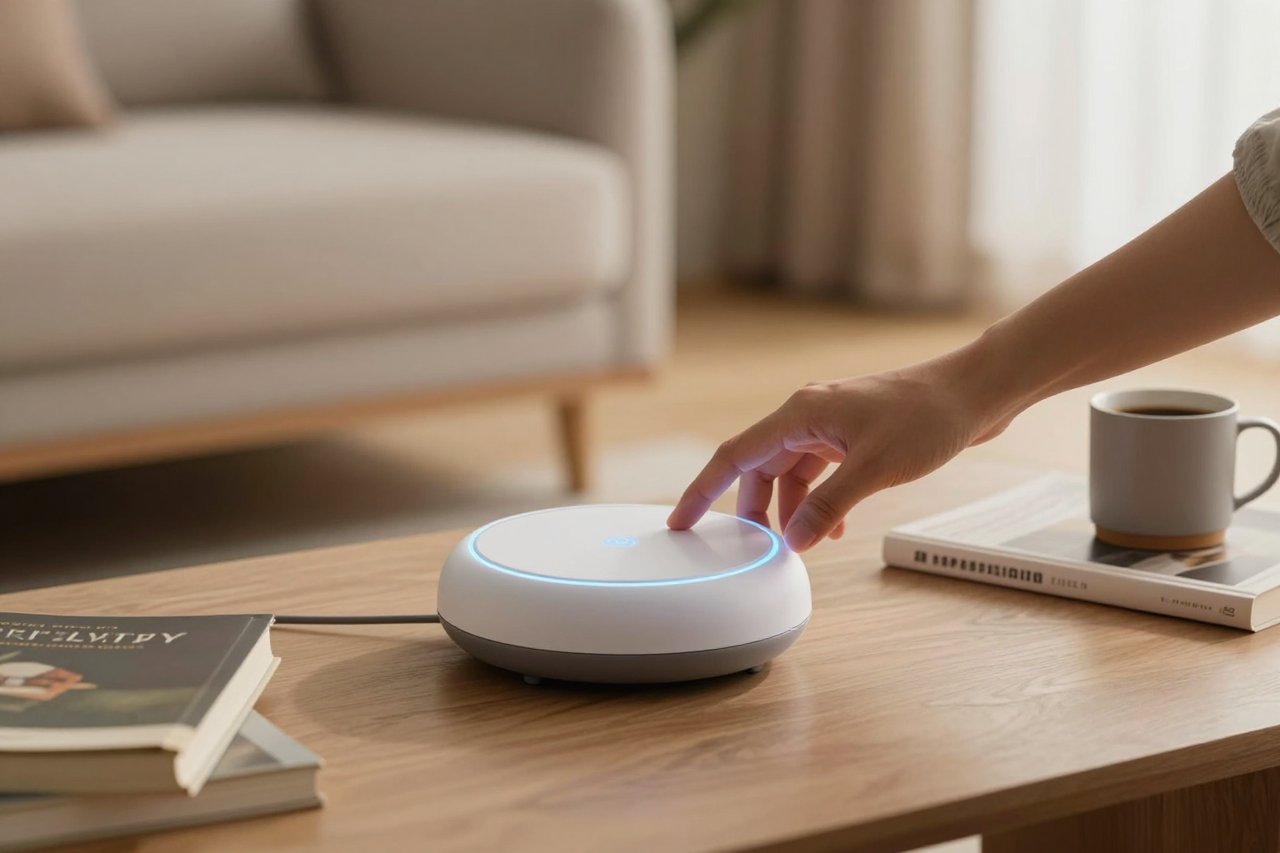
Six months ago, I asked my ai assistant to remind me to renew my passport. It did that. But it also noticed that I had a free slot on Thursday morning, checked the local post office hours, and fired off a booking request. I didn’t ask it to do that. It just… did.
That’s the shift. The first generation of smart assistants could set timers and play music. The new generation doesn’t wait for instructions. It watches, learns, and makes judgment calls. Somewhere between the sleek demo videos and your own messy calendar, the ai assistant became genuinely useful.
What Counts as an AI Assistant These Days?
The label stretches wide. It covers voice speakers in kitchens, chatbots tucked inside messaging apps, and invisible agents that sort your email while you sleep. If a piece of software can understand a request, decide what you actually meant, and take action, you’re looking at an ai assistant.
That shift toward understanding context is what separates the old from the new. Early assistant apps were glorified command lines. You said “set an alarm for 7 a.m.” and it set the alarm. Simple. Now, a good assistant reads the tone of your message, considers your location, and predicts your follow-up. This is exactly why we’re starting to trust them; the underlying tech has become far more natural. Why conversational AI is finally getting useful goes deeper into the technical breakthroughs that made this possible.
From Commands to Conversations
Think about how you interact with an ai assistant today. You’re not barking one-word orders. You’re having a conversation. “What should I make for dinner? I’ve got chicken, spinach, and a very sad block of cheddar.” The assistant doesn’t just list recipes. It suggests something doable, asks if you want to use the air fryer, and then reads the first step out loud while you wash your hands.
That back-and-forth feels small, but it’s a huge leap. It requires intent recognition, memory within the session, and a bit of judgment. When conversational AI works well, it disappears into the background. You’re not thinking about the technology. You’re just talking to a very competent co-worker.
The Real Value: Beyond Timers and Reminders
The standard complaint is that smart assistants are only good for trivia and weather. That was true around 2018. Today, the practical payoff comes from the quiet tasks nobody sees.
I’ve started using an assistant to triage my inbox. It filters newsletters, flags invoices, and drafts polite “can we move this to next week?” replies. That saves me roughly 20 minutes a day, which adds up to over a week of my year. Another friend uses hers to record and transcribe every client meeting. The assistant generates a summary with action items and emails it out before the attendees have left the parking lot.
These aren’t hypothetical use cases. They’re happening on ordinary laptops and phones. In fact, Google’s ubiquitous Gemini Spark has become a fixture in many homes because it doesn’t just answer questions; it works. The creator of that Gemini Spark 24/7 ai assistant found that its most useful features were the ones you could set and forget: checking server status, monitoring delivery windows, and reordering pantry staples before they run out.
Call Screeners and Auto-Transcribers
Apple’s on-device call screening can politely hold a fake conversation with a telemarketer while you watch. Google’s Recorder app transcribes speech in real time with no internet connection. These are all ai assistant features, even if they don’t look like the robotic voices from science fiction.
The best part? They operate in the background, with no prompt needed. That’s the direction everything is heading.
Privacy and Trust: The Elephant in the Room
None of this matters if the assistant can’t be trusted. You’re handing over your calendar, your contacts, your daily routines, sometimes even your health data. The companies making these tools know that; they’ve tried to frame data collection as a feature. “We learn from your activities to help you better!” That’s true, but it’s also true that some assistants are more invasive than others.
A few months ago, a product called Instinct became the center of a debate about how much an assistant should be allowed to watch. The app, marketed as a life coach, used screen-activity data to give personal advice. It could see what you were shopping for, which apps you opened, and how long you spent staring at an email. Unsurprisingly, that raised some red flags. The privacy and security concerns around the Instinct assistant are worth reading before you grant any new helper access to your device.
As a general rule, think about what your assistant genuinely needs to know. Does it need access to your location, contacts, microphone, and camera? For some features, yes. But you should always have the option to turn off the creepy parts. An assistant that can’t function without your full metadata is not an assistant. It’s a spy with a friendly voice.
Running an Assistant on Your Own Hardware
If the cloud-based assistants feel like a privacy gamble, there’s another route: local LLMs. These are large language models that run directly on your computer or a small server. No internet connection, no cloud processing, no one else’s hands on your data.
The catch is that you need a bit of technical patience. Running a 7-billion-parameter model on a decent laptop is possible these days, but you’re not going to get the speed of a massive data center. For some, that’s a trade worth making. Can a local LLM run my AI assistant? explains the hardware requirements and the practical limitations in plain terms. It’s not as far-fetched as it sounds.
Here’s what that setup can do:
- Draft and summarize emails without sending anything to a third-party server.
- Search through your personal documents and notes.
- Control local smart home devices via voice, all offline.
- Answer questions about your own imported knowledge base.
The biggest drawback is the setup time. You’re not installing an app and clicking “accept.” You’re downloading model weights, configuring a runtime, and possibly debugging a Python script. If you enjoy tinkering, it’s a fun weekend project. If you just want things to work, you might stick with a hosted service and use your own judgment about the privacy trade-offs.
Free Alternatives That Punch Above Their Weight
You don’t need to pay for a premium subscription to get a good ai assistant. There are free options that rival the big names, especially if you’re comfortable typing instead of talking.
One standout is DeepSeek Chat. It’s a free assistant with surprisingly strong reasoning abilities. It struggles occasionally with obscure niche topics, but for everyday research, writing, and problem-solving, it holds its own against paid competitors. I’ve used it to summarize long reports, translate dense jargon, and even draft complaint emails that got results. The DeepSeek Chat free assistant review goes into its specific strengths and weak spots.
When you’re comparing free assistants, keep an eye on three things:
- Context window: how much text it can remember at once.
- Tool integration: whether it can search the web, create files, or control your apps.
- Data retention: check if your conversations are used for training.
How to Choose the Right AI Assistant for Your Life
There’s no single best assistant. The right one depends on where you live, which devices you own, and how much privacy you’re willing to trade for convenience.
Consider Your Privacy Threshold
Are you comfortable with a big tech company analyzing your voice patterns and shopping habits? If not, look for assistants that offer on-device processing or local storage. Some hybrid assistants do the heavy lifting on your phone and only send the results to the cloud, which is a reasonable middle ground.
Think About Platform Lock-In
If you use an iPhone, you’ll get a deeply integrated assistant in Siri. If you’re an Android user, Google Assistant and Gemini are baked in. Switching platforms later means losing all those saved routines. Don’t build years of habits on a platform you plan to abandon.
Start Small, Then Expand
Pick one mundane task and automate it first. Maybe it’s voice-to-text notes or a daily briefing every morning. Once you see how an assistant handles real-world noise, you can gradually connect more of your life to it. That approach also gives you time to notice if it’s being too invasive or too dumb to trust.
There’s no going back to the era of rigid voice commands. We’re now in the period where an ai assistant is less like a tool and more like a colleague who can read your mind once in a while. That’s simultaneously exciting and a little unsettling. But the assistants that earn your trust, through transparency and genuinely useful behavior, are the ones that will stick around.