

AI Agents
When building an AI agent, the design choice matters. A single agent may be enough for straightforward tasks, while more complex workflows may need multiple specialised agents working together, with each one responsible for a specific part of the process, such as retrieval, writing, verification, coding, testing or review.
This post explains the core components of AI agent design, the ReAct approach, the difference between single-agent and multi-agent architectures, and how to choose the right design depending on the task. It also includes a walkthrough of how a practical Multi-Agent RAG system works and how it was built.
popular because modern LLMs are now highly capable at tasks like coding, writing, reasoning, and solving problems across different fields. This has reduced the need to train custom models and shifted more attention toward building practical applications around existing LLMs. Tools like Codex, Claude Code, Cursor and Windsurf are already helping software engineers work faster, while businesses use agents for customer support, automation and other real-world tasks.
An AI agent is an application that uses an LLM to reason, plan and use tools to perform tasks, allowing the model to interact with its environment in a practical and useful way.
Components of an AI Agent
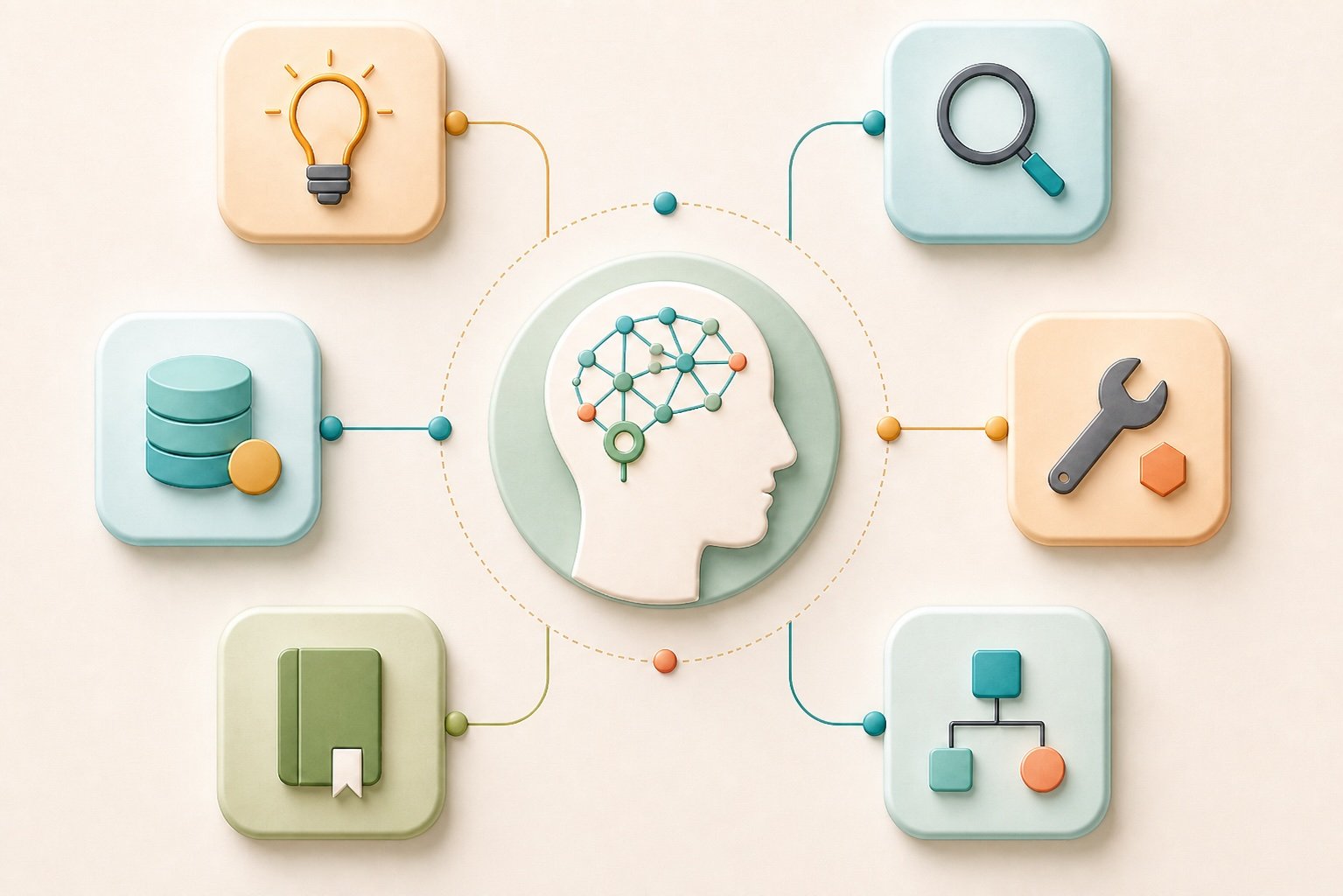
Some of the major components of most AI agents are the LLM, tools, and memory.
- LLM: This is the brain of the AI agent. It is the large language model that enables the agent to reason, plan, and decide how to solve a given task.
- Tools: These are helpers, usually in the form of code functions, that allow the LLM to interact with its environment. Tools help the agent connect to external data sources, search the internet, retrieve information from databases, access files, and carry out specific actions. For example, coding agents can use tools to write, debug, and save files, research agents can use web search or vector databases to gather information and customer support agents can use internal company documents to answer questions based on trusted business knowledge.
- Memory: This allows the agent to store relevant information from interactions and use it later to provide better and more consistent assistance. It helps the agent maintain context across tasks and improve the overall user experience.Memory may be optional during early development, but it becomes an important part of many real-world AI agent systems, especially when the agent needs to handle follow-up questions, multi-step workflows or personalised interactions. There are two major types of memory commonly used in AI agents: short-term memory and long-term memory. Short-term memory keeps track of information within the current session or task, while long-term memory stores useful information across multiple sessions or chats so the agent can use it later.
ReAct (Reasoning + Acting) in Agents
An AI agent differs from a basic chatbot because a chatbot usually follows a more direct workflow: user query → LLM → response. The LLM receives the user’s message and generates a reply based mainly on the prompt and its existing context.
An AI agent goes beyond this by using the LLM to reason about the task, decide what needs to be done, choose whether tools are needed, call those tools, observe the results and continue until it can produce a useful answer.
This is where the ReAct approach comes in. ReAct means Reasoning + Acting. It is an agent pattern where the LLM reasons about a task and takes actions, usually through tools, based on that reasoning. It involves designing a core logic loop around an LLM.

A basic ReAct workflow in an AI agent usually looks like this:
Step 1: The agent receives a user query
The LLM reasons over the task and decides whether it can answer directly or needs to use tools. It checks what tools are available and decides which ones are needed to solve the task.
Step 2: The agent calls the required tools
Based on its reasoning, the agent takes action by calling the necessary tools. These tools may search the web, retrieve documents from a vector database, access files, run code or connect to an external API. The results returned from these tools are known as tool outputs.
Step 3: The tool outputs are sent back to the LLM
The tool outputs are passed back to the LLM as additional context. This gives the agent more relevant information to work with instead of relying only on the original prompt.
Step 4: The LLM checks the evidence and generates a response
The LLM reviews the tool outputs and checks whether they are enough to solve the task. If the evidence is sufficient, it generates a grounded response for the user. If not, the agent may repeat the reasoning, tool-calling and observation steps until it has enough information to provide a useful answer.
Structure of AI Agents
AI Agents can either be single or multi depending on the design structure.
Single Agent vs Multi-Agent

A single agent is an agent design where one LLM handles the whole task. It reasons, plans and calls the required tools when needed. Most AI agents start as single-agent systems because they are simpler, easier to maintain and usually enough for many tasks.
A multi-agent system uses specialised agents to solve different parts of a task. It often has a central agent, usually called an orchestrator, supervisor or planner, that coordinates the other agents and decides when each one should act. Each specialised agent can have its own role, tools and reasoning logic, making the system more modular and suitable for complex workflows.
When to Build A Multi-Agent System
A single-agent design works well for simple tasks that require limited tool use. For example, a personal assistant agent that can access your calendar to book reminders, a calculator agent that only uses a calculator tool, or a web search agent that uses a web search API to retrieve up-to-date information.
However, a single agent can become overloaded when the task requires many tools, multi-step reasoning, different responsibilities or verification before the final response is returned to the user. Common issues include overloaded prompting, poor tool routing, unclear agent responsibilities and reduced reliability due to too much complexity in one agent.
A multi-agent system is a better choice when the task may overwhelm a single-agent design and when you need specialised agents with clear roles, their own tools and separate responsibilities.
For example, a software engineering agent may work better as a multi-agent system:
Orchestrator → Coder → Tester → ReviewerThe Orchestrator coordinates the workflow, the Coder agent generates the code, the Tester agent checks whether the code works, and the Reviewer agent reviews the solution to check for missing parts or possible improvements.
Another example is a research agent that researches a topic, retrieves information from different data sources and generates grounded content:
Orchestrator → Retriever → Writer → VerifierThe Retriever agent gathers information from the web and local documents stored in a vector database. The Writer agent writes based on the retrieved content. The Verifier agent checks the written content for errors, citations and factual accuracy before the final response is returned.
Multi-agent systems make the workflow more modular and give each stage a clear role. However, they should be used only when the task genuinely needs that design, because they usually increase latency, cost and maintenance complexity due to more LLM calls and more moving parts.
A simple rule is:
Use a single agent when the task is simple, has fewer steps and needs only a few tools. Use a multi-agent system when the task requires specialised roles, multi-step reasoning, stronger verification or coordination across different tools and workflows.
Walkthrough of A Multi-Agent Project
I built a project called Multi-Agent RAG Researcher to make the idea of multi-agent systems more practical.
The goal of the project is to show how a central agent can coordinate multiple specialised agents to research a topic, retrieve evidence from documents and the web, write a grounded content and verify the content before returning it to the user. Instead of using one agent to handle everything, the system splits the workflow into different responsibilities.

Check the project on github: https://github.com/ayoolaolafenwa/multi-agent-rag-researcher
Clone Project repo
git clone https://github.com/ayoolaolafenwa/multi-agent-rag-researcher.gitClone the repo to followup with the code along the post. When the repo is cloned, the project structure will look like this:
.
├── docs/                         # Default PDF files
├── memory/                       # SQLite-backed session memory helpers
├── qdrant_vector_database/       # PDF ingestion and similarity search
├── ui/                           # Gradio app and UI handlers
├── utils/
│   ├── requirements.txt          # Python dependencies
├── worker_agents/                # Retriever, writer, and verifier
├── orchestrator_agent.py         # Main coordinator
└── run_orchestrator.py           # CLI entry point
Multi-Agent Architecture
Data Sources
There are two major data sources:
Qdrant Vector Database
Information retrieval from PDFs is handled in the following stages:
- Multiple PDFs can be loaded from the
docs/folder or uploaded through the UI. - Documents are split into chunks, converted into embeddings, and stored in a local Qdrant collection.
- Similarity search is then used to retrieve the most relevant chunks across the indexed documents.
- The retrieved chunks include citation metadata such as document name and page number.
The document retrieval part of the project where Qdrant vector database is setup, PDF ingestion, chunking, embedding, and similarity search are managed is handled in qdrant_vector_database/vector_store.py .
Tavily Web Search
Tavily is used to retrieve up-to-date or external information from the web. The retriever agent can use it when:
- the indexed PDFs do not cover the query
- document evidence is weak or incomplete
- newer information is needed
Worker Agents
Retriever Agent
The role is:
- It uses two tools: PDF document retrieval and web search.
- Given a query, it decides whether to use local documents, web search or both.
- If local document evidence is missing or weak, it can fall back to web search to gather broader or more up-to-date context.
The code for the retriever agent with tavily web search available in worker_agents/retriever.py . It uses gpt-5.4-mini with low reasoning effort.
Writer Agent
The role is:
- It receives the retrieved information from the Retriever Agent.
- It writes a grounded draft based on the available evidence.
- It includes supporting citations from PDFs or web sources when they are available.
The code for the writer agent available in worker_agents/writer.py . It uses gpt-5.4 with low reasoning effort.
Verifier Agent
The role is:
- It receives the draft from the Writer Agent together with the evidence.
- It checks whether the claims in the draft are supported by the retrieved evidence.
- It returns the final verified response.
The code for the worker agent is available in worker_agents/verifier.py . It uses gpt-5.4 with low reasoning effort.
Memory
SQLite is used to provide short-term memory for the multi-agent workflow. For a given session ID, the system stores:
- the latest user query
- the latest retrieved evidence for that session
This allows the orchestrator to reuse relevant evidence for follow-up questions instead of retrieving the same information again every time.
The code for the memory is available in memory/memory.py .
Orchestrator
The orchestrator coordinates the three worker agents: Retriever, Writer and Verifier.
How the Orchestrator coordinates the Multi-Agent Workflow
- It receives the user query and, depending on the query, may respond directly or begin the evidence-based workflow.
- For a research query, it first checks whether relevant cached evidence from the memory for the current session can be reused.
- If cached evidence is not enough, it calls the Retriever Agent to gather evidence from PDFs, the web or both.
- If there is document evidence but the evidence is weak, the Retriever Agent can also fetch up-to-date information from the web to supplement the local document information.
- The orchestrator then passes the active evidence and the user query to the Writer Agent so it can generate a grounded draft.
- Next, it sends the draft and evidence to the Verifier Agent, which checks the claims and returns the final verified report.
- During the session, the latest query and retrieved evidence are stored in memory for follow-up questions.
- In follow-up questions, the orchestrator may reuse cached evidence instead of calling the Retriever Agent again, then continue with the Writer Agent and Verifier Agent to generate the final response.
The code for the orchestrator is in orchestrator_agent.py . It uses gpt-5.4-mini with low reasoning effort.
The orchestrator has a guardrail that keeps the system focused on research and factual questions. It refuses unrelated general tasks such as coding help or simple math because the goal of the system is to function as a research assistant.
Note: For the models used in the orchestrator and worker agents, you can change them from gpt-5.4 to any openai provided model of your choice.
Project Setup
Prerequisites
- Python 3.10 or newer
- OpenAI API key: Create an OpenAI Account if you don’t have one and Generate an API Key.
- Tavily API key: Tavily is a specialized web-search tool for AI agents. Create an account on Tavily.com, once your profile is set up, an API key will be generated that you can copy into your environment. New account receives 1000 free credits that can be used for up to 1000 web searches.
Installation
- Create and activate a virtual environment:
python3 -m venv env
source env/bin/activate
2. Install the dependencies:
cd multi-agent-rag-researcher
pip3 install -r utils/requirements.txt
3. Create a utils/var.env file and store your API keys:
OPENAI_API_KEY=your_openai_api_key
TAVILY_API_KEY=your_tavily_api_key
4. Place the PDFs you want to index in the docs/ folder, or upload PDFs later through the UI. The project already includes existing PDFs in docs/, currently Gemma 3 Technical Report.pdf and DeepSeek-V3.2.pdf, so you can use those directly or replace them with your own documents.
Run Project
Start the command-line app:
python3 run_orchestrator.pyWhen the CLI starts, it ingests the PDFs in docs/ into the local Qdrant store. Type q or exit to end the session.
Run UI for Multi-Agent Chat
Start the Gradio UI:
python3 ui/gradio_app.pyThe UI automatically loads the default PDFs from docs/ on startup. If you upload new PDFs, they replace the active indexed document set for that UI session.
Demo Video of the Multi Agent Agent RAG Researcher
Notes
- Session memory is stored in
utils/memory.db. - Local Qdrant data is stored in
utils/qdrant_storage/. - The system is designed for research and factual question answering, not for unrelated general-purpose tasks.
Conclusion
In this post, I explained how an AI agent works, how it uses tools to interact with its environment, and how the ReAct approach helps it reason, plan, select tools and execute specific tasks.
I also covered the structural design of AI agents, which can be single-agent or multi-agent systems. I explained how both designs work, when to choose each one based on the workflow, and compared single-agent implementation with multi-agent architecture.
Finally, I did a walkthrough of the multi-agent design behind my Multi-Agent RAG Researcher project, showing how it uses an orchestrator to coordinate three worker agents, retrieve information from the web and local documents, use memory for consistency and write and verify grounded content before returning the final output.
Reach to me via:
Email: [email protected]
Linkedin: https://www.linkedin.com/in/ayoola-olafenwa-003b901a9/
References
https://developers.openai.com/cookbook
https://developers.openai.com/api/docs/guides/function-calling