

Music sets the emotional tone for everything from YouTube intros to indie games. But licensing custom tracks can be expensive, and composing them is a skill that takes years to build. Soundraw sidesteps both problems. It’s an AI music generator that creates royalty-free songs on demand, with a level of hands-on control that most similar tools simply don’t offer. You pick the vibe, choose the key, adjust the structure, and download a track that’s genuinely yours.
What Is Soundraw and How Does It Work?
Soundraw uses generative AI to build original compositions from the ground up. You start by choosing a genre—hip-hop, lo-fi, cinematic, rock, and a few dozen more—and then narrow down the mood, tempo, and energy. The engine produces a full song in seconds, complete with basslines, drums, synths, and melodies. But unlike a simple loop library, Soundraw doesn’t just play back a pre-recorded file. It synthesizes the arrangement live, and that opens the door to deep editing.
The Editor That Feels Like a Studio
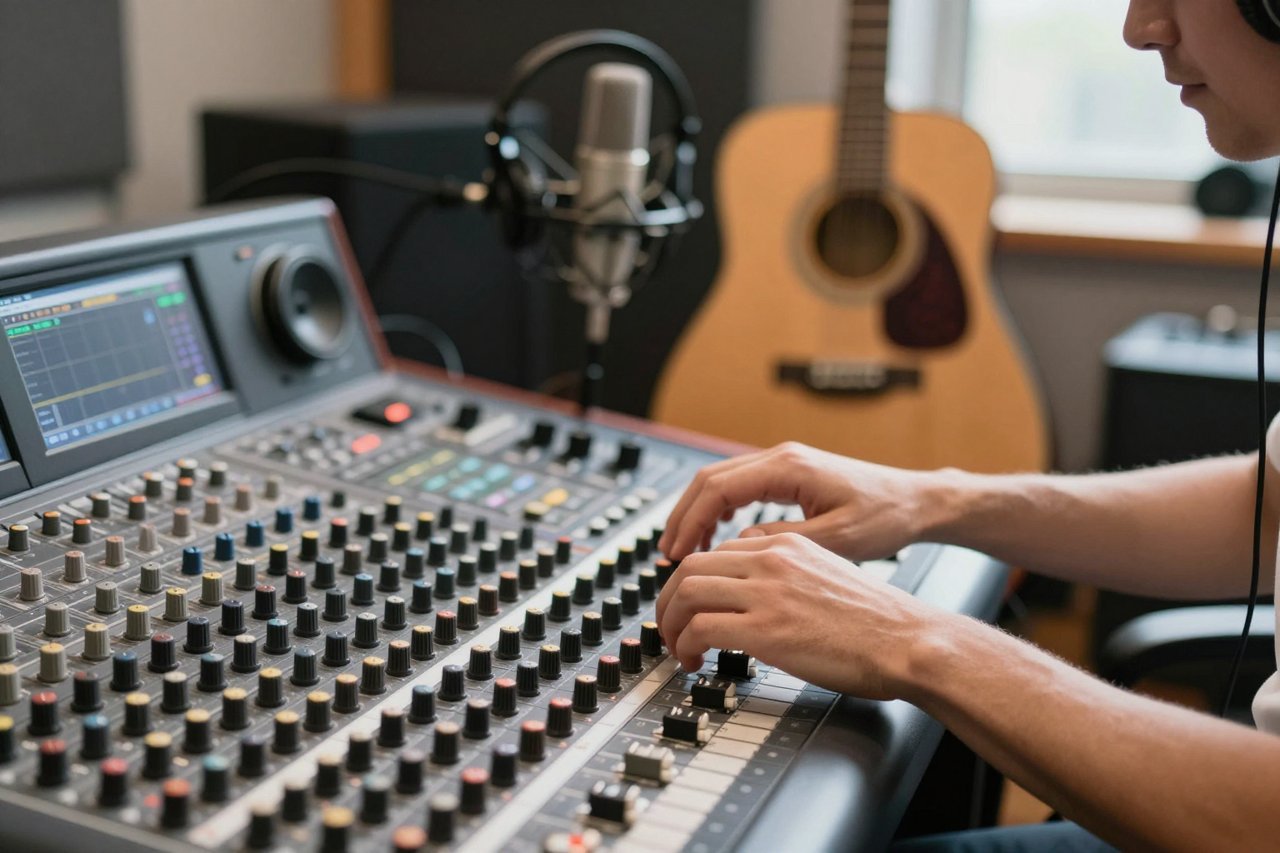
This is where Soundraw really sets itself apart. The interface breaks your track into sections: intro, verse, chorus, bridge, and outro. You can mute or duplicate any section, change the length of the whole song, or swap the instrumentation on a per-bar basis. Want a stripped-down verse that builds into a full-band chorus? You can automate that. Need just a guitar riff for a podcast sting? You can isolate it and export it as a short loop. That level of granularity is rare in AI music tools.
Key Features That Make Soundraw Stand Out
Unlimited Variations, No Repetitive Patterns
The generator never spits out the same track twice. Even with the same genre and mood, you can click the generate button until you find a melody that fits. Soundraw’s algorithm uses a combination of music theory and machine learning, so you’re not stuck with a handful of templates.
Per-Part Instrument Editing
You can adjust the volume of each instrument individually—bass, drums, keys, and more—within each section. That means you can make the drums punchier for a play button, or drop the bass entirely for a quieter segment. For video creators, this is the difference between a track that sits under dialogue and one that competes with it.
Smart Loop and Export Options
Duration controls let you set an exact length for your track, and the loop feature lets you create an infinitely repeating version for backgrounds or game states. Soundraw also lets you adjust the emphasis point—the loudest moment—so it can align with your video’s peak action.
Who Is Soundraw For?
Soundraw isn’t just for professional editors. It’s for anyone who needs music but doesn’t have the budget or time to commission a composer. Here are the most common use cases:
- Content creators on YouTube, Twitch, or TikTok who need original soundtracks for different video styles.
- Podcasters who want a clean intro, outro, and bumper music without paying per-license fees.
- Game developers who need adaptive loops that match different scenes and moods.
- Businesses creating ads or social content with a consistent sonic brand.
- Musicians who want to sketch out an idea quickly before hitting the studio.
Each of these groups uses Soundraw a bit differently, but the core value is the same: total ownership of the audio.
Soundraw Pricing: Is It Worth Your Budget?
Soundraw’s pricing is straightforward. There’s a free tier that gives you a taste of the generator and a handful of downloads. Paid plans start at around $16.99 per month, dropping to under $10 per month on an annual plan. The higher tier is aimed at businesses and comes with extended usage rights and team seats.
The free plan is a smart starting point, but the real value shows up once you start downloading regularly. If you’re publishing content consistently, a paid plan pays for itself compared to per-track licensing fees from traditional stock music sites.
Soundraw vs. Other AI Music Generators
Soundraw sits in a crowded field of AI music tools, but its editing-focused philosophy sets it apart. Compare it with Boomy, which is more about creating short songs for streaming platforms like Spotify. Boomy lets you produce a complete track in a minute, but the customization is shallow compared to Soundraw’s section-by-section editor. If you want to distribute your own AI-assisted songs, Boomy might be the easier route. For a detailed look at how it works, check out our full breakdown of Boomy.
On the other side, Beatoven.ai is built specifically for scoring videos. It analyzes your script and suggests music that follows the narrative, which is great for storytelling. But it doesn’t give you the same manual control over each instrument that Soundraw does. For filmmakers who need a story-driven score, Beatoven’s approach is compelling—see our beatoven.ai review to see how it stacks up.
In simple terms: Soundraw is the best middle ground. It’s more accessible than a DAW, more controllable than Boomy, and more flexible than Beatoven.
Tips for Getting the Most Out of Soundraw
These are the habits that make Soundraw feel less like an AI gimmick and more like a collaborator.
- Start with the mood, not the genre. Soundraw’s mood filters are strong, and you’ll often find a better track by picking “tense” or “dreamy” before you pick “rock” or “hip-hop”.
- Edit the structure first. Use the section view to make a rough cut of the song before you touch any instruments. This keeps the creative flow moving.
- Adjust the emphasis point carefully. The emphasis controls where the track peaks. If your video has a key moment 30 seconds in, set the emphasis there.
- Experiment with the key and BPM. Small changes can completely alter the feel of the same generated loop.
- Use the loop function for longer videos. Instead of stretching a single track, let Soundraw create a seamless loop that holds the energy without getting repetitive.
- Don’t be afraid to regenerate. If something feels off even after customizing, hit generate again. The AI learns from your filter choices, and sometimes a fresh start is faster than fighting the current take.
These tips won’t turn you into a composer overnight, but they’ll shift you from “using a tool” to “collaborating with a tool”.
Why Soundraw Could Be the Future of Music Creation
By giving every podcast host, video editor, and game designer the ability to shape original music, Soundraw is resetting expectations. You no longer need to settle for generic royalty-free loops or hire a composer for every small project. The technology is still young, but it’s already clear that AI isn’t just replacing human musicianship—it’s giving more people the confidence to create without a background in theory.
Just as Boomy gave bedroom producers a way to publish, Soundraw is giving everyone a way to score their projects. Its biggest strength is that it treats you like a director, not an audience. You dictate the structure, the sound, and the emotion. The AI handles the execution. That hybrid approach is exactly where music creation is heading, and Soundraw is one of the few tools that gets the balance right.