

Type a sentence, get a picture. That’s the pitch behind every text to image AI tool on the market, and most days it holds up better than it has any right to. Two years ago the output was a hallucination of fingers and melted faces. Today you can produce a usable blog header, a product mockup, or a decent birthday card in under a minute.
The trouble is consistency. The same prompt can look sharp on Monday and vaguely wrong on Tuesday, and the tools themselves are not interchangeable. After a few hundred generations across most of the major platforms, here’s a realistic picture of what this technology does well and where it still trips.
What text to image AI is actually doing
Diffusion models are trained on hundreds of millions of images paired with captions. They learn the statistical relationship between words and pixels, then reverse a noising process until something coherent appears. The part that matters for anyone writing prompts: these models learned from captions, not conversation.
That’s why “a photo of a woman in her thirties, side lighting, 50mm lens” outperforms “make me something nice for my newsletter”. You aren’t briefing a designer. You’re describing an image that plausibly exists in the training data, closely enough that the model can find its neighbourhood.
The tools worth your time
Midjourney
Still the strongest for atmosphere and painterly or cinematic looks. Its defaults are stylised and flattering, which is great for editorial art and less great when you need a plain, literal photograph. The web interface has made it far less intimidating than the Discord-only era.
Ideogram
Ideogram tackled the problem everyone else ignored: rendering legible words inside generated images. Posters, packaging mockups, T-shirt designs, anything where a word has to be spelled correctly. Long strings still wobble, but for a short headline it’s a genuine step change.
Canva Magic Media
Weaker raw output than the specialists, far more useful in practice, because whatever you generate lands straight in a design you can crop, resize and type over. If you need images and video from text prompts inside a template, the convenience beats the quality gap.
DALL·E inside ChatGPT, Stable Diffusion for people who enjoy tinkering with local installs, and Google’s Imagen all have their fans. The differences matter less than picking one and learning its quirks.
Writing prompts that don’t burn through credits
A prompt that consistently works usually covers five things:
- Subject — who or what, described concretely (“a rusted cargo bike”, not “a bike”)
- Medium — photograph, watercolour, 3D render, screen print
- Light — overcast, golden hour, hard flash, one window
- Framing — close-up, wide angle, 35mm, macro
- Mood — muted, high-contrast, documentary, dreamlike
Two habits separate people who get good results from people who conclude the tool is broken. First, change one variable at a time. If you rewrite the whole prompt and the result improves, you’ve learned nothing about why. Second, use numbers. “Three red apples on a wooden table” behaves much better than “some apples”, because a count is a specific visual request rather than a vague one.
Most platforms also let you exclude things. Adding “no text, no watermark, no people in the background” to a negative field saves more regenerations than any adjective ever will.
Where it still falls apart
Hands are better but not solved. Crowds are a mess; ask for six people and count the limbs. Anything requiring a specific real product, logo or celebrity likeness will either be blocked outright or come back quietly wrong. Text beyond a handful of words degrades fast, and small details like jewellery clasps or bicycle spokes tend to melt under inspection.
The bigger limitation is consistency. Generate a character once and you’ll struggle to get the same face in a second image six weeks later. That’s a workflow problem as much as a model problem, and the fix is usually to feed an existing photo in as a starting point rather than describing it from scratch every time.
Getting from 80% to finished
A generated image is rarely the final asset. This is the loop I actually use.
Generate wide, then fix narrow. If the composition works but there’s a stray bin in the corner, don’t regenerate and lose everything else. Erase the object and keep the rest. If the whole frame looks flat or soft, an enhancer pass can add resolution and punch, though it will also invent detail in faces and fine texture, so check at 100% zoom before you send it anywhere. When one element needs to change without disturbing the other nine, inpainting in an editor does more than ten fresh prompts.
That sequence of generate, remove, enhance, edit turns a 70% image into something you’d actually publish. Starting over is the slowest option on the table.
The boring parts that decide whether this is worth paying for
Free tiers are limited and watermarked. Paid plans run roughly $10 to $60 a month depending on tool and volume, and credits vanish faster than expected once you start iterating properly. For client work, read each platform’s commercial terms rather than assuming; they differ, and they change.
Copyright on AI output is unsettled in most jurisdictions. The practical advice is dull but reliable: don’t generate anything you couldn’t defend, avoid naming a living artist’s style for commercial projects, and label synthetic imagery anywhere your audience would reasonably assume a real photograph.
What’s genuinely worth generating
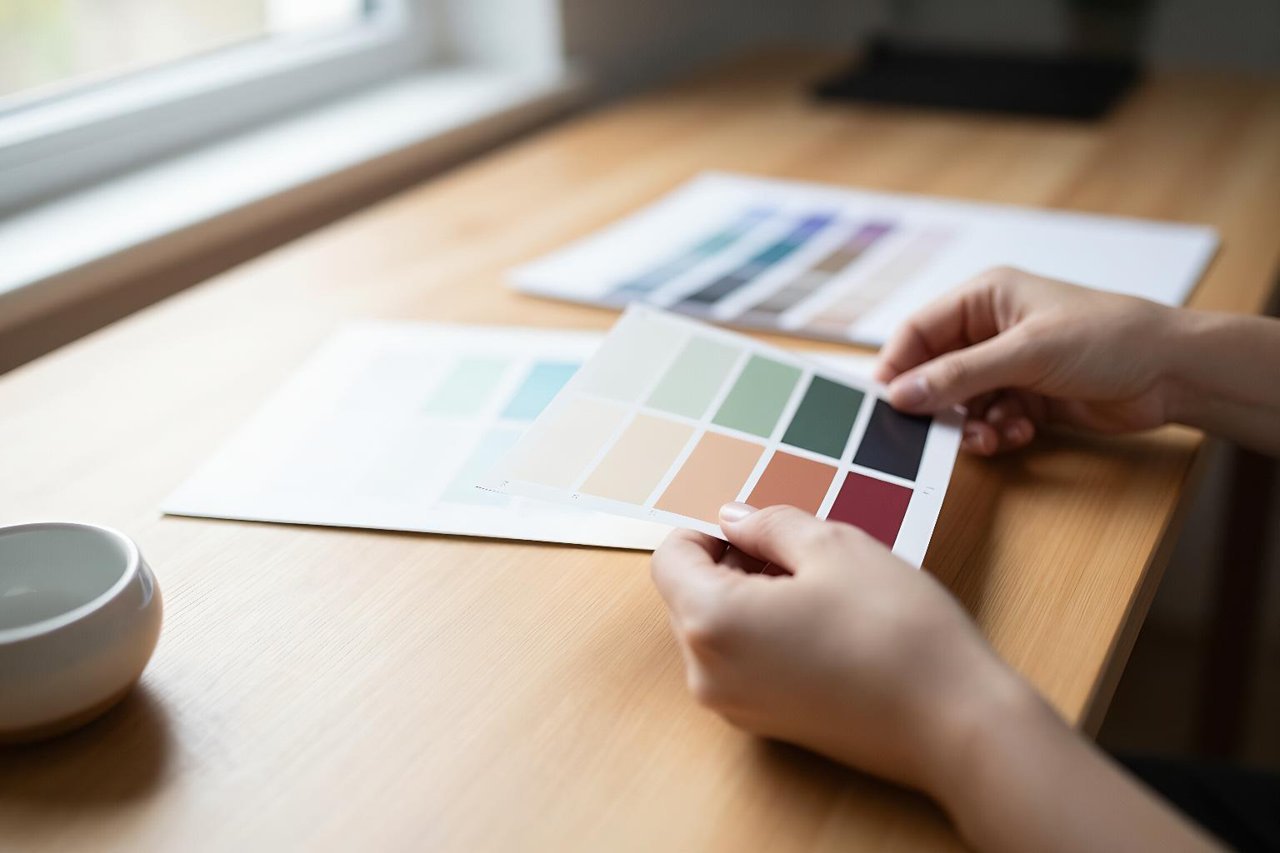
Text to image AI earns its subscription on a specific set of jobs. Product mockups on plain backgrounds. Blog and newsletter headers where the alternative is a stock photo everyone else already used. Moodboards, texture tiles, pattern repeats, colour studies, and quick variants of a social post in four different aspect ratios.
It’s a poor fit for anything precise. Infographics with real data, assets that must match a brand guideline down to the hex code, images of an actual named person, or anything where a wrong detail would embarrass you in public. Knowing which column a job falls into takes about thirty seconds and saves hours of regeneration. Generate the loose, atmospheric, concept-stage material; shoot, commission or design the rest.